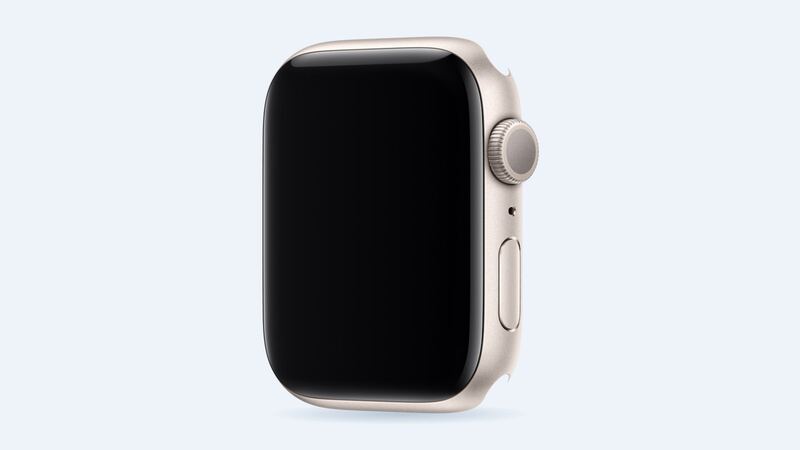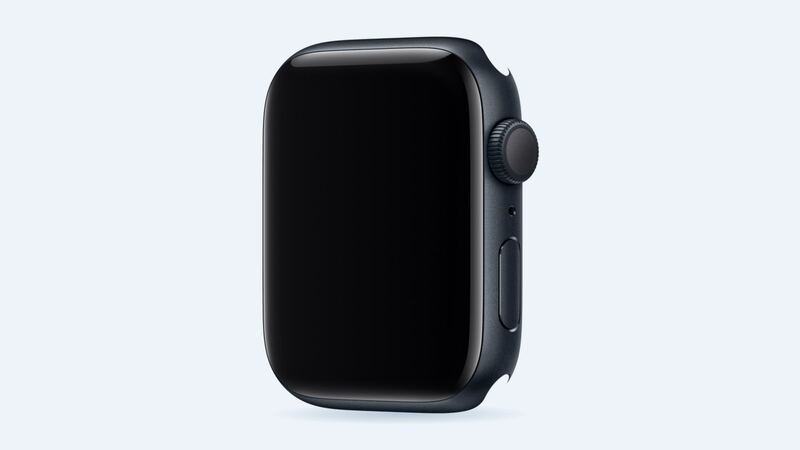
The SE 2 came out in 2022. Apple rates it for up to 18 hours of normal use when new. If yours is four years into nightly charging and now taps out before dinner, the battery has probably aged. Here's how to tell for sure, and whether the fix is worth the money.
Step 1: Check battery health
On the watch, press the Digital Crown, open Settings, tap Battery, then Battery Health. Look at Maximum Capacity.
| What you see | What it means | What to do |
|---|---|---|
| 90% or higher | Battery is healthy | Look for a drain first (Step 2) |
| 80% – 89% | Normal aging | Fine for most people |
| Under 80% | Worn out | Battery service will help a lot |
Apple says Apple Watch batteries are designed to keep up to 80% of their original capacity at 1,000 complete charge cycles. One cycle is 100% of the battery used in total, not one trip to the charger. A watch charged every night for four years has been through a lot of them, so a reading in the low 80s or high 70s is no surprise.
Step 2: If the battery is healthy, find the drain
- Update watchOS and restart the watch. Battery bugs do get fixed in updates.
- Wake Screen on Wrist Raise. If the screen lights up every time you gesture while talking, that adds up. You can turn it off, or use Theater Mode at the movies and in meetings.
- Low Power Mode. Swipe up for Control Center, tap the battery percentage, and turn it on when you need the watch to stretch.
- Long GPS workouts. An hour run with GPS uses a lot of power. That's normal, not a bad battery.
- Background apps. Trim apps you never use from the watch.
- Keep Bluetooth on your iPhone so the watch stays connected to it.
- Unpair and pair again as a last resort. It clears out stubborn settings.
What it costs
| Option | Price |
|---|---|
| Apple battery service | $99 |
| Apple battery service with AppleCare+ | $0 (under 80% capacity) |
| Cracked screen or other damage (GPS) | $199 |
| Cracked screen or other damage (GPS + Cellular) | $229 |
| Accidental damage with AppleCare+ | $69 |
Apple's standard warranty doesn't cover batteries that wear down from normal use. These prices are the same for the 40mm and 44mm models.
Why not a DIY battery?
Opening a water-resistant watch at home means getting past a sealed case and a screen you really don't want to crack. Crack it, and a $99 job becomes a $199 or $229 one. Unless you already repair watches, this is one to leave to Apple.
Before you send it in
Apple's checklist for watch service:
- Unpair the watch from your iPhone. Open the Watch app on your iPhone, go to My Watch, tap All Watches, tap the info button next to the watch, then Unpair Apple Watch. Unpairing erases the watch and removes Activation Lock, so Apple can actually service it.
- No iPhone handy? Erase the watch instead. Apple warns that erasing this way doesn't create a backup and doesn't remove Activation Lock.
- Remove the band. Keep it at home.
- If the cellular model has a plan, you'll be asked whether to keep it or remove it when you unpair.
Apple can also send you a prepaid box if a store isn't close.
Is $99 worth it?
If your SE 2 is otherwise in good shape (screen fine, sensors working, no water damage) and health is under 80%, $99 for all-day battery life again is a fair deal. If you have AppleCare+, it's free once you're under 80%, so go now.
If the screen is cracked too, you're looking at the $199 to $229 damage price instead. That's a lot for a 2022 watch. At that point, compare it with what a newer watch costs you before you pay.
All prices are on the Apple Watch SE (2nd generation) repair page.
Apple prices checked October 14, 2026.