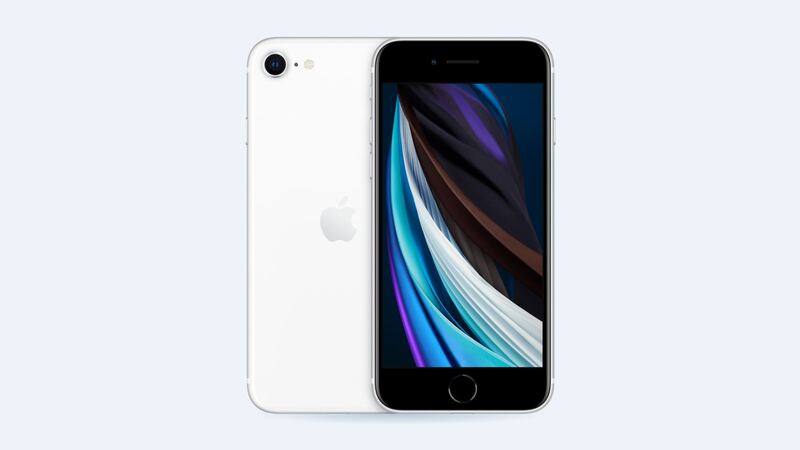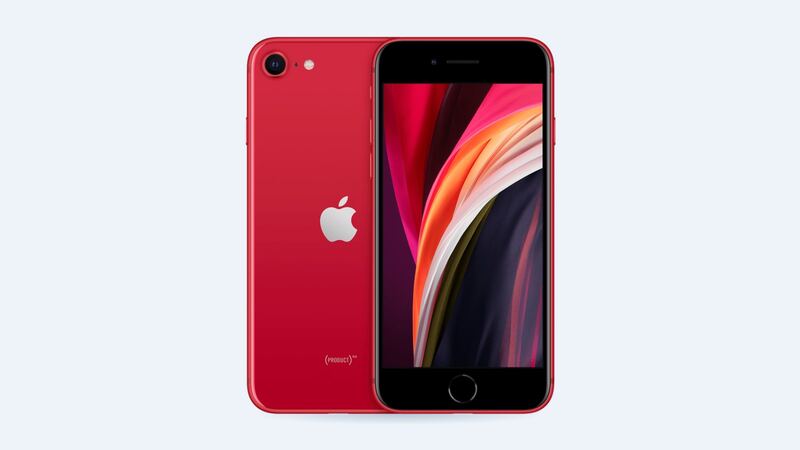
The second-generation iPhone SE came out in 2020 with the A13 Bionic chip, the same chip family as the iPhone 11. Six years later, a ton of them are still in pockets, usually because the owner just likes a small phone with a Home button. Fair enough.
So when something breaks, is it smarter to fix it or finally upgrade? Here's the honest math.
Where it stands in 2026
- Software: Apple's iOS 27 supports the iPhone SE (2nd generation) and later. You still get security updates and current apps. Some newer features, especially Apple Intelligence, need newer hardware.
- Repairs: Apple still lists repair prices for this model, and they're low.
- Battery: It shipped with a small 1,821 mAh battery. Even new, it wasn't an all-day champ for heavy users. A worn one is rough.
What repairs cost
| Repair | Apple | With AppleCare+ | Typical shop |
|---|---|---|---|
| Battery | $69 | $0 | $69 to $109 |
| Screen | $129 | $29 | $50 to $90 |
| Other damage (back, frame, etc.) | $269 | $99 | Varies |
Those Apple prices are about as low as iPhone repairs get. That changes the math a lot compared with bigger, fancier phones.
Three quick scenarios
Picture these:
The phone dies by 2 p.m. Battery health says 74%. Everything else is fine. A $69 battery makes this phone usable again. Clear yes.
The screen cracked in a pocket drop. Touch ID still works. A shop screen for $50 to $90 (with your original Home button moved over) or Apple's $129 both make sense. Yes.
It went swimming and now the Home button is dead and the camera is foggy. Apple's starting point is the $269 "other damage" price, and water damage tends to keep spreading. Put that money toward a newer phone. No.
When it's not worth fixing
- Two repairs at once, at Apple prices. Screen plus battery is $198. Still doable, but check what a newer used phone costs first.
- Water damage. Corrosion often shows up again weeks later.
- A dead Home button with Touch ID gone. Only Apple can restore Touch ID, because the button is paired to the phone at the factory. A shop can give you a working Home press, but no fingerprint unlock.
- It's slow and full. A repair won't fix a phone that's out of storage.
- You want features it can't run. No repair adds newer Apple Intelligence features.
Free stuff to try before you pay
- Check battery health: Settings > Battery > Battery Health & Charging. Under 80% usually means it's time.
- Update iOS and restart. Odd drain and lag sometimes go away.
- Clear storage: Settings > General > iPhone Storage shows what's eating space.
- Clean the Home button and re-add your fingerprint if Touch ID is flaky. Apple's own checklist starts there.
Questions to ask a shop
- Is the battery genuine or aftermarket? Will battery health still show?
- For screens: will you move my original Home button so Touch ID keeps working?
- How long is the warranty?
The verdict
The 2020 iPhone SE is cheap to keep alive. A $69 battery or a $50 to $129 screen buys you more time on a phone that still gets iOS 27. Fix one thing, maybe two. Once the bill heads toward Apple's $269 "other damage" price, or water's involved, that's your sign to upgrade.
Got a cracked screen? Our iPhone SE (2nd gen) screen replacement guide explains the Touch ID catch. Every price is on the iPhone SE (2nd generation) page. Apple prices checked October 14, 2026.