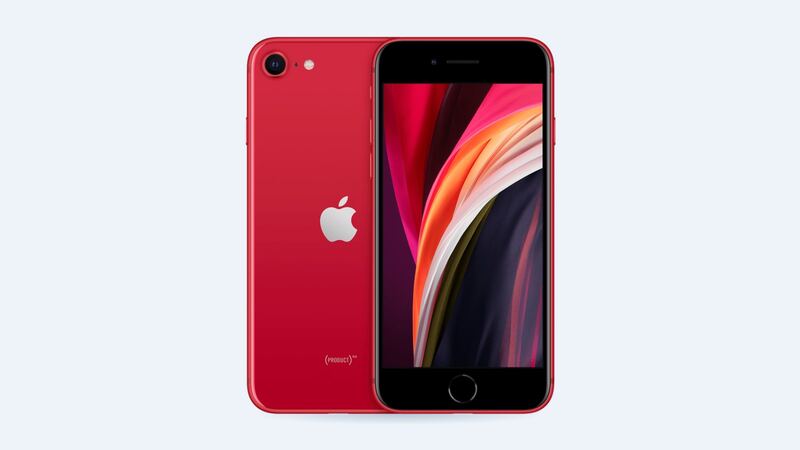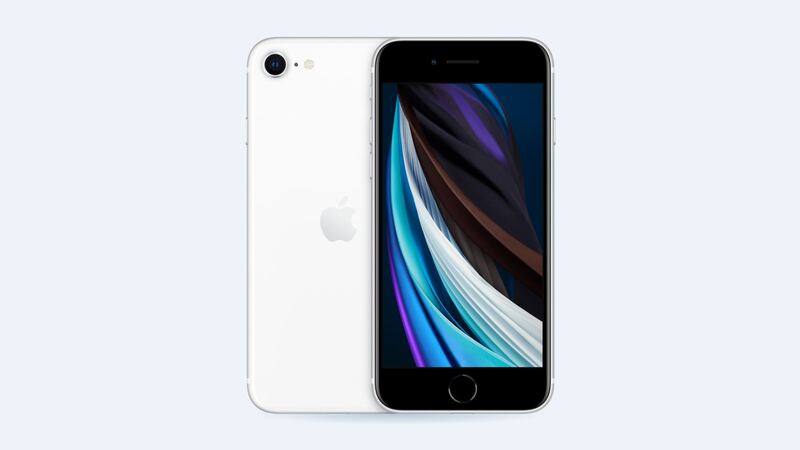
The 2020 iPhone SE is a small, simple phone, and its screen is one of the cheapest iPhone screens to replace. It's a 4.7-inch LCD, not an OLED, so there's no "LCD vs OLED" headache like on fancier iPhones. The thing you actually need to watch is the Home button.
What it costs
| Where | Price | Notes |
|---|---|---|
| Apple, out of warranty | $129 | Genuine screen, Touch ID kept, Apple's repair process |
| Apple with AppleCare+ | $29 | Per incident |
| Independent shop | $50 to $90 | Aftermarket LCD. Quality varies by supplier |
| DIY kit | Cheapest | Risky. The Home button transfer is the hard part |
For reference, Apple's battery service on this phone is $69, and its catch-all "other damage" price is $269.
The Touch ID catch
On this SE, the Home button (with Touch ID built in) is attached to the screen assembly. So when the screen gets replaced, the button has to come off the old screen and go onto the new one.
Why that matters: Apple pairs the Home button to the phone's logic board at the factory. A new, different button won't read fingerprints. If a shop forgets to move your original button, or tears its thin cable while moving it, you lose Touch ID. Only Apple can fix that pairing.
Shop screen vs Apple screen
Aftermarket LCD screens for this phone are cheap and usually fine. A few differences you might notice:
- Brightness and color: Apple's screen does up to 625 nits typical brightness with True Tone and wide (P3) color. Cheaper replacements can look a little dimmer or cooler.
- True Tone: It only keeps working if the shop copies the data from your old screen. Good shops do this. Ask.
- Touch feel: Low-end panels can feel slightly less responsive.
How to tell what's broken
- Cracked glass, picture fine, touch works: You need a screen, but you can wait a bit. Put on a screen protector so shards don't flake off.
- Lines, black blotches or flicker: The LCD under the glass is damaged. It usually gets worse.
- Touch doesn't respond in spots: Usually the screen. Have the shop test with a new screen before you pay.
- Screen black but phone rings: Could be the screen or its connector. A shop can test it in a few minutes.
Easy things to try first
- Force restart: press and release volume up, press and release volume down, then hold the side button until the Apple logo shows.
- If touch is acting up, take off the screen protector. A cracked protector can cause ghost touches all by itself.
- Back up the phone now, before anyone opens it. Any repair can go sideways.
Questions to ask the shop
- Will you transfer my original Home button so Touch ID keeps working?
- Do you transfer True Tone?
- What's the warranty, and does it cover touch issues and dead pixels?
- Do you reseal the phone? (Water resistance isn't guaranteed after a repair either way.)
Is it worth fixing?
Usually, yes. At $50 to $90 at a shop, or $129 at Apple, this is a cheap repair, and the SE (2nd gen) still runs iOS 27. Apple is worth the extra money if Touch ID matters a lot to you and you want zero risk. A good shop is fine if they promise to move the Home button and let you test it before you pay. If the phone also has a weak battery or other issues, read our iPhone SE (2nd gen) repair-or-replace guide first.
Every price for this phone is on the iPhone SE (2nd generation) page. Apple prices checked October 14, 2026; shop prices are typical US ranges.