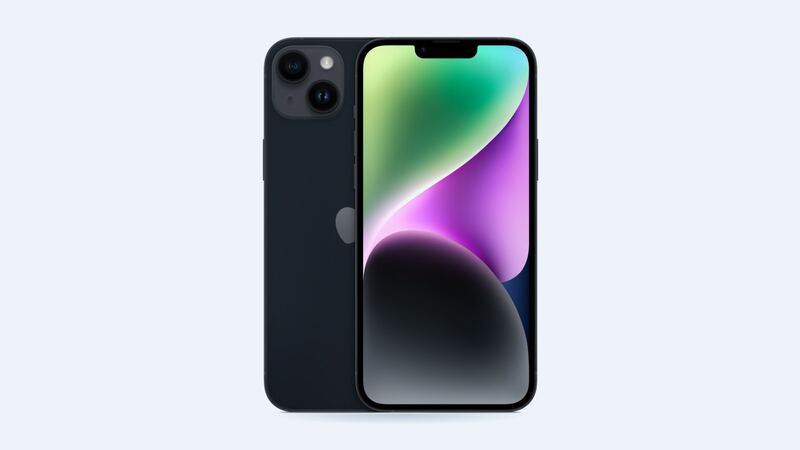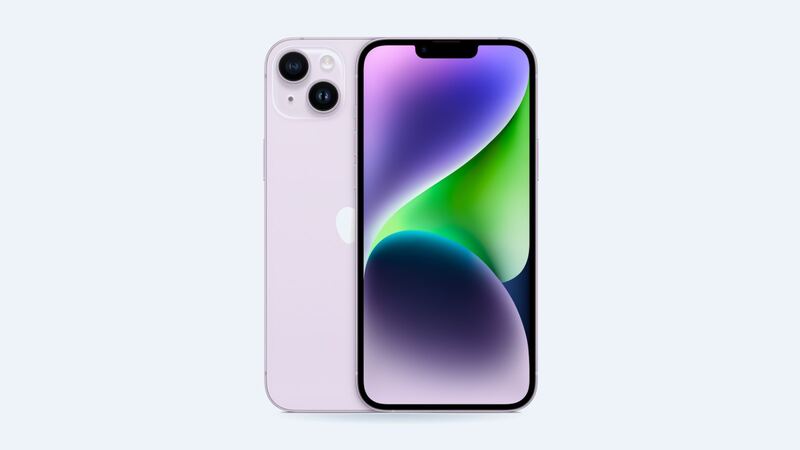
The iPhone 14 Plus came out in 2022 with a huge battery for its time. Apple rates it for up to 26 hours of video playback. But a few years of daily charging adds up. If your 14 Plus that used to last two days now begs for a charger by dinner, the battery is the first suspect, and it's one of the cheapest fixes on this phone.
Check your battery health (free, 10 seconds)
Go to Settings > Battery > Battery Health & Charging. Look at Maximum Capacity. That's how much charge your battery holds compared with when it was new.
Apple says iPhone 14 and earlier batteries are designed to keep 80% of their capacity at 500 complete charge cycles. That's a lot fewer than the 1,000 cycles Apple rates the iPhone 15 for. So a 14 Plus that's been charged every day since 2022 is likely right around that line by now.
Unlike the iPhone 15 models, the 14 Plus doesn't show a cycle count in Settings. Maximum Capacity is your best number.
Signs it's actually time
- Maximum Capacity is below 80%.
- Battery Health shows a Service message.
- The phone shuts off when it still says 15% or 20%, especially outside in the cold.
- Apps feel slow and the phone has turned on performance management after an unexpected shutdown.
- The battery looks swollen (see the warning below).
If your capacity is still 85% and up and the phone lasts the day, you don't need a new battery yet.
What it costs
| Option | Price | Notes |
|---|---|---|
| Apple with AppleCare+ | $0 | When health is under 80% |
| Apple without AppleCare+ | $99 | Genuine battery, Apple's service guarantee |
| Independent shop | $69 to $109 | Quality depends on the battery they use |
| DIY kit | Varies | Possible, but it's easy to damage the screen or a cable |
Because Apple's price is $99, a shop at $69 saves you $30. That's not nothing, but it's not enough to accept a mystery battery either. Ask what you're getting.
Genuine vs. aftermarket battery
A non-genuine battery works, but a few things change:
- It shows as Unknown under Settings > General > About > Parts and Service History.
- You'll get a notification about it the first time you unlock after the repair, and again five days later.
- Apple says an Unknown part might affect trade-in value.
A genuine Apple battery on the iPhone 14 lineup can be finished with Apple's Repair Assistant. Your phone needs the latest iOS, Wi-Fi and more than 20% charge.
Make the battery you have last longer
- Leave Optimized Battery Charging on. It learns your routine and holds the charge at 80% until you need it, which cuts the time the battery sits at 100%.
- Keep it cool. Heat ages batteries fast. Don't charge it in direct sun or under a pillow.
- Charging stuck at 80%? Apple's software pauses charging above 80% when the battery gets too warm. Move it somewhere cooler and it picks back up.
- Storing a spare phone? Apple suggests keeping it about half charged for long-term storage.
What to ask the shop
- Is it a genuine, new or aftermarket battery? What's its capacity?
- What's the warranty?
- Will it say Unknown in Settings?
- Is the quote all-in, with tax?
Is it worth fixing?
Yes. The iPhone 14 Plus is on Apple's iOS 27 support list, so it still gets the latest software. A $99 battery is about the cheapest way to make an older phone feel new again. If your health is under 80%, do it. If it's in the high 80s, wait and save the money.
Dropped it in the pool while you were at it? Read our iPhone 14 Plus water damage guide. Every price is on the iPhone 14 Plus page.
Apple prices checked October 14, 2026. Shop prices are typical US ranges.