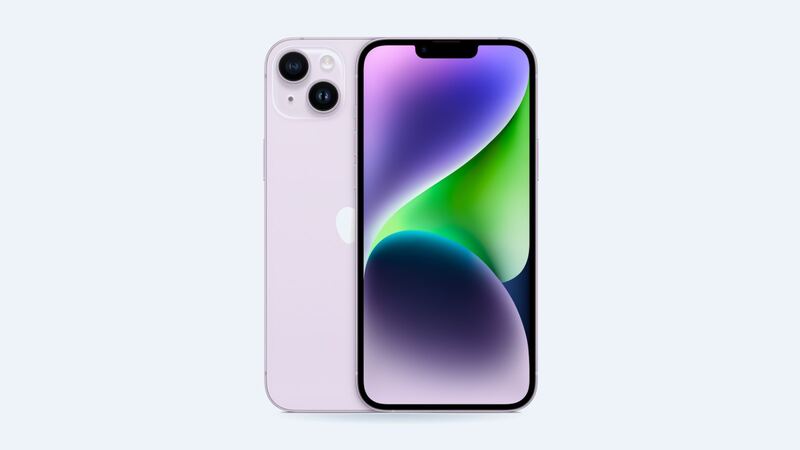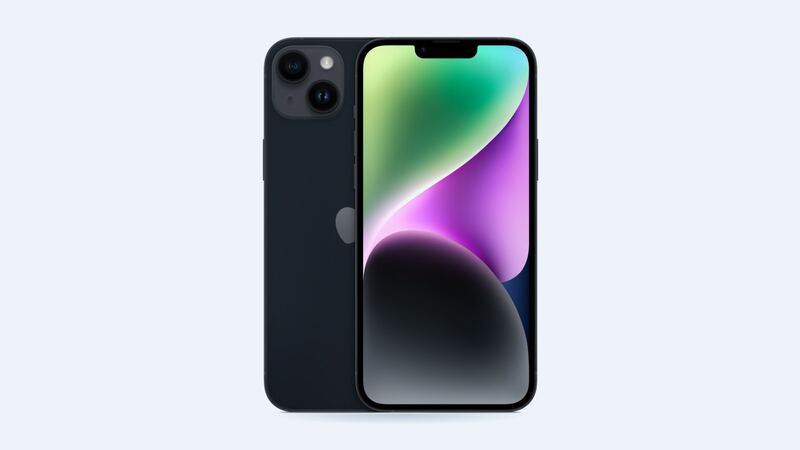
The iPhone 14 Plus is rated IP68, which Apple says means it can handle a maximum depth of 6 meters for up to 30 minutes. That's a lab test with clean water, though, on a brand-new phone. Real life is a pool with chlorine, a beach with salt, or a toilet with... let's not. And Apple is very clear that liquid damage is not covered under warranty.
The first 10 minutes
1. Get it out and turn the screen off. Don't keep checking it, scrolling or taking test photos.
2. Unplug everything. If a cable was in when it got wet, pull it out of the phone and the adapter.
3. Rinse if it wasn't plain water. Apple says if a liquid other than water gets on your iPhone, rinse the affected area with tap water. Leftover salt, chlorine or soda is what causes corrosion later.
4. Wipe it dry with a soft, lint-free cloth.
5. Tap it gently against your hand with the Lightning port facing down to shake water out of the port.
6. Leave it somewhere dry with airflow. Apple says a fan blowing cool air into the port may help.
7. Wait before plugging in. Apple says to allow at least 5 hours before charging with a cable or connecting an accessory. Wireless charging is OK once the phone is wiped off and dry.
What Apple says not to do
From Apple's own guidance on wet connectors:
- No rice. Apple says small rice particles can damage the phone.
- No external heat. No hair dryer, oven or radiator.
- No compressed air.
- Don't stick anything in the port, like a cotton swab or a paper towel corner.
The "Liquid Detected" alert
If you plug in and see a liquid alert, the iPhone is protecting itself. Apple's advice:
- Unplug the cable and leave the phone to dry.
- Wait at least 30 minutes, then try charging again.
- If the alert comes back, keep waiting. It can take up to 24 hours to fully dry.
There's an emergency override, but Apple advises against charging while wet. Wet pins can corrode, and then you've turned a free fix into a paid one.
Signs the water got inside
- Fogging under the camera lenses.
- Speakers sound muffled or crackly for more than a day.
- Lines or dark patches on the screen.
- Face ID stops working.
- Random reboots or the phone won't power on.
Muffled sound right after a swim is often just water in the speaker grille, and it clears up. Symptoms that last past 24 hours are the ones to worry about.
What about the liquid indicator?
Older iPhones had a little sticker in the SIM tray that turned red when wet. Apple notes that iPhone 14 models sold with eSIM only, like those sold in the US, don't have a SIM tray or an externally visible liquid indicator. Apple can still check for liquid inside during service.
What repairs cost
| Option | Price | Notes |
|---|---|---|
| Apple, AppleCare+ | $99 | Accidental damage service fee |
| Apple, out of warranty | $659 | Apple's "other damage" price for the 14 Plus |
| Battery only, if that's what failed | $99 | Sometimes water just kills the battery |
| Independent shop | Get a quote | Some shops clean boards; results vary |
Before you pay $659, a good independent shop can open the phone, look for corrosion and tell you what actually failed. Sometimes it's a single part, like the battery or the charging port, and not the whole phone.
Back up first
If the phone still powers on, back it up to iCloud or a computer right now. Water damage can get worse over days as corrosion spreads. Photos you can't replace are worth more than the phone.
Is it worth fixing?
It depends on the damage. With AppleCare+, $99 is worth it. Without it, $659 is a lot for a phone from 2022, even one that's still on Apple's iOS 27 support list. Get a diagnostic quote from a shop first. If only one part failed, fix it. If the board is corroded, put that money toward a newer phone.
Battery acting up after the dunk? See our iPhone 14 Plus battery guide. Every price is on the iPhone 14 Plus page.
Apple prices checked October 14, 2026.