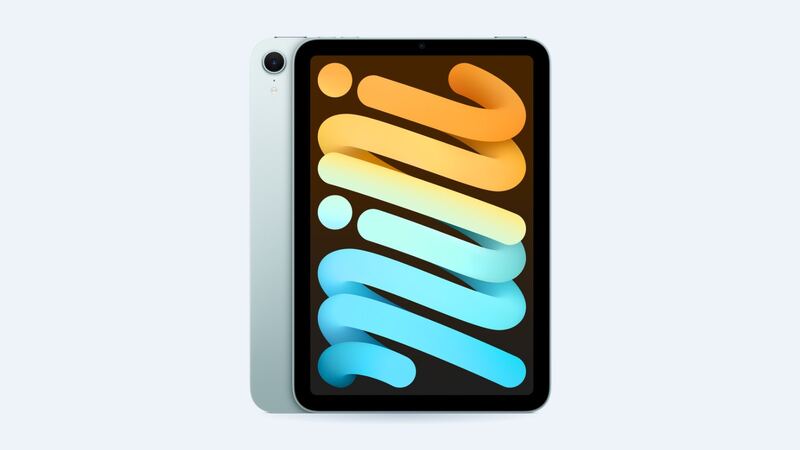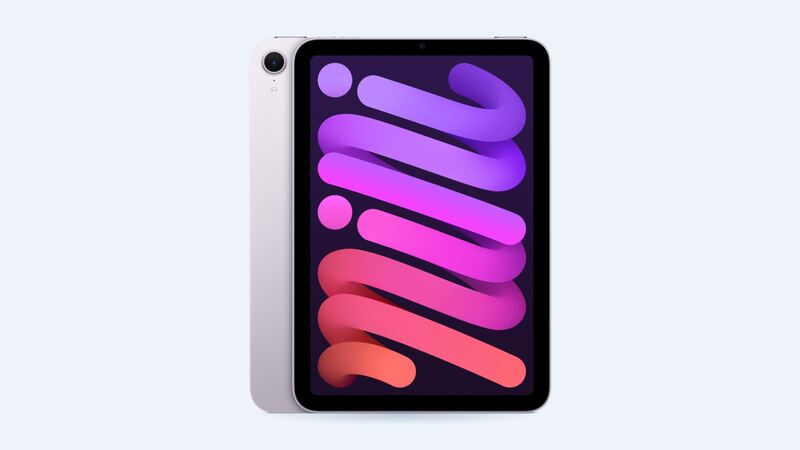
The iPad mini has the smallest battery of any current iPad. Apple's spec sheet says the A17 Pro mini has a 19.3 watt-hour battery, rated for up to 10 hours of web browsing on Wi-Fi or video, and up to 9 hours browsing on cellular. That's the same rating as the much bigger iPads, but there's less room for error. A couple of power-hungry apps and it feels like the battery is gone.
What Apple charges
| Repair | Apple price | With AppleCare+ |
|---|---|---|
| Battery service (Wi-Fi or Cellular) | $119 | $0 below 80% health |
| Cracked screen or other damage | $429 / $479 | $29 screen, $99 other |
How to check battery health
Open Settings, tap Battery, then tap Battery Health. Apple lists the iPad mini A17 Pro among the iPads that show this screen. You'll find:
- Status: Normal means the battery is healthy.
- Cycle count: one cycle equals using 100% of the battery's capacity, even if that's spread over several days.
- Manufacture and first-use dates: great for checking a used mini.
Apple says iPad batteries are designed to keep up to 80% of their original capacity at 1,000 complete charge cycles. If you charge your mini every night, that's roughly three years of daily use before you hit that mark.
What drains a mini fastest
Picture this: you're watching videos in bed at full brightness while it downloads a game update, on a weak Wi-Fi signal. That's the screen, the chip and the radios all working hard at once on a small battery. Here's what to check:
- Settings > Battery: see which apps used the most power in the last 24 hours and 10 days.
- Brightness: the screen is the biggest drain. Auto-Brightness helps.
- Background App Refresh: turn it off for apps that don't need it.
- Weak signal: on Cellular models, a poor signal makes the modem work harder. Wi-Fi is easier on the battery when you have it.
- Heat: gaming while charging makes the mini warm, and heat ages batteries faster.
Signs the battery is actually worn
- Battery health shows something other than Normal.
- It shuts down with charge still showing, especially in the cold.
- The percentage drops in big jumps.
- It gets through half the day it used to with the same apps.
- The screen lifts or there's a gap at the edge. That can be a swollen battery. Stop charging it and get it to Apple.
Apple or a shop?
Apple is the simple choice at $119, and free with AppleCare+ under 80% health. Apple may give you a replacement unit rather than open yours, so back up first.
For a shop, getting to the battery means taking off the laminated display first. On a small iPad with tiny cables, that's where things go wrong. If a shop quotes less than Apple, ask who pays if the screen cracks while opening it.
What to ask before you pay
- Is it a genuine Apple battery?
- Will battery health show correctly afterward?
- If the screen breaks while opening, who pays?
- Is the display adhesive being replaced when you close it up? Old adhesive can let the screen lift or let dust in.
- How long is the warranty on the battery and on the work?
Is it worth replacing?
Yes, for most people. The A17 Pro mini is still a capable little tablet, and $119 buys you a few more years. If the screen is cracked too, read our iPad mini A17 Pro cracked screen guide since that's a separate, pricier repair.
All prices are on the iPad mini (A17 Pro) page. Apple prices checked October 14, 2026.