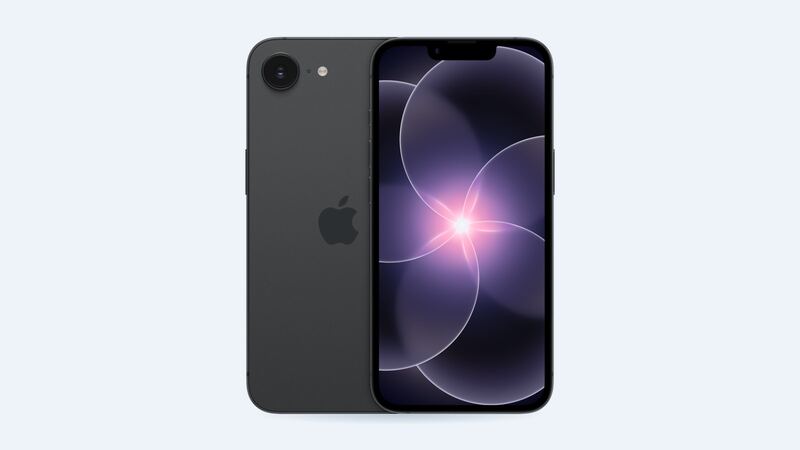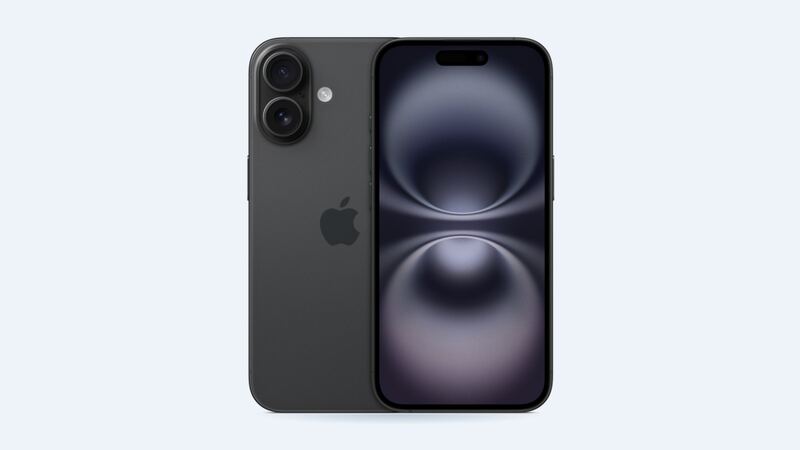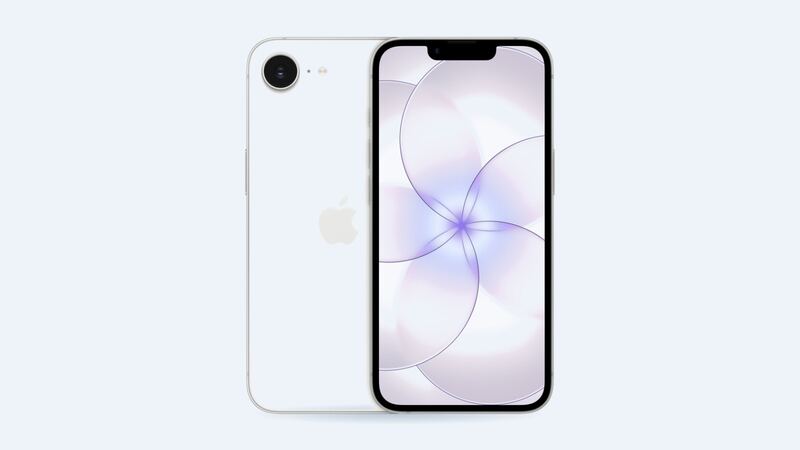
Apple rates the iPhone 17e for up to 26 hours of video playback, which is a lot for a 6.1-inch phone. If yours is gasping by lunch, something is chewing through power. Let's find it before anyone opens the phone.
What Apple charges
| Repair | Apple price (no coverage) | With AppleCare+ |
|---|---|---|
| Battery service | $99 | $0 (under 80% health) |
| Screen damage | $229 | $29 |
| Back glass damage | $159 | $29 |
| Other damage | $529 | $99 |
These are Apple's own US prices for the iPhone 17e. Apple uses a genuine battery and guarantees the repair for 90 days or the rest of your warranty, whichever is longer.
Step 1: Look at battery health
Open Settings > Battery > Battery Health. The Maximum Capacity number compares your battery with how it was new.
Apple says iPhone 15 and later batteries are designed to keep 80% of their original capacity at 1,000 complete charge cycles under ideal conditions. One cycle is 100% worth of charging, even if you do it in little top-ups. A phone that's about seven months old shouldn't be anywhere near 1,000 cycles. So expect to see something in the high 90s.
- Mid to high 90s: The battery is healthy. Skip to Step 2.
- Under 90% already: Unusual this early. Keep an eye on it.
- Under 80%: Something's wrong. Contact Apple, since a phone bought new in 2026 is still inside the one-year warranty.
Step 2: Find what's actually draining it
Say your health reads 99% but the phone is dead by 3 p.m. Here's the usual list of suspects:
- One greedy app. Settings > Battery shows usage by app. Social apps with autoplay video and navigation apps running in the background are common culprits.
- Fresh setup or update. For the first few days after setting up a new phone or installing a big iOS update, the phone indexes photos and syncs data in the background. Battery life looks awful, then settles down.
- Weak signal. A phone hunting for a signal in a basement or a rural dead zone burns power fast.
- Brightness. Auto-brightness is your friend. Max brightness all day is not.
- Heat. Apple says software may limit charging above 80% when the battery is too warm. Charging on a hot windowsill or under a pillow can make it look like the phone won't fully charge.
Step 3: Try the simple stuff
- Restart the phone.
- Update to the latest iOS.
- Try Low Power Mode for a day and see if the difference is huge. If it is, it's usage, not the battery.
- The 17e supports MagSafe and Qi2 wireless charging at up to 15W, plus fast USB-C charging to 50% in about 30 minutes with a 20W or higher adapter. A slow old cube adapter can make charging feel broken when it isn't.
When to actually replace it
Replace the battery when Maximum Capacity is under 80%, or when you see Apple's "Service" message in Battery Health. Apple says that message doesn't mean the battery is unsafe, just that a new one will restore full performance and capacity.
Apple vs. a shop
| Option | Price | Trade-off |
|---|---|---|
| Apple or Authorized Service Provider | $99 | Genuine battery, stays listed as genuine |
| Apple with AppleCare+ | $0 under 80% | Same genuine part |
| Independent shop | About $69 to $109 | Often same day, but usually shows as Unknown Part in Settings |
Apple's price is already near the bottom of the shop range, so for the 17e, Apple is the easy pick. A non-genuine battery shows as Unknown Part under Settings > General > About, and Apple says that can lower trade-in value.
Is it worth it?
If your battery health is under 80%, yes. $99 for a fresh battery on a current-generation iPhone is a great deal. If health is still high, don't spend a dime on a battery. Fix the drain instead. And if the screen took a hit, check our iPhone 17e screen guide.
All iPhone 17e prices live on the iPhone 17e page. Apple prices checked October 14, 2026; shop prices are typical US ranges.