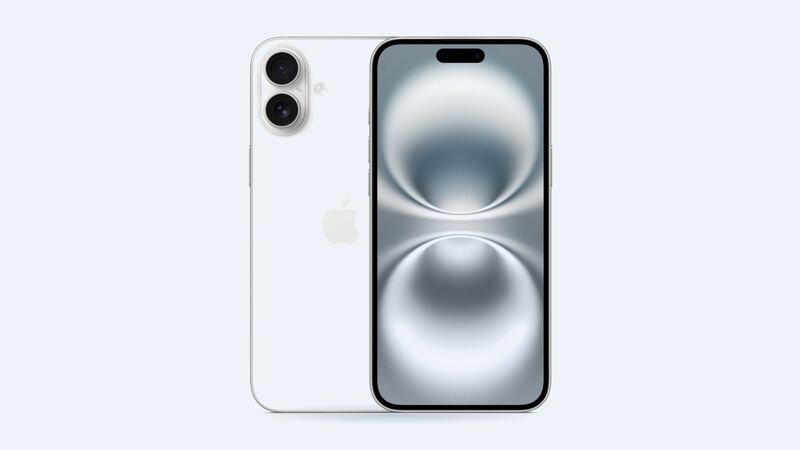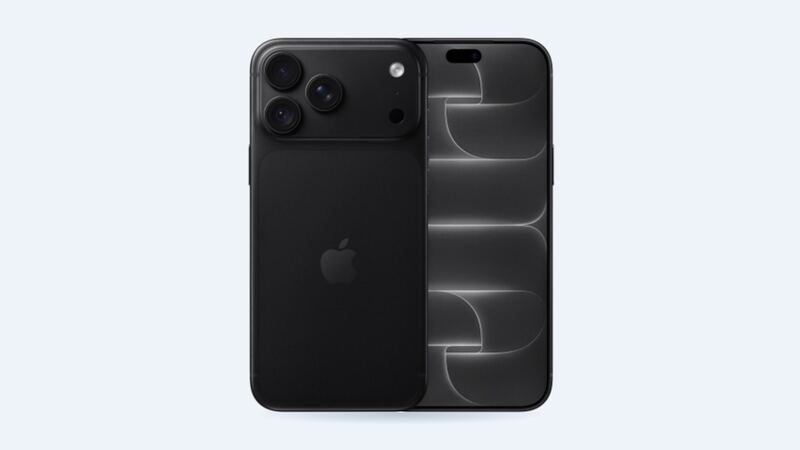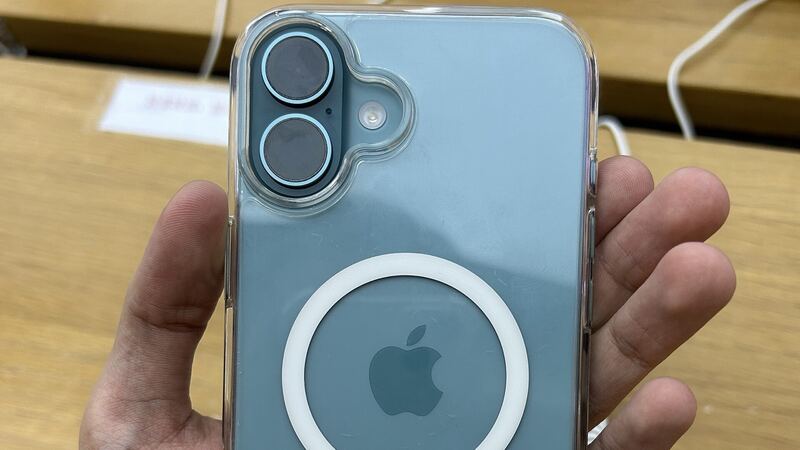
The iPhone 16 Plus is one of the best battery phones Apple has made. Apple rates it for up to 27 hours of video playback, more than the regular iPhone 16. So when a 16 Plus starts dying early, people notice. Here's how to tell whether it's time for a new battery.
What Apple charges
| Repair | Apple price (no coverage) | With AppleCare+ |
|---|---|---|
| Battery service | $99 | $0 (under 80% health) |
| Screen damage | $329 | $29 |
| Back glass damage | $159 | $29 |
| Other damage | $669 | $99 |
These are Apple's own US prices for the iPhone 16 Plus. Apple uses a genuine battery and guarantees the work for 90 days or the rest of your warranty, whichever is longer. Apple also says AppleCare+ will replace the battery at no extra charge once capacity drops below 80%.
Check your battery health first
Open Settings > Battery > Battery Health and look at Maximum Capacity.
- 85% and up: Healthy. A new battery won't change much.
- 80% to 84%: Getting there. If the phone still lasts the day, wait.
- Under 80%: Replace it. With AppleCare+ it's free.
Apple says iPhone 15 and later batteries are designed to hold 80% of their original capacity at 1,000 full charge cycles under ideal conditions. The 16 Plus launched in September 2024, so a launch-day phone that's used hard could be getting close to that mark now, especially if it lives in a hot car or charges in bed.
Things to try before you pay $99
Picture this: your 16 Plus says 91% health but you're hunting for a charger at 2 p.m. Before you blame the battery:
- Settings > Battery shows which apps used the most power. Close or limit the worst offender.
- Restart the phone and install the latest iOS.
- Wait a few days after a big update. Background indexing drains power at first, then settles.
- Lower the brightness or let auto-brightness handle it. That big 6.7-inch screen is the biggest power user.
- Watch the heat. Apple says software may limit charging above 80% when the battery is warm. That's normal, not a failure.
- Check the charge limit. iPhone 15 and later can be set to stop charging at 80% on purpose.
Why this battery is easier to replace
The iPhone 16 and 16 Plus changed how the battery is held in. According to 9to5Mac's report on iFixit's teardown, the battery is held down by a new adhesive that lets go when a low-voltage current is applied, so the cell basically comes out on its own. The older pull-tab method was finicky, and prying a stuck battery carried a real fire risk.
That makes for a faster, safer job at Apple or a good shop. It doesn't make it a casual DIY project.
Apple vs. a shop
| Option | Price | What you get |
|---|---|---|
| Apple or Authorized Service Provider | $99 | Genuine battery, listed as genuine in Settings |
| Apple with AppleCare+ | $0 under 80% | Same genuine part |
| Independent shop | About $69 to $109 | Often same day, usually a non-genuine cell |
A non-genuine battery shows as Unknown Part under Settings > General > About > Parts and Service History. Apple says that can lower trade-in value. Since Apple's $99 is already right in the middle of shop prices, Apple is the easy pick for most people.
If you use a shop anyway, ask whether the battery is genuine, what the warranty covers, and whether they reseal the phone. The 16 Plus is rated IP68 to 6 meters for 30 minutes out of the box, and a reopened phone may not keep that.
Is it worth it?
Yes, once health drops under 80%. The 16 Plus still has an A18 chip and years of iOS updates ahead. $99 brings back that all-day-and-then-some battery life it's known for. If health is still high, fix the drain instead and keep your $99.
Screen cracked too? Our iPhone 16 Plus screen guide compares Apple with shop LCD and OLED options.
All iPhone 16 Plus prices live on the iPhone 16 Plus page. Apple prices checked October 14, 2026; shop prices are typical US ranges.