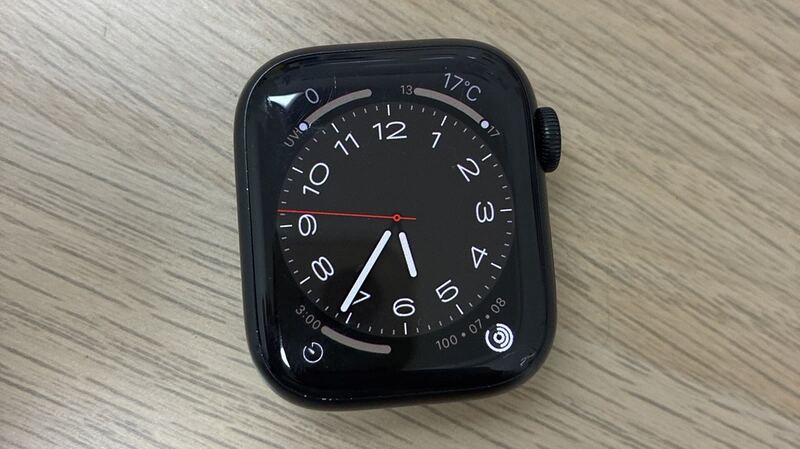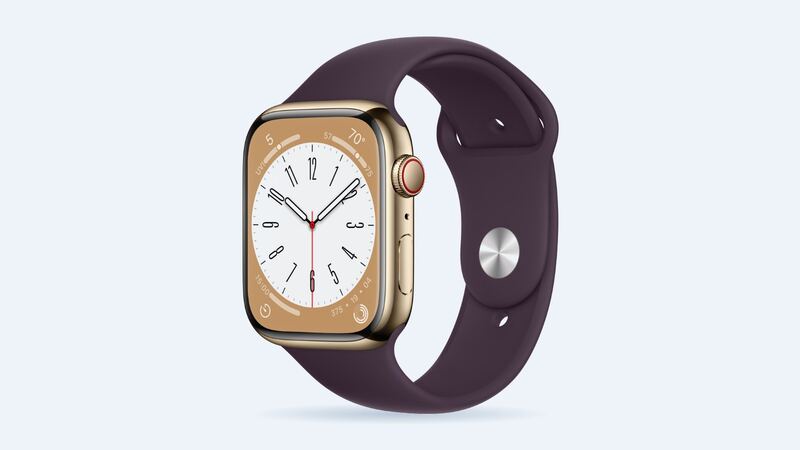
Apple listed up to 18 hours of battery life for the Series 8, the same as the Series 7. That was when it was new in 2022. Four years of nightly charging later, a lot of them are running out of steam before the day is done.
What it costs
| Option | Price |
|---|---|
| Apple battery service | $99 |
| With AppleCare+ | $0 below 80% capacity |
| Defective battery in the first year | Covered by Apple's one-year warranty |
| Cracked screen or other damage | $299 to $399 by case |
Check battery health
On the watch, go to Settings > Battery > Battery Health and look at Maximum Capacity. Apple designs Apple Watch batteries to keep up to 80% of their original capacity at 1,000 complete charge cycles.
| Maximum Capacity | What to do |
|---|---|
| 90% or higher | Battery's fine. Hunt for drains |
| 80% to 89% | Normal wear. Keep using it |
| Under 80% | Book battery service |
Common drains to fix first
- Always On display. Turning it off in Settings > Display & Brightness is one of the biggest savers.
- Notifications and background refresh. Cut the apps you never look at on your wrist.
- GPS workouts. A long run or ride with GPS takes a real bite. That's expected, not a fault.
- Low Power Mode. Turn it on in Settings > Battery for long days or trips.
- Heat. Apple says its devices work best at 32° to 95° F (0° to 35° C). Leaving the watch in a hot car can damage the battery permanently.
- Update and restart. New watchOS versions often fix drain bugs.
Battery, or something else?
- Drains fast every day, health under 80%: it's the battery.
- Drains fast but health is still high: it's almost always settings, an app, or a watchOS bug. Work through the list above first.
- Suddenly dies at 20% or 30%, or shuts off in the cold: a worn battery can't hold voltage under load. That's a sign service is due even if the percentage looks okay.
- Won't charge at all: clean the back of the watch and the charger, try a different charger and outlet, and restart before you assume the battery is dead.
What happens at Apple
Apple says it will "help you arrange a repair or replacement" for an Apple Watch, and with Express Replacement it can send a replacement watch before you return yours. So you may well get a different watch back that looks and works like new, rather than your own watch with a new battery.
Before you send it in
Unpair the watch before it goes anywhere. On your iPhone, open the Watch app, tap All Watches, tap the info button next to your watch, and choose Unpair Apple Watch. Your iPhone backs up the watch as part of unpairing and turns off Activation Lock, so Apple or a shop can work on it. When you get a watch back, pair it again and restore from that backup to get your faces, settings and health data back.
Is $99 worth it?
For a Series 8 that works well otherwise, yes. You keep the temperature sensor, Crash Detection and everything else you're used to, and you get all-day battery back for a lot less than a new watch. It's an even easier call on a stainless steel model, which cost more to begin with.
If the screen is cracked too, the price jumps to $299 to $399. At that point, compare against a newer watch using our repair or replace calculator.
Screen cracked? See what a cracked Series 8 costs. All prices are on the Apple Watch Series 8 page. Apple prices checked October 14, 2026.