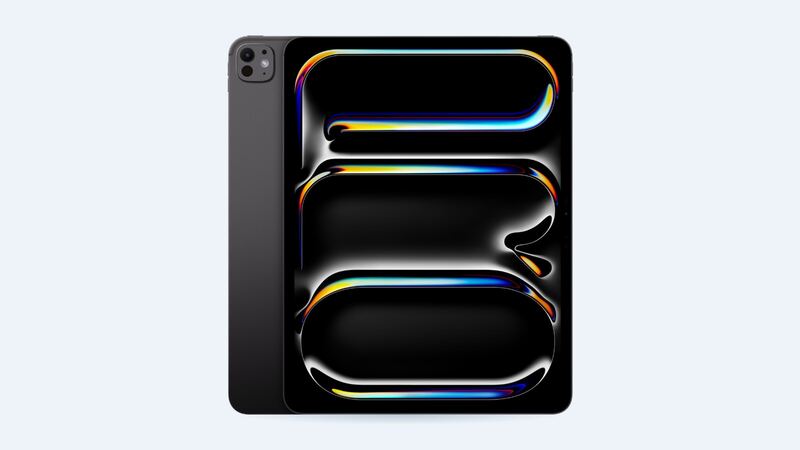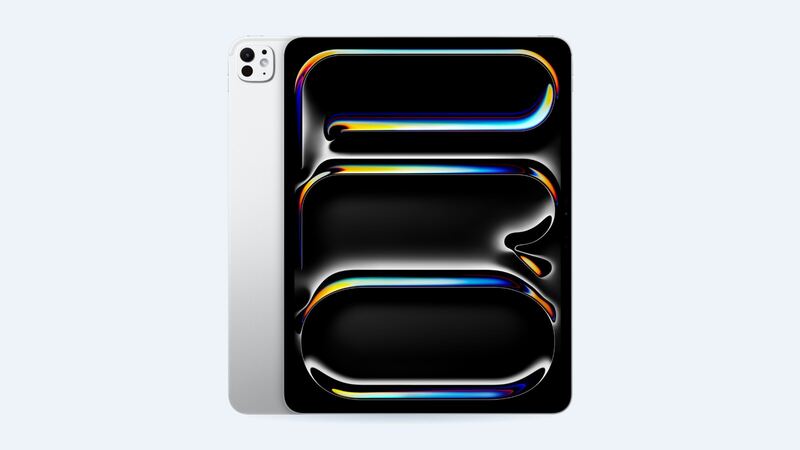
The 13-inch M4 iPad Pro has one of the nicest screens Apple has ever made. That's great while it's in one piece. Once it's cracked, that same fancy screen is the reason the repair bill looks like a car payment.
Here's what you'll actually pay, what you get for the money, and how to decide.
What Apple charges
Apple doesn't list a separate screen price for this iPad. A cracked screen falls under "other damage," and the fee is the same whether it's just the glass or the whole thing is bent.
| Repair at Apple | Wi-Fi | Wi-Fi + Cellular | With AppleCare+ |
|---|---|---|---|
| Cracked screen or other damage | $1,099 | $1,149 | $29 screen only, $99 other damage |
| Battery service | $199 | $199 | $0 |
That $29 fee is newer than you might think. When this iPad launched in 2024, AppleInsider reported that Apple dropped the AppleCare+ screen fee to $29 for the new iPad Air and iPad Pro models, matching what iPhone owners pay. The catch: the screen has to be the only damage. A bent frame or dead camera bumps it to $99.
Why this screen costs so much
This iPad uses what Apple calls a tandem OLED panel. Per Apple's tech specs, the 13-inch model runs at 2752 x 2064 pixels, hits 1000 nits for normal content and 1600 nits peak for HDR, and refreshes anywhere from 10Hz to 120Hz. The 1TB and 2TB models could also be ordered with nano-texture glass.
In plain English: it's a premium part with no cheap substitute. When repair site iFixit took one apart, it said the screen's adhesive isn't overly aggressive, but still called the job daunting and the replacement likely costly.
What a repair shop charges
Shops that work on this iPad usually offer grades of screens. One chain, Fixstop, lists the 13-inch M4 iPad Pro like this:
| Part grade | Shop price | What you get |
|---|---|---|
| Economy | $980 | Lower grade, usually an LCD instead of OLED. Touch works, but colors, brightness and blacks are weaker |
| Premium | $1,000 | Aftermarket OLED that closely matches the original |
| Genuine | $1,399 | Original screen, full brightness and features |
Notice something? The cheap option is only about $100 less than Apple, and you'd be putting an LCD on an iPad you paid extra for because of its OLED. The genuine part at that shop costs more than Apple's whole fix. For most people without AppleCare+, Apple is the better deal here, which almost never happens.
How to tell how bad it is
Before you pay anyone, take a careful look:
- Hairline crack, picture and touch fine: cosmetic for now, but cracks spread. Put a screen protector over it to keep glass splinters off your fingers.
- Black blotches, green or purple lines, flicker: the OLED itself is damaged. This won't heal and usually grows.
- Touch dead in some areas or ghost taps: the touch layer is hurt. Hard to live with.
- Face ID stops working: mention it. The front camera sits behind the glass along the edge.
What to ask before you pay
- Is the replacement OLED or LCD? Get it in writing.
- If I have nano-texture glass, will the new screen match it?
- Will Face ID, the front camera and Apple Pencil Pro still work after?
- What's the warranty, and does it cover a part that fails, not just your workmanship?
- Is the price for the screen alone or the whole repair?
Is it worth fixing?
With AppleCare+: absolutely, $29 is a no-brainer.
Without it, it depends on how the iPad is doing otherwise. If it's a 1TB or 2TB model you use for real work, $1,099 to fix a machine that cost much more new can still make sense. If it's the base model and you mostly watch shows on it, compare that bill with what a newer iPad costs before you pay. Selling a cracked one for parts is also an option, though you won't get much.
If the battery is also getting weak, see our iPad Pro 13-inch (M4) battery guide before you decide.
All Apple prices are on the iPad Pro 13-inch (M4) page. Apple prices checked October 14, 2026.