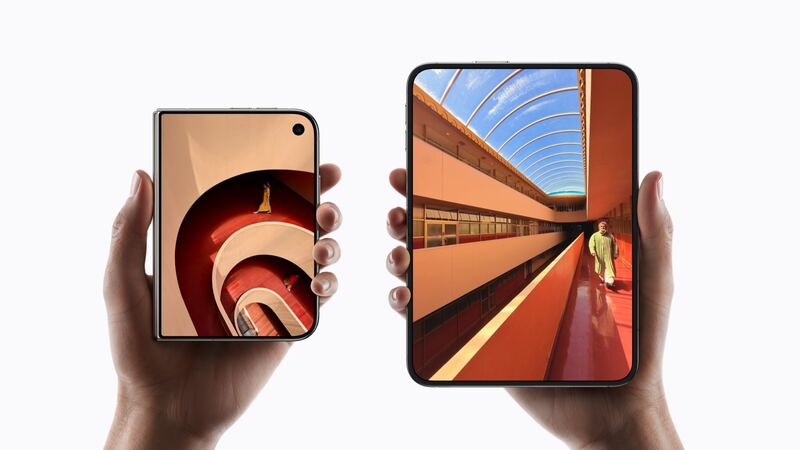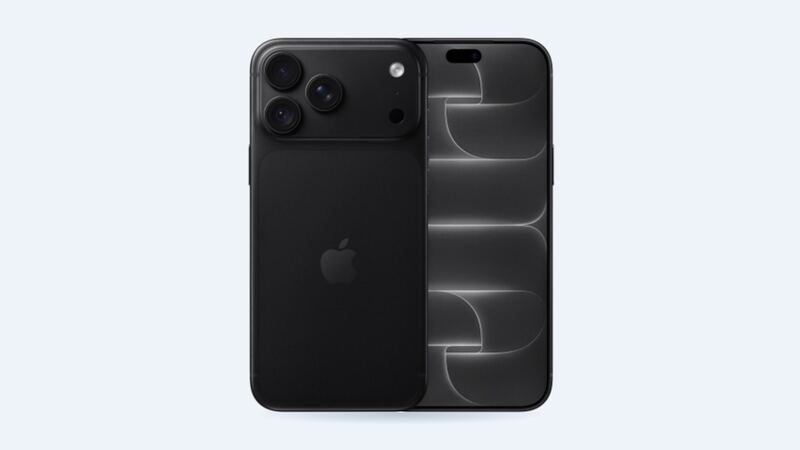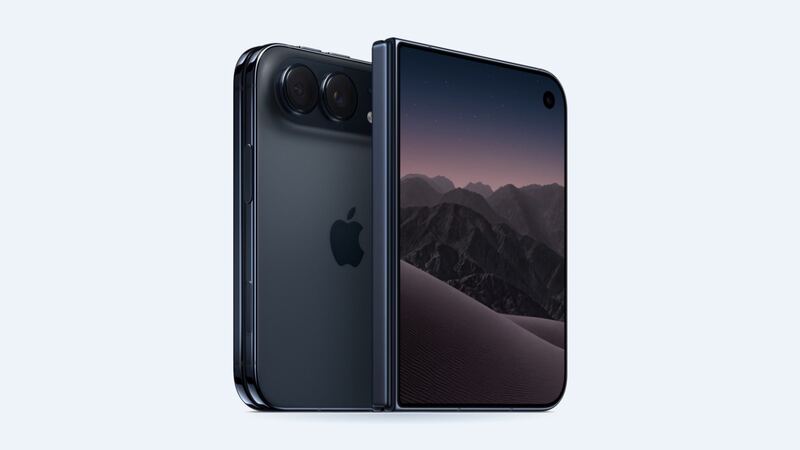
The iPhone Duo battery isn't one battery. Apple built it with one high-energy battery on each side of the fold, and software makes them act like a single battery. That design is great for battery life. It's also why the replacement costs more than on any other current iPhone.
What Apple charges
| Model | Apple battery price | With AppleCare+ |
|---|---|---|
| iPhone Duo | $229 | $0 below 80% health |
| iPhone 18 Pro Max | $129 | $0 below 80% health |
| iPhone 18 Pro | $129 | $0 below 80% health |
| iPhone 17e | $99 | $0 below 80% health |
Picture the inside of a folding phone. There are two halves, a hinge in the middle and cables running across it. Swapping the battery means working on both sides of the phone instead of one, so more labor and more parts.
How long should the battery last?
Apple's numbers for a full charge:
- Up to 31 hours of video on the big inner screen
- Up to 44 hours of video on the outer screen
- Up to 24 hours of mixed use when you split time evenly between both screens
That last number matches the iPhone 18 Pro, according to MacRumors. So the Duo isn't a battery hog by design. If yours suddenly can't make it through a normal day, something has changed.
For long-term wear, Apple says iPhone 15 models and later are designed to keep 80% of their original capacity after 1,000 complete charge cycles under ideal conditions. Apple hasn't published a separate figure for the Duo's two-battery setup, so treat that as a ballpark, not a promise.
How to tell if the battery is really the problem
Go to Settings > Battery and open the battery health section. Look at Maximum Capacity and the status message.
- Above 80% and still draining fast: it's probably software or how you're using it. Check which apps are eating power on the Battery screen.
- Below 80% or a service message: the battery is worn. This is when AppleCare+ covers it for $0.
- Phone shuts off at 20 or 30%: classic worn-battery sign.
- Swelling, a gap opening up near the hinge, or the screen lifting: stop using it and get it to Apple. A swollen battery is a safety issue, not a nuisance.
Easy things to try first
- Restart the phone. Stuck background processes are a common cause of sudden drain right after an update.
- Lower brightness on the inner screen. It peaks at 3,000 nits outdoors, which is great in the sun and rough on a battery.
- Use the outer screen for quick stuff. Apple's own numbers give it roughly 13 more hours of video than the inner screen.
- Check that you're not living in a weak-signal area. Searching for signal burns power on any phone.
Charging tips that actually help
The Duo charges from 0 to about 50% in around 20 minutes with a 60W or higher USB-C adapter, and to about 50% in around 30 minutes on a MagSafe or Qi2 charger. Fast charging is fine for the battery. What wears batteries out faster is heat. Don't leave the phone charging under a pillow or on a hot dashboard, and take it out of a thick case if it gets hot while charging.
Apple or a third-party shop?
Right now, Apple is the realistic choice. The phone only reaches stores on October 23, 2026, and independent shops will need time to get parts and learn a brand-new two-battery, folding design. A rushed job on a $1,999 foldable is a bad gamble to save a little money.
What to ask before you pay
- Are both batteries being replaced? (On this design they should be serviced as a set.)
- Is it a genuine Apple battery, and will battery health show normally afterward?
- Do you have AppleCare+? If health is under 80%, it should cost you nothing.
Is it worth replacing?
Yes. A $229 battery on a phone this expensive is an easy call, and it's still far cheaper than any screen repair. If your screen is the bigger worry, read our iPhone Duo screen repair cost guide.
All iPhone Duo prices are on the iPhone Duo repair page. Apple prices checked October 14, 2026.