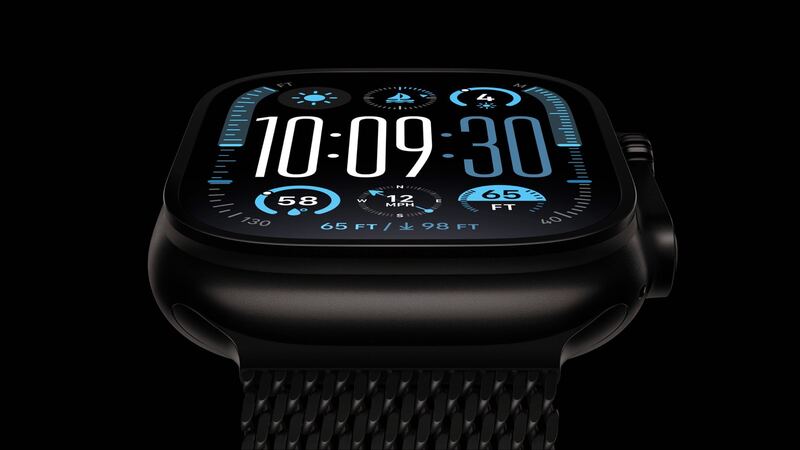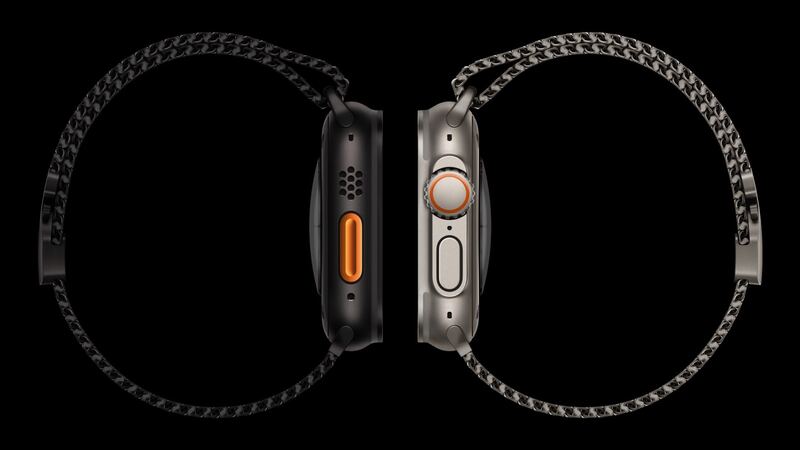
The Ultra 2 came out in September 2023. Owners who've had one since launch are now three years in, which is about when battery complaints start. But a lot of "bad battery" Ultras actually have a setting or app eating power. Try the free stuff first.
Step 1: Check battery health
Go to Settings > Battery > Battery Health on the watch and look at Maximum Capacity.
| Maximum Capacity | Likely cause of short battery life |
|---|---|
| 90% or more | Settings, apps or heavy GPS use |
| 80% to 89% | Some normal aging plus your usage |
| Below 80% | The battery is worn. Service it |
Apple says Apple Watch batteries are designed to keep up to 80% of their original capacity at 1,000 complete charge cycles. If you're under 80% and still in AppleCare+, the replacement is free.
Step 2: Eight fixes to try first
- Restart the watch. Hold the side button, power off, then turn it back on. This clears a surprising number of drain bugs.
- Update watchOS. The Ultra 2 runs watchOS 27, and battery bugs get fixed in point updates. Install the latest.
- Turn on Low Power Mode when you don't need every sensor. Apple says it can stretch the Ultra 2 to 72 hours.
- Check your workouts. Long GPS hikes, rides and dives use a lot of power. A full day of tracking won't hit 36 hours, and that's normal.
- Watch your cellular use. Streaming music or taking calls over LTE away from your iPhone drains faster. Keep Bluetooth on your phone so the watch can lean on it.
- Dim it down. The Ultra 2 screen goes up to 3000 nits. Bright light and an always-on screen add up. Try turning off Always On in Display & Brightness for a day to compare.
- Trim apps and complications. Remove watch apps you don't use and swap out complications that refresh all day.
- Unpair and re-pair as a last resort. It clears stubborn settings and restores from your iPhone backup.
What it costs if the battery is worn
| Option | Price |
|---|---|
| Apple battery service | $99 |
| With AppleCare+ (below 80% health) | $0 |
| DIY battery from iFixit (564 mAh) | $79.99 |
| Cracked screen or other damage at Apple | $499 ($79 with AppleCare+) |
Why DIY makes little sense here
The iFixit Ultra 2 battery is $79.99, just $19 under Apple's price. To install it, you have to heat and lift a glued sapphire screen out of a titanium case. iFixit puts Ultra screen jobs at 1 to 2 hours. If the screen breaks, the iFixit replacement is $352.99. And the 100-meter water rating won't survive a home reseal the way it does a factory one. For $19 in savings, let Apple handle it.
Before you send it in
- Unpair the watch in the Watch app on your iPhone. That erases it and removes Activation Lock so Apple can service it.
- Pick what happens to your cellular plan when prompted during unpairing.
- Keep your band at home.
- Apple may hand you a replacement watch instead of opening yours. Apple says parts and units may be new or previously used genuine parts.
Is $99 worth it?
Easily. The Ultra 2 is still supported by watchOS 27, so it's still getting new features, and $99 brings back the multi-day battery that made you buy an Ultra in the first place. With AppleCare+ and health under 80%, it's free, so go now.
If you also cracked the screen, see our Ultra 2 cracked screen guide. All prices are on the Apple Watch Ultra 2 repair page.
Apple prices checked October 14, 2026.