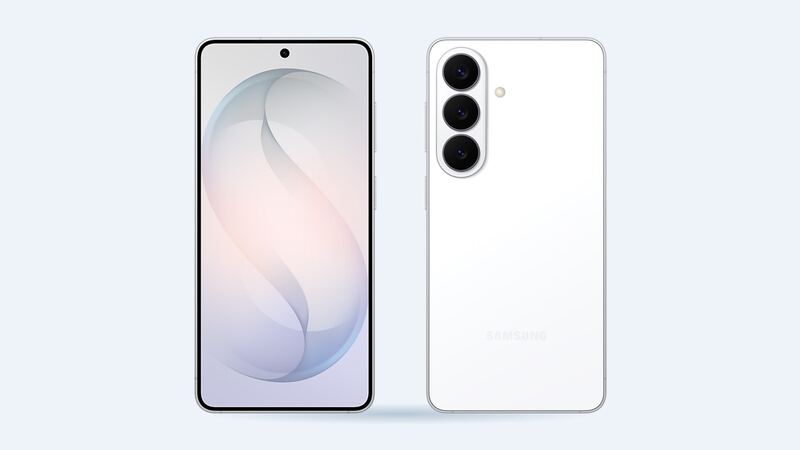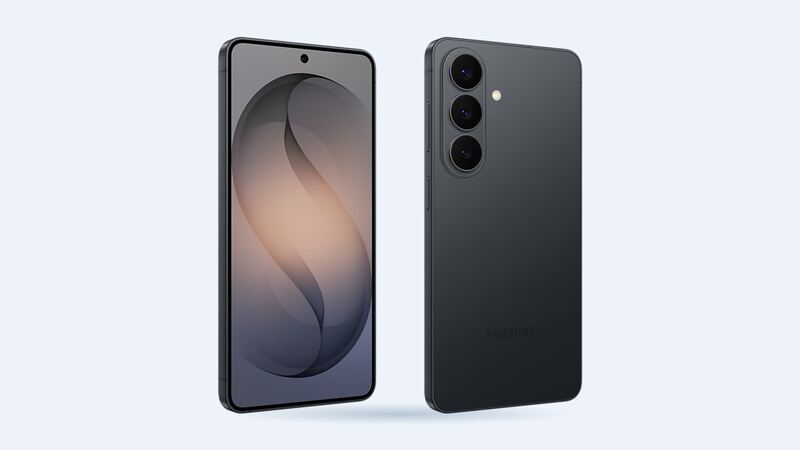
The S26 is the small one in the family, with a 6.3-inch screen. Smaller doesn't mean cheap to fix, but it is the least expensive S26 screen to replace, and Samsung publishes its price. That makes shopping around pretty simple.
What a Galaxy S26 screen repair costs
| Where | Price | What you get |
|---|---|---|
| Samsung (walk-in or mail-in) | $209 suggested price | Front screen replaced with a Samsung part |
| Samsung Care+ | $29 per claim | Plan required |
| Samsung Care+ with Theft and Loss | $0 per claim | Select areas, limitations apply |
| Batteries Plus | $229.99 estimate | Genuine Samsung part, 6-month warranty |
| uBreakiFix by Asurion | Quote after a free diagnostic | Authorized Samsung repair, 1-year limited warranty |
| Independent shop, genuine service-pack screen | About $225 to $269 (estimate) | $105 to $149 wholesale part plus about $120 labor |
| Independent shop, aftermarket OLED | About $212 to $214 (estimate) | $92 to $94 wholesale part plus about $120 labor |
Samsung says its prices may vary by region or authorized store and leave out taxes and fees. uBreakiFix will match a local competitor's published price and take off $5, so Samsung's public $209 is a handy number to bring along.
Genuine vs aftermarket: what you actually give up
Shops buy screens at wholesale repair-part prices and add labor. For the S26, a genuine Samsung service-pack screen costs a shop about $105 to $149, and an aftermarket OLED about $92 to $94. A standard screen job is roughly $120 in labor.
Look at that gap. On the S26, aftermarket saves you very little, maybe $10 to $50. And you give up a fair bit: aftermarket panels usually have weaker colors and brightness, and the in-display fingerprint reader can get unreliable. On this model, the genuine part is the easy call.
How to tell what's broken
- Glass cracked, display fine: still a full screen replacement, since the layers are bonded.
- Lines, flicker, dead pixels or a green cast: OLED damage, and it tends to spread.
- Touch stops working in a strip: back up your photos today.
- Only the protector cracked: peel it off before you book anything.
Easy things to try first
- Back up the phone before any repair.
- Force restart (hold side and volume down) if the screen went black after a drop.
- Check for Care+ in the Samsung Members app or your Samsung account. If you bought it, it's the cheapest route by far.
- Inspect the frame. Samsung's screen-only repair isn't allowed with a bent or broken frame or a swelling battery.
What to ask the shop
- Genuine Samsung screen or aftermarket OLED?
- Will they test the fingerprint sensor before you pay?
- How long is the warranty on parts and labor?
- Will the phone be resealed?
Buying a used S26
Screen swaps are common on used phones. Before you hand over cash, run a free IMEI check to confirm the model and lost-or-stolen status, then follow the guided steps for carrier lock, Google lock and replaced parts on the phone itself.
Is it worth fixing?
Yes. A $209 Samsung repair (or $29 with Care+) on a 2026 phone is a no-brainer. Skip the aftermarket screen here, since the savings are tiny.
More on the Galaxy S26 repair page. Cracked the back instead? See our Galaxy S26 back glass repair guide. Prices checked October 15, 2026.