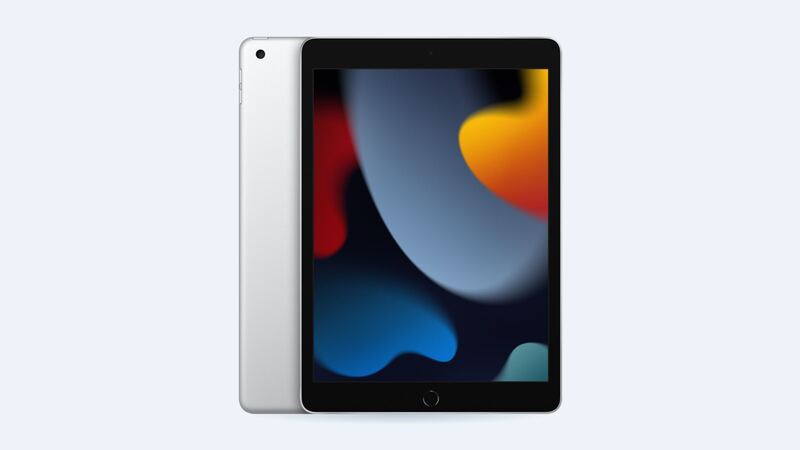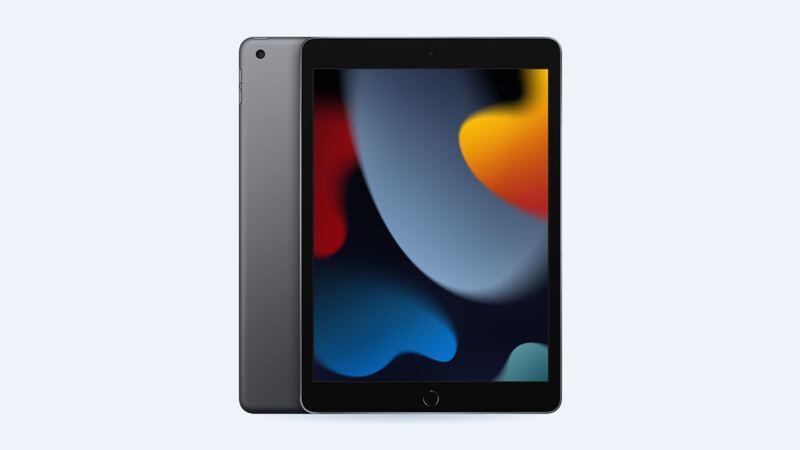
The iPad 9th gen (2021) is the classic school iPad: Home button, 10.2-inch screen, thick bezels, and a good chance it has already met the kitchen floor once. Apple stopped selling it on May 7, 2024, but a lot of them are still in backpacks. When the glass breaks, you have more choices than with most iPads.
What Apple charges
Apple doesn't list a separate screen price for this iPad. A crack is priced as "other damage," and Apple usually hands you a replacement unit instead of fixing yours.
| Repair | Apple price | With AppleCare+ |
|---|---|---|
| Cracked screen or other damage | $299 | $49 accidental damage fee |
| Battery service | $99 | $0 below 80% capacity |
| Front glass only (DIY part from iFixit) | $54.99 part | n/a |
That $299 gets you a working iPad with a warranty. It doesn't get you your exact iPad back, so back up first.
Why this one is cheaper to fix
The iPad Air and iPad Pro have a fully laminated display, meaning the glass, touch layer and screen are glued into one sandwich. Crack the glass and the whole display goes.
The 9th gen is built the old way. Apple's spec sheet for it doesn't list a laminated display, and there's a thin air gap between the touch glass and the LCD underneath. That's why iFixit sells the iPad 9 "screen digitizer" as front glass only. Their listing says plainly: the LCD and Home button are not included.
For you, that means a cracked-glass iPad with a perfect picture underneath is often a glass-only job.
How to tell what you need
Turn it on and look past the cracks.
- Picture looks normal and touch works: glass only. That's the cheap repair.
- Touch is dead or jumpy in spots: still usually the glass, since touch lives in the glass on this iPad.
- Black blots, colored lines or a white patch: the LCD is hurt too. You need glass and LCD, which costs more.
- Bent corner or bowed frame: a new glass may not sit flat. Ask the shop to check before they quote.
Easy things to do right now
- Back it up. Settings > your name > iCloud > iCloud Backup. If Apple swaps the unit, you restore onto the new one.
- Tape it. Clear packing tape or a cheap screen protector over the cracks keeps glass slivers out of little fingers.
- Check coverage. If you're still paying for AppleCare+ monthly, the fee is $49 instead of $299. Look it up at checkcoverage.apple.com.
Apple or a local shop?
Apple makes sense with AppleCare+, or if the iPad also has a weak battery or a bent frame. You're basically getting a fresh unit.
A good independent shop makes sense when only the glass is cracked and the picture is fine. Questions to ask:
- Are you replacing just the glass, or glass and LCD?
- Will you move my original Home button so Touch ID keeps working?
- What's the warranty, and does it cover touch problems?
- Is the new glass going on with proper adhesive, so it doesn't lift at the corners?
Is it worth fixing?
Usually, yes. This iPad still gets iPadOS 27, so it isn't a dead end yet. A glass-only repair at a shop is the sweet spot. Apple's $299 is harder to justify on a 2021 tablet unless you have AppleCare+, so compare that number with what a new basic iPad costs before you decide.
Battery tired too? Read our iPad 9th gen battery guide. All prices are on the iPad 9th generation page. Apple prices checked October 14, 2026.