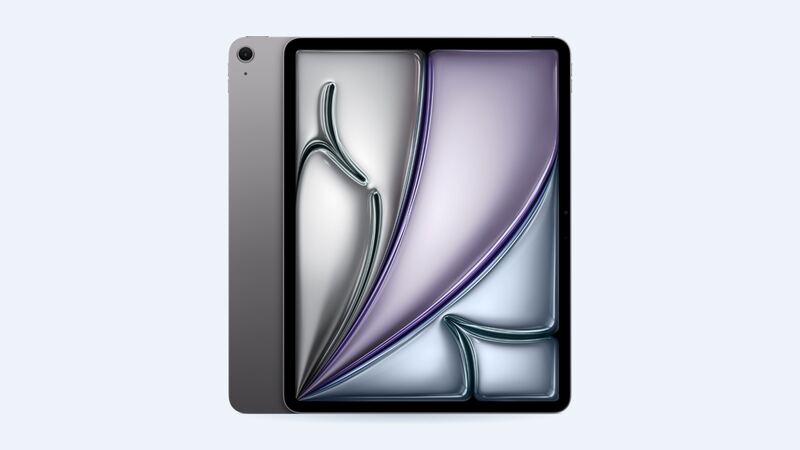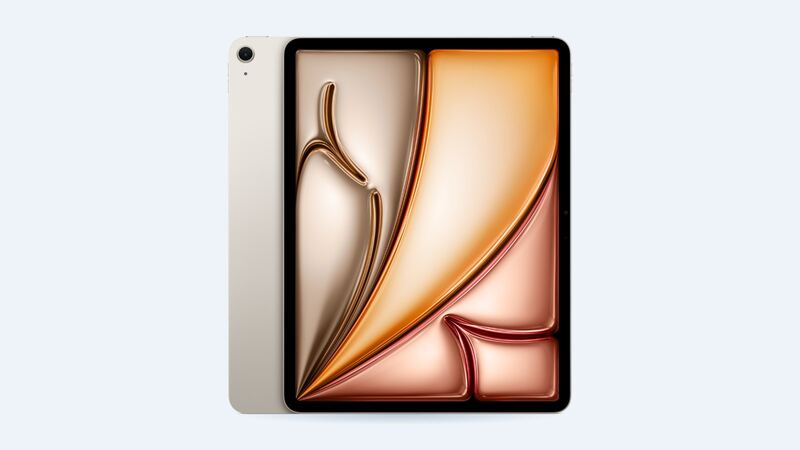
The 13-inch iPad Air was the first time you could get a big iPad screen without paying iPad Pro money. It's a great size for drawing, reading and splitting the screen. It's also a big flat target when it slides off the couch.
Here's what fixing it costs, what you're actually getting, and how to choose.
What Apple charges
| Repair at Apple | Wi-Fi | Wi-Fi + Cellular |
|---|---|---|
| Cracked screen or other damage | $679 | $729 |
| With AppleCare+, screen only | $29 | $29 |
| With AppleCare+, other damage | $99 | $99 |
| Battery service | $149 | $149 |
Apple doesn't separate "screen" from "other damage" for out-of-warranty iPads. You pay the same flat fee whether it's a single crack or a bent corner.
The $29 AppleCare+ fee is a nice perk. AppleInsider reported in May 2024 that Apple cut the screen-only fee to $29 for the new iPad Air and iPad Pro, the same as iPhones. Older iPads stayed at $49.
Why you can't just replace the glass
Some cheaper iPads have the touch glass and the display as separate layers, so a shop can swap just the glass. The 13-inch M2 iPad Air isn't one of them. Apple's tech specs list it as a fully laminated display, which means the glass, touch layer and LCD are bonded into one unit.
So crack the glass and the whole display assembly gets replaced. That's why even shop prices aren't pocket change.
When iFixit took this iPad apart in 2024, it gave it a 3 out of 10 for repairability and said adhesive is a big obstacle to getting the display off. That glue is part of what you're paying a tech to deal with.
What a repair shop charges
Fixstop, a repair chain, lists three grades for this exact model:
| Part grade | Shop price | What you get |
|---|---|---|
| Economy | $380 | Lower-grade part. Touch works, colors and brightness weaker |
| Premium | $380 | Better aftermarket part the shop recommends |
| Genuine | $800 | Original screen, full brightness and True Tone |
The shop lists the same price for Economy and Premium, so ask which part you're actually getting. Also note their genuine screen costs more than Apple's whole repair. If you want original parts, Apple is the cheaper route.
How bad is the damage?
- Crack, but picture and touch are fine: you can live with it for a while. A screen protector stops glass flakes and keeps the crack from catching dust.
- Lines, black spots or a bright patch: the LCD underneath is damaged. Plan on a repair.
- Touch is dead in one area: annoying and usually gets worse.
- Pencil skips or draws in the wrong spot: mention this to the shop so they test it after.
Questions to ask a shop
- Is this a genuine Apple screen, a premium aftermarket one, or economy?
- Will True Tone and Touch ID on the top button still work? (Touch ID lives in the top button, not the screen, so it should.)
- How long is the warranty, and does it cover touch problems that show up later?
- Do you charge a diagnostic fee if I decide not to fix it?
Is it worth fixing?
With AppleCare+, definitely. $29 is the easy call.
Without it, a shop repair in the $380 range usually makes sense on a tablet this new and this big. Apple's $679 makes the most sense if you want a genuine screen and Apple's warranty, or if the iPad has other problems too, since Apple often swaps the whole unit.
If the battery is starting to fade too, check our iPad Air 13-inch (M2) battery guide.
All Apple prices are on the iPad Air 13-inch (M2) page. Prices checked October 14, 2026.