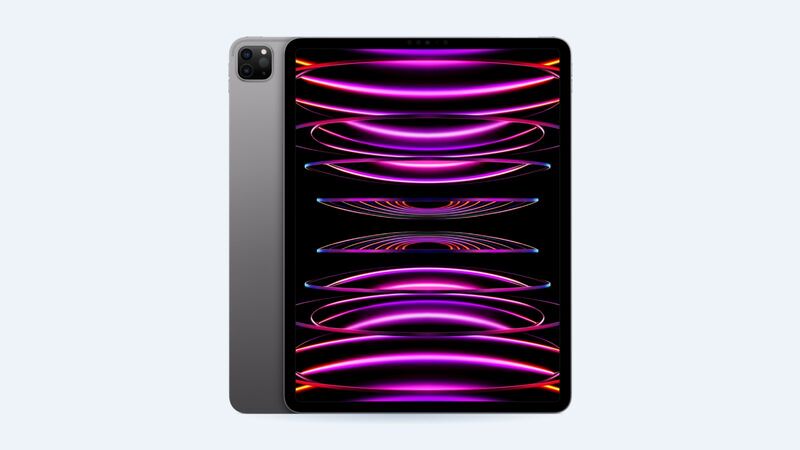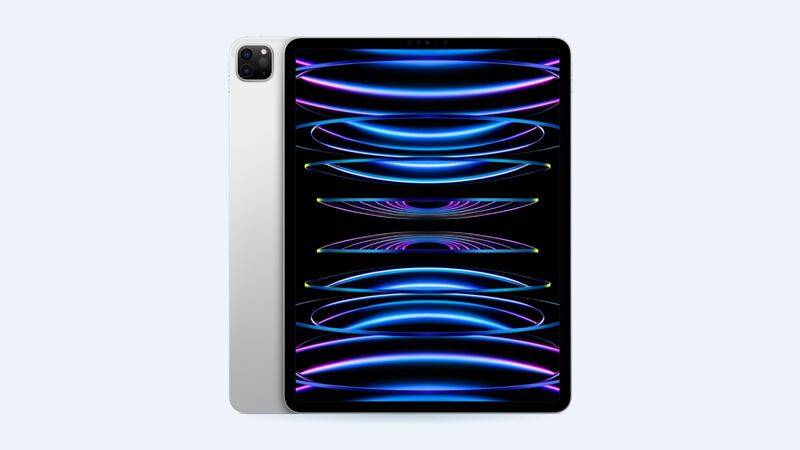
The 6th-gen 12.9-inch iPad Pro is the 2022 model with the M2 chip and Apple Pencil hover. It's the last 12.9-inch iPad Pro before Apple moved to the 13-inch M4 with OLED. To check you have this one, look for model A2436, A2437, A2764 or A2766 on the back or in Settings > General > About.
What it costs
| Option | Price | Notes |
|---|---|---|
| Apple, Wi-Fi | $829 | Apple XDR display, Apple warranty |
| Apple, Wi-Fi + Cellular | $879 | |
| Apple with AppleCare+ | $29 | Screen damage fee |
| Shop premium (FixStop) | $320 | Aftermarket panel |
| Shop economy (FixStop) | $320 | Lower grade, usually LCD |
| Shop genuine (FixStop) | $500 | Original part |
Same as the 5th gen, the shop example lists economy and premium at the same price. Call and ask what panel each one actually is.
Why the screen is such a big deal on this iPad
Apple's tech specs list a 12.9-inch Liquid Retina XDR display with 2,596 full-array local dimming zones, 1,000 nits full-screen XDR brightness and 1,600 nits peak for HDR. That mini-LED backlight is what makes HDR video and photos pop. Most aftermarket replacements won't recreate it. They'll work, but blacks, brightness and HDR will take a hit.
If you edit photos or video on this iPad, stick with a genuine panel (Apple at $829 or a shop genuine part at $500). If it's mostly for notes and Netflix, a cheaper panel may be fine.
Rule out "normal" display quirks
Apple says mini-LED local dimming can show slight blur or color shifts while scrolling against black backgrounds, and a faint glow around bright objects on black is a known trait of this kind of backlight. Those aren't damage, and a new screen won't fix them.
Real damage: cracked glass, lines, dead touch spots, or dark patches that stay put no matter what's on the screen.
Keep Face ID, True Tone and Pencil hover
On the very similar 2021 model, iFixit warns that you lose Face ID and True Tone if the top sensor assembly isn't transferred to the new screen. Expect the same care to be needed here. Also make sure the shop tests Apple Pencil hover, which is a big reason people bought the M2 model.
DIY? Better to leave this one to a pro
The 12.9-inch screen is large, thin and bonded with adhesive all the way around. iFixit's guide for the previous generation runs 44 steps, with pick depths as tight as 1 to 2 mm and a warning that the screen is very fragile. You also need to fully drain the battery first. One wrong move and you buy a second screen.
What to ask a shop
- "Is this a genuine mini-LED XDR panel or an aftermarket LCD?"
- "Will you transfer the sensor assembly so Face ID and True Tone work?"
- "Will you test ProMotion, Pencil hover and touch before I leave?"
- "What warranty do I get?" FixStop lists 90 days for parts and labor.
- "Can I get the part grade written on my receipt?"
Before you drop it off
- Back it up. iCloud or a computer, every time. Repairs sometimes end with a replacement unit or a wiped iPad.
- Write down your passcode situation. Some shops ask for it to test touch and Face ID afterward. If you'd rather not share it, ask how they'll test.
- Pull off the case and screen protector so damage is easy to see and quote.
- Bring your Apple Pencil so you can test it on the spot before you pay.
- Get the quote in writing, including the part grade and warranty length.
Is it worth fixing?
Usually yes. An M2 12.9-inch iPad Pro is still very capable, and even $829 is less than a new 13-inch iPad Pro. If you have AppleCare+, it's an easy $29. If the battery is also weak, Apple's battery service for this model is $179; see the 12.9 6th gen battery guide.
Every price for this model is on the iPad Pro 12.9-inch (6th generation) page. Apple prices checked October 14, 2026.