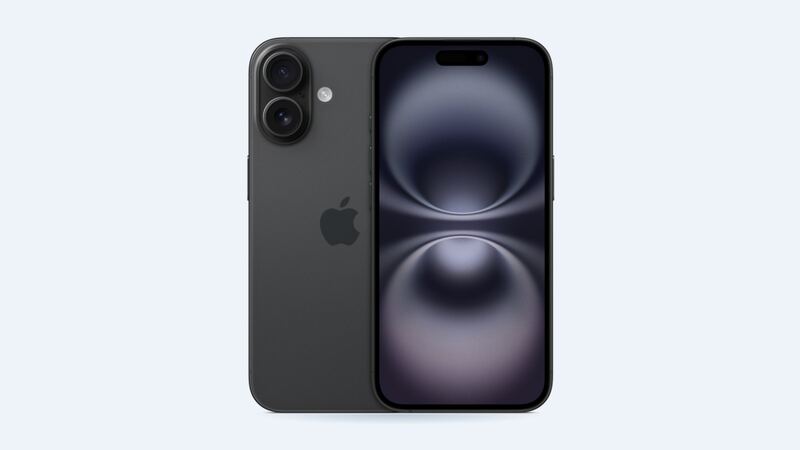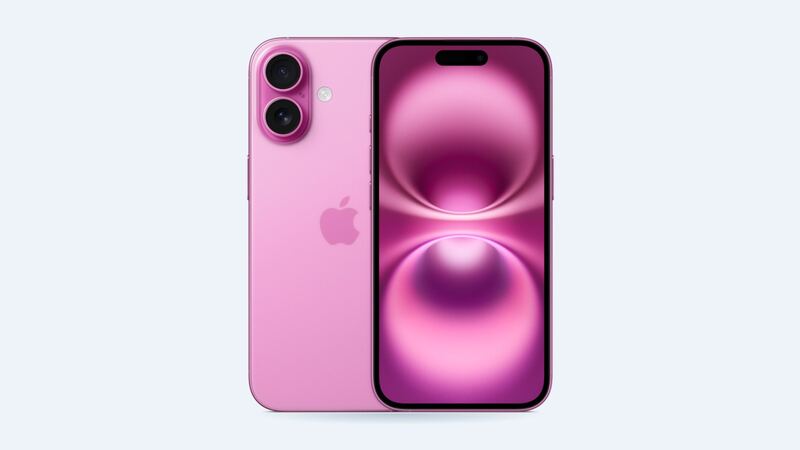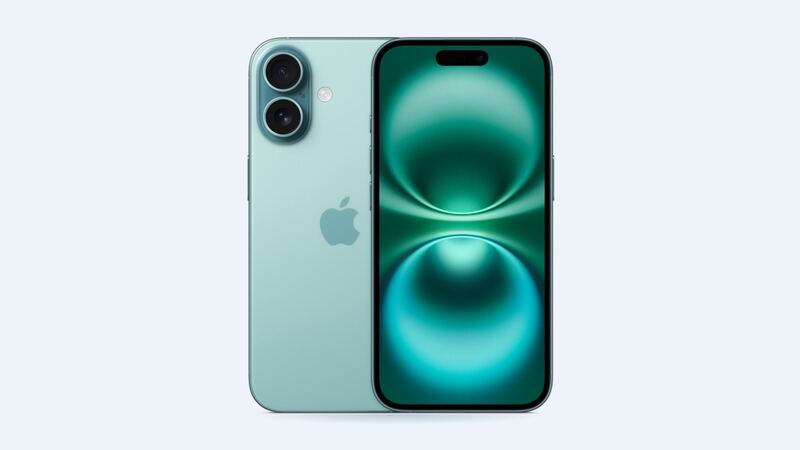
The iPhone 16 launched in 2024, so a typical one has two years of nightly charging behind it. Batteries are chemical, and they wear out no matter how nice you are to them. The question isn't whether yours is aging. It's whether it has aged enough to be worth $99.
Step 1: Check what the phone says
Go to Settings > Battery > Battery Health. The number that matters is Maximum Capacity, which compares what your battery holds now to when it was new.
| What you see | What it means | What to do |
|---|---|---|
| 90% or higher | Battery is healthy | Look for a drain (Step 2) |
| 80% – 89% | Normal aging | Fine for most people. Replace if it bugs you |
| Under 80% | Worn out | Replacement will make a real difference |
| A message about service or a degraded battery | Apple thinks it's worn | Replace it |
Apple says a battery message about significant degradation "doesn't indicate a safety issue." It just means the battery can't keep up the way it used to.
Step 2: If health is fine, find the real drain
- Look at the battery chart. Settings > Battery lists which apps used the most power. If one app ate 40% of your day, that's your answer, not the battery.
- Brightness. A bright screen is the biggest power hog on any phone. Turn on Auto-Brightness.
- Background App Refresh. Turn it off for apps that don't need it in Settings > General > Background App Refresh.
- Bad signal. A phone hunting for one bar works hard. In a dead zone, Wi-Fi calling helps.
- Fresh iOS update. The phone often re-indexes photos and files for a day or two after an update. Give it 48 hours before judging.
- Hot car, hot pocket. Heat drains batteries faster and ages them faster. Don't leave the phone on the dashboard.
Step 3: Turn on the charge limit (optional)
On iPhone 15 models and later, Apple lets you set a charge limit between 80% and 100% in 5% steps. Find it in Settings > Battery > Charging. If you're usually near a charger, an 80% limit means less time sitting full, which is easier on the battery long term. The phone still goes to 100% once in a while to keep its estimates accurate. That's normal.
What a battery replacement costs
| Where | Price | Notes |
|---|---|---|
| Apple (store or mail-in) | $99 | Genuine battery. Tax may apply |
| Apple with AppleCare+ | $0 | Only when health is under 80% |
| Apple Authorized Service Provider | Sets its own price | Ask for a quote |
| Independent shop | $69 – $109 | Battery quality varies a lot |
Apple's standard one-year warranty doesn't cover batteries that wear down from normal use. AppleCare+ does, once capacity falls below 80%.
Why the iPhone 16 battery is easier to swap
Here's a fun one. The iPhone 16 (and 16 Plus) uses a new kind of adhesive under the battery that lets go when you run a small electric current through it. In iFixit's teardown, a 9V battery and a couple of clips released it in up to about 90 seconds. Older iPhones used stretchy pull tabs that love to snap halfway out.
For you, that mostly means less risk of a tech bending or puncturing the battery during a swap. It doesn't make it a casual kitchen-table project. You still have to open a glued phone.
Genuine battery or a shop battery?
A non-Apple battery can show as an Unknown Part in Settings > General > About, and Apple says the battery health readings may not be accurate. That can hurt trade-in value. With a genuine battery from a shop, the phone may ask you to Finish Repair in Parts & Service History so it can calibrate.
Questions to ask a shop first
- Is the battery a genuine Apple part or aftermarket?
- Will Battery Health show a normal reading afterward?
- How long is the warranty on the battery?
- Is the price the total, with tax?
Is it worth it?
If your iPhone 16 is under 80% and otherwise in good shape, yes, all day. $99 gets you something close to new-phone battery life on a phone that still has years of updates ahead. If health is above 85% and you're still unhappy, fix the settings above first. You might not need a battery at all.
Cracked the screen too? Here's our iPhone 16 screen replacement cost guide. All prices are on the iPhone 16 repair page.
Apple prices checked October 14, 2026. Shop prices are typical US ranges.