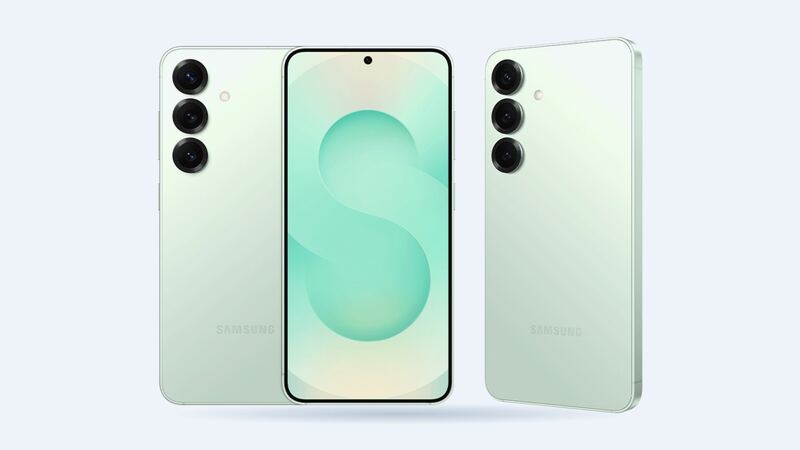
The S25 has a 4,000mAh battery. That's on the small side for a flagship, so you'll feel it sooner when it starts to wear. If your S25 used to make it to bedtime and now begs for a charger at 4 p.m., here's what to do.
What a new battery costs
| Option | Cost | Notes |
|---|---|---|
| Samsung Care+ | Included (service fees may apply) | Only at 79% or less capacity on Samsung's diagnostic |
| Samsung or authorized shop (uBreakiFix by Asurion) | Quote in store | Free diagnostics, 1-year limited warranty at uBreakiFix |
| Independent shop | About $90 to $150 | $32 wholesale part plus about $60 labor, more if the shop marks up the part |
| DIY | $32.99 battery at iFixit | Plus tools and new back adhesive |
Shop numbers come from wholesale repair-part prices plus typical labor for a simple battery job. Samsung's own repair page lists screen prices for the S25 but no battery price, so call or book a free diagnostic to get Samsung's number.
First, test the battery
Don't guess. Samsung builds a battery test right into the phone.
- Open the Samsung Members app.
- Tap Support, then Phone diagnostics, then Battery status.
- Read the result: Normal means no issues, Weak means the battery has lost some efficiency, and Bad means it has degraded a lot and it's time for a new one.
Things that look like a bad battery (but aren't)
- A runaway app. Settings > Battery shows what's using power. One misbehaving app can eat 30% a day.
- A dirty or worn charging port. If it charges slowly or only at certain angles, the port may be the issue. A charging port is a cheap part ($9 to $12 wholesale) and a simple job.
- A bad cable or charger. Try another one before spending money.
- A fresh software update. Phones often run hot and drain faster for a day or two while they re-index.
Should you do it yourself?
iFixit sells an S25 battery (model EB-BS931ABY) for $32.99. The catch is getting in. The S25 is IP68 rated, which means the back is sealed with adhesive. You'll need heat, pry tools, new adhesive and steady hands, and a slip can crack the back glass or nick the battery. If you've never opened a phone, a $60 labor charge is cheap insurance.
What to ask the shop
- Is the battery genuine Samsung or third party?
- What's the total, including labor and new adhesive?
- Will you reseal the back so it stays water resistant?
- How long is the warranty?
Make the new battery last
- Turn on battery protection in your battery settings so the phone stops short of a full charge.
- Keep it out of hot cars and off the dashboard.
- Use a decent charger. The S25 supports 25W wired and 15W wireless charging, so you don't need anything exotic.
Signs it's really time
- Samsung Members reports Weak or Bad and the free fixes didn't change anything.
- The phone shuts down at 15% or 20% instead of running to zero.
- It gets warm doing nothing, or charging seems to stall.
- You need a top-up by mid-afternoon on a normal day.
What happens at the appointment
A good shop tests the battery first, then quotes. Expect them to ask whether you want the back resealed with fresh adhesive (say yes) and to test charging, wireless charging and the cameras before handing the phone back. If you're going through Samsung Care+, the diagnostic result decides coverage, so bring the phone charged above 20% so the test runs cleanly. Keep your receipt; the shop's warranty is your safety net if the new battery acts up.
Is it worth it?
Almost always. A battery swap costs a fraction of a new phone, and the S25 is still a current, fast phone. If the screen is also cracked, see our Galaxy S25 screen replacement guide and ask the shop to bundle both jobs. All S25 repair prices are on the Galaxy S25 page.
Prices checked October 15, 2026.