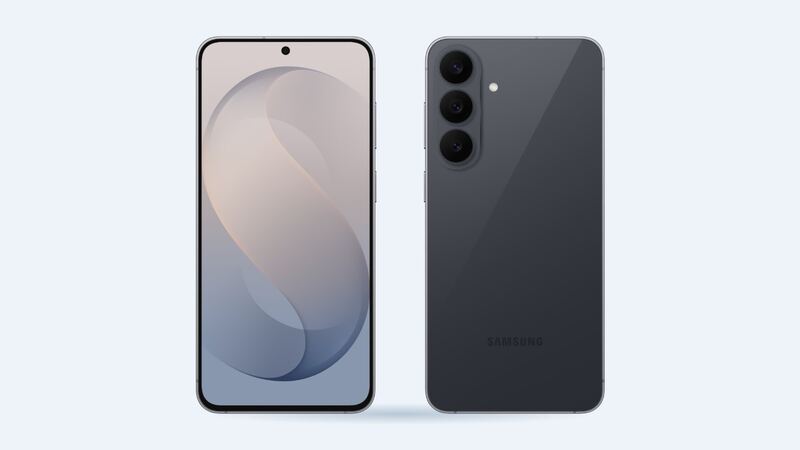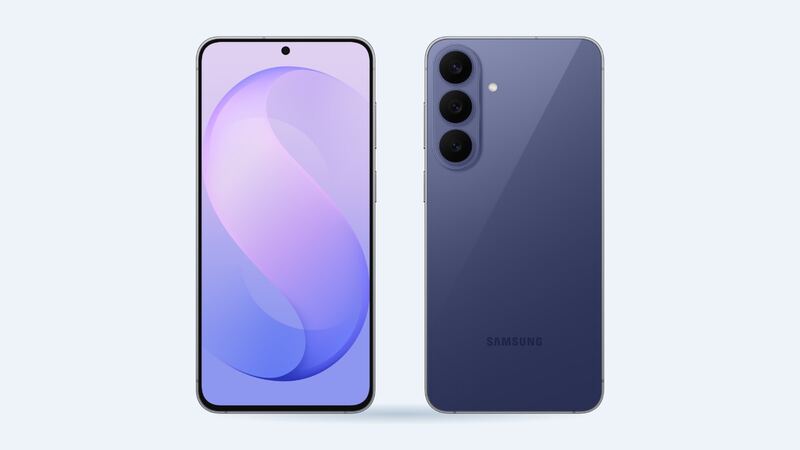
The S26 FE is Samsung's budget-ish flagship. It went on sale September 4, 2026 at $699 in the US, with a 6.7-inch AMOLED screen covered by Gorilla Glass Victus+. It's a good phone to own because Samsung prices FE screen repairs low. The S25 FE is $109 and the S24 FE is $99 on the same price list, so $119 is right in line.
What a screen repair costs
| Where | What you get | Price |
|---|---|---|
| Samsung walk-in screen repair | Genuine screen, certified tech, 90-day repair warranty | $119 |
| Samsung Care+ claim | Genuine screen | $29 |
| Samsung Care+ with Theft and Loss | Genuine screen | $0 |
| Independent shop, genuine screen | About $52 part plus about $120 labor | Around $170 |
| uBreakiFix (authorized) | Genuine parts, 1-year warranty, price match | Quote after free diagnostic |
| DIY | Part only, no warranty on your work | About $52 wholesale |
Samsung's figure is a suggested price. Its page says it can vary by region or store and doesn't include taxes and fees. Samsung's screen-only repair also requires that the phone has no bent or broken frame, no swollen battery and no other hardware problems found during inspection. If those turn up, the quote goes up.
Genuine vs aftermarket screens
Shops can use a genuine Samsung service-pack screen or a cheaper aftermarket OLED. Aftermarket panels save money up front, but they often have worse color and brightness, and the in-display fingerprint sensor can get flaky or stop reading. On an FE, where Samsung's genuine repair is only $119, there's not much reason to gamble on an aftermarket panel. If a shop quotes way under $119, ask which kind of screen it is.
Is it the screen, or something else?
- Cracked glass but everything works: straightforward screen repair.
- Green or black lines, dead spots, or a black screen with sound still playing: the OLED panel is damaged, still a screen repair.
- Touch works in some spots and not others: usually the screen, but a quick restart is worth a try first.
- Screen lifting off the frame: this can mean a swollen battery underneath. Stop using it and get it checked. That's not a simple screen job.
Easy things to try first
- Restart and update. A frozen or glitchy display after an update sometimes needs nothing more.
- Remove the screen protector. A cracked protector can look like a cracked screen. Peel a corner and check.
- Back up now. If the screen is going, it can go fully black without warning. Use Smart Switch or Samsung Cloud while you can still unlock the phone.
Warranty
Samsung's standard one-year warranty doesn't cover drops. It does cover a screen that fails on its own, like lines appearing without any impact. If your S26 FE is only a few weeks old and the display starts acting up with no damage, ask for a warranty repair rather than paying $119.
Care+ can be bought with the phone or within one year at Samsung's site or a Samsung Experience Store, and Samsung says Care+ repairs use genuine parts and certified technicians.
What to ask the shop
- Is this a genuine Samsung screen or aftermarket OLED?
- Will the fingerprint sensor be tested before I leave?
- Is the phone's water resistance resealed? (The S26 FE is IP68 from the factory.)
- How long is the repair warranty?
Is it worth fixing?
Yes. At $119 on a phone that cost $699 a few weeks ago, fixing it is the obvious move. Even out of warranty years from now, an FE screen at Samsung's price is cheap compared with a new phone. Check the Galaxy S26 FE repair page for other fixes, and our S26 FE battery guide if battery life is also slipping.
Prices checked October 15, 2026.