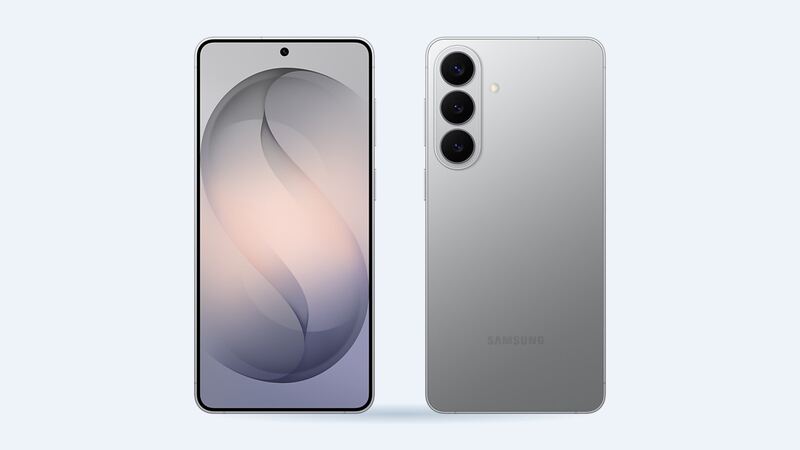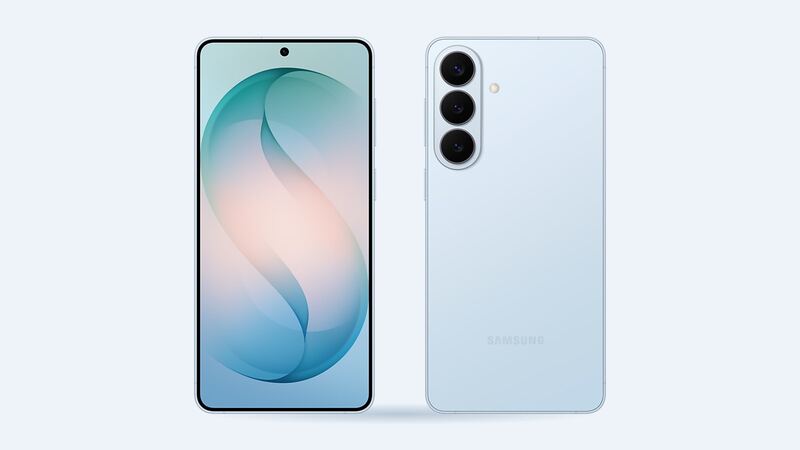
The S26+ has a 4,900 mAh battery with up to 45W wired and 20W wireless charging. That's a big tank. But every lithium battery loses capacity over time, especially with lots of fast charging and heat. When the phone starts begging for a charger by mid-afternoon, here's what to know.
What it costs
| Where | Price | Notes |
|---|---|---|
| Samsung (out of warranty) | Not published in the US | Get a quote from Samsung Support or a walk-in center |
| Samsung Care+ | Included at 79% or less | Unlimited battery replacements; service fees may apply |
| Samsung 1-year warranty | $0 for a defect | Normal wear isn't covered as a defect |
| Batteries Plus | $79.99 estimate | Genuine Samsung battery, 6-month warranty |
| uBreakiFix by Asurion | Quote after a free diagnostic | Authorized Samsung provider, 1-year limited warranty |
| Independent shop | About $70 (estimate) | About $10 wholesale battery plus about $60 labor |
That's one of the cheapest repairs you'll ever do on a flagship phone. The battery part is cheap; you're mostly paying for someone to open the back and reseal it properly.
Check your battery health first
Samsung's built-in test lives in the Samsung Members app:
- Open Samsung Members and tap the Support tab.
- Under Phone diagnostics, tap Get started.
- Tap Battery status when the test finishes.
The result is Normal, Weak or Bad. Samsung says Bad means battery life has significantly degraded and you should visit a service center. Weak means it's slipping. Normal means look elsewhere for your drain.
Battery problem or app problem?
- Probably the battery: sudden shutdowns at 15% to 20%, shutdowns in cold weather, fast drain even on standby, or a phone that's noticeably shorter-lived than a year ago.
- Probably software: drain that started right after an update or a new app. Check Settings > Battery for the culprit, update your apps and restart.
- Urgent: a back panel that's lifting or a screen that's bulging. That's swelling.
DIY: possible, not painless
Teardowns of the S26 family have been kind to the battery. PBKreviews gave the base S26 a 9 out of 10 repairability score, with top marks for how easily the battery comes out. The hard part on these phones is getting the back glass off with heat and a pick without cracking it, then resealing the phone so it keeps its water resistance.
If you've done this before, go for it with a genuine part. If not, the $70 to $80 shop price is cheap insurance against a cracked back panel.
What to ask the shop
- Is it a genuine Samsung battery?
- Do they replace the back adhesive so the seal is restored?
- What warranty comes with it?
- Can they show the Samsung Members battery result after the swap?
Buying a used S26+
A tired battery is the most common hidden cost on a used phone. Run a free IMEI check before you buy to confirm the model and lost-or-stolen status, then use its guided steps to check battery health and replaced parts on the phone.
Is it worth it?
Absolutely. Roughly $70 to $80 for a phone that lasts all day again is a great deal. If you have Care+, wait until the diagnostic shows 79% or less and file a claim instead. And if the phone is still inside its first year and the battery is failing early, ask Samsung whether it qualifies as a defect under the standard warranty.
See all repairs on the Galaxy S26+ repair page. Cracked the screen too? Check our S26+ screen replacement cost guide. Prices checked October 15, 2026.