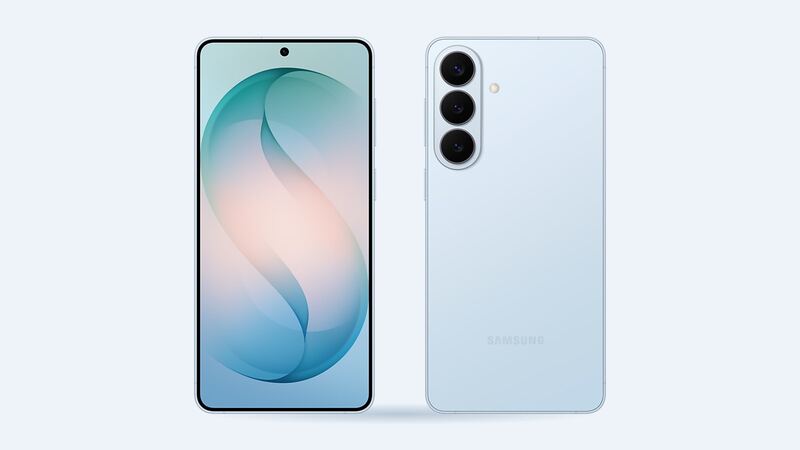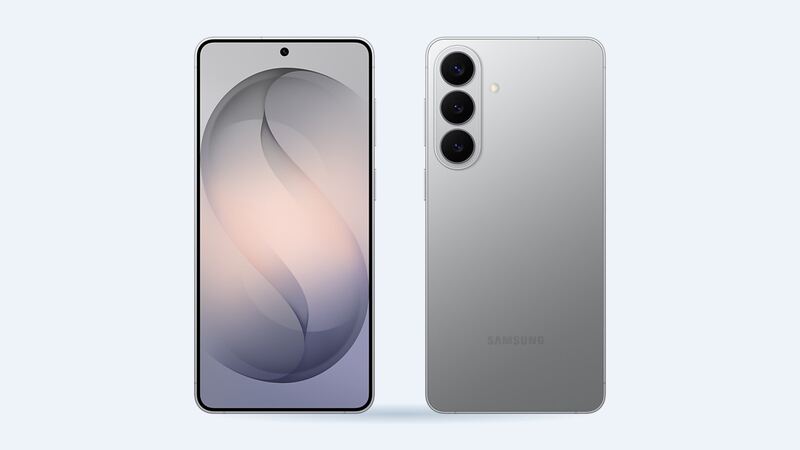
The S26+ sits in the sweet spot of Samsung's lineup: big screen, no S Pen, no Ultra price tag. When that big screen cracks, though, the bill is not tiny. The upside is that Samsung publishes its own price, which gives you a firm number to compare every other quote against.
What an S26+ screen repair costs
| Where | Price | What you get |
|---|---|---|
| Samsung (walk-in or mail-in) | $229 suggested price | Front screen replaced with a Samsung part |
| Samsung Care+ | $29 per claim | Plan required |
| Samsung Care+ with Theft and Loss | $0 per claim | Select areas, limitations apply |
| Batteries Plus | $299.99 estimate | Genuine Samsung part, 6-month warranty |
| uBreakiFix by Asurion | Quote after a free diagnostic | Authorized Samsung repair, 1-year limited warranty |
| Independent shop, genuine service-pack screen | About $266 to $339 (estimate) | $146 to $219 wholesale part plus about $120 labor |
| Independent shop, aftermarket OLED | About $225 to $238 (estimate) | $105 to $118 wholesale part plus about $120 labor |
Samsung notes that prices can vary by region and authorized store and don't include taxes and fees. uBreakiFix doesn't post a price, but it will match a local competitor's published price and take $5 off. Since Samsung's own number is public, that's worth mentioning at the counter.
Genuine Samsung screen or aftermarket OLED?
Here's how shop pricing works. A shop buys the screen at a wholesale repair-part price, then adds labor. For the S26+, a genuine Samsung service-pack screen runs about $146 to $219 wholesale, while an aftermarket OLED runs about $105 to $118. A standard screen job adds roughly $120 in labor.
So the aftermarket option saves you some money. The trade-off: aftermarket panels tend to have duller colors and lower brightness, and the under-screen fingerprint sensor can act up. If you unlock with your thumb fifty times a day, that gets old fast. Honestly, once you see that a genuine-part shop job costs more than Samsung's own $229, Samsung is the obvious first call.
How to tell what's broken
- Cracked glass, normal picture: glass and display are bonded, so you still replace the full screen.
- Lines, flicker, green tint or black spots: the OLED is damaged and usually gets worse.
- Touch not responding in spots: back up now, before it gets harder to unlock.
- Just the protector cracked: peel it and check. Best kind of repair is the one you don't need.
Easy things to do first
- Back up everything. No repair shop guarantees your data.
- Check for Care+. Samsung lets you add it within 60 days of purchase. If you're inside that window and haven't cracked it yet, it's worth a thought.
- Force a restart (hold side and volume down) if the screen went black after a drop. Sometimes the panel is fine.
- Look for a bent frame. Samsung's screen-only repair isn't allowed with a bent or broken frame or a swelling battery, which means a bigger quote.
What to ask before you pay
- Genuine Samsung screen or aftermarket?
- Does the fingerprint sensor get recalibrated and tested before you leave?
- What's the warranty, and does it cover the part and labor?
- Is the phone resealed with new adhesive?
Buying a used S26+
A replaced screen is common on used phones, and it isn't a deal breaker if it's a good one. Run a free IMEI check before you pay to confirm the model and lost-or-stolen status, then follow the guided steps on the phone for carrier lock, Google lock and replaced parts.
Is it worth fixing?
Yes. The S26+ is a 2026 phone, and $229 at Samsung (or $29 with Care+) is a small fraction of replacing it. Go aftermarket only if you're planning to sell the phone soon and every dollar counts, and know the screen won't look quite as good.
More help is on the Galaxy S26+ repair page. Battery slipping too? Read our S26+ battery replacement guide. Prices checked October 15, 2026.