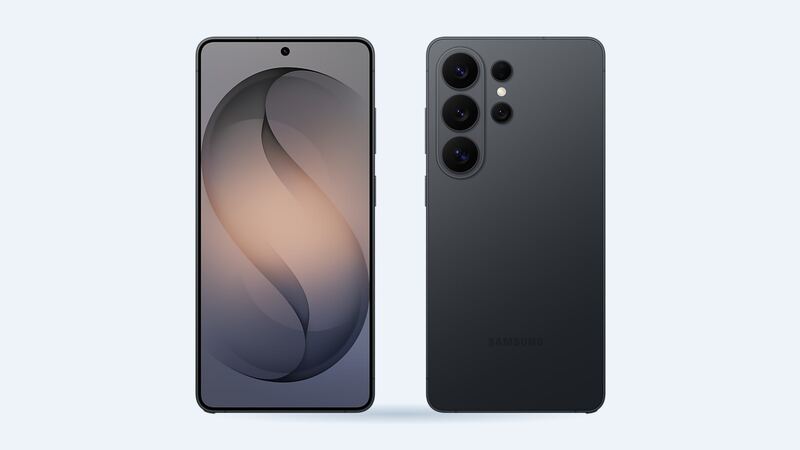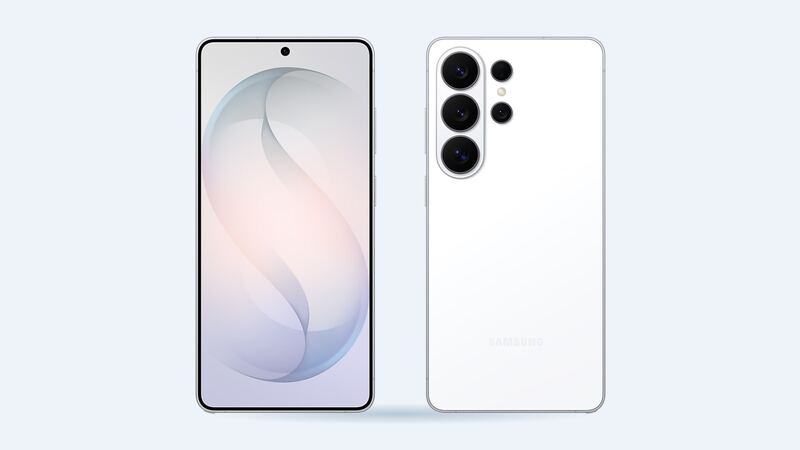
The S26 Ultra packs a 5,000 mAh battery with up to 60W wired and 25W wireless charging. That's plenty for a full day when it's new. After a couple of years of fast charging and heat, though, every lithium battery fades. Here's how to tell if yours is done and what a fix looks like.
What a battery swap costs
| Where | Price | Notes |
|---|---|---|
| Samsung (out of warranty) | Not published in the US | Get a quote through Samsung Support or a Samsung walk-in center |
| Samsung Care+ | Included at 79% or less capacity | Unlimited battery replacements; service fees may apply |
| Samsung 1-year warranty | $0 if it's a defect | Normal wear isn't the same as a defect |
| uBreakiFix by Asurion | Quote after a free diagnostic | Authorized Samsung provider, genuine parts, 1-year limited warranty |
| Batteries Plus | No S26 Ultra listing found | Lists $79.99 for the S26 and S26+ batteries |
| DIY | No official S26 Ultra battery sold yet | Easy pull, but you have to get the back glass off first |
For a sense of how cheap the part itself is, Samsung India's official price for the S26 Ultra battery was reported at Rs 3,030. That's a small fraction of what the phone costs, which is why a battery swap is one of the best-value repairs you can do.
How to check your S26 Ultra battery health
Samsung builds a battery test into the Samsung Members app:
- Open Samsung Members and go to the Support tab.
- Under Phone diagnostics, tap Get started.
- When it finishes, tap Battery status.
You'll see Normal, Weak or Bad. Samsung says Weak means efficiency has dropped from long-term use or conditions, and Bad means battery life has significantly degraded and it's time to visit a service center. Menu names can shift a little between software versions.
Signs it's the battery (and not an app)
- The phone dies at 15% or 20%, or shuts off in the cold.
- It drains fast even when you're barely using it.
- It gets warm while sitting idle.
- The back glass or screen looks pushed up. That's swelling, and it's urgent.
Before blaming the battery, check Settings > Battery for one app eating power. A misbehaving app after an update can drain a healthy battery in hours. A restart and an app update often fix that for free.
Can you replace it yourself?
This is the rare flagship where the battery itself is the easy part. iFixit says Samsung used an adhesive jacket you peel up by hand on four sides, and called it one of the nicer adhesive systems in a mainstream phone. The catch is getting in. The back glass needs heat and a pick around the edge, with care near the cameras. And right now there's no official S26 Ultra battery on Samsung's self-repair program, which lists the Galaxy S25 series as its newest phones.
If you're handy and can find a genuine part, it's doable. If not, a shop job keeps your water seal and warranty cleaner.
What to ask the shop
- Is it a genuine Samsung battery?
- Will they reseal the back with new adhesive?
- What's the warranty on the battery and the labor?
- Will Samsung Members show the battery as Normal afterward?
Buying a used S26 Ultra
Battery wear is the hidden cost on a used phone. Run a free IMEI check first to confirm the model and lost-or-stolen status, then follow its guided steps to check battery health and replaced parts on the phone itself.
Is it worth replacing?
Yes. A fresh battery makes a two-year-old Ultra feel new again, and the part is cheap. If you have Care+, wait until diagnostics show 79% or less and file the claim. If you don't, get two written quotes and pick the one with genuine parts and the longer warranty.
Find more on the Galaxy S26 Ultra repair page. Cracked screen as well? See our S26 Ultra screen repair cost guide. Prices checked October 15, 2026.