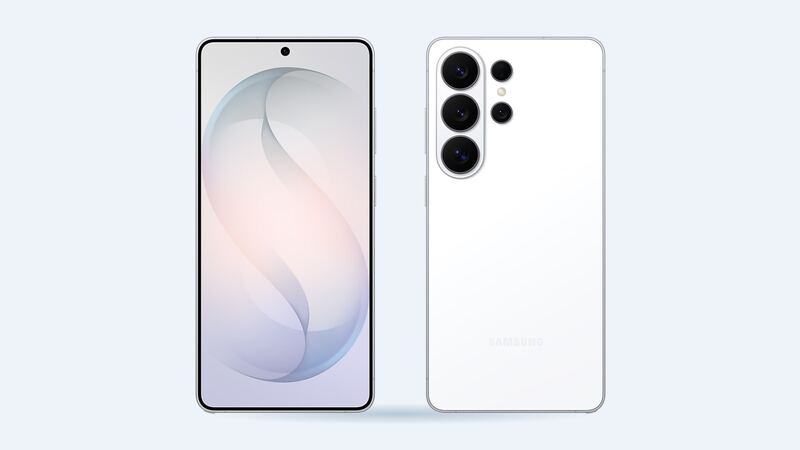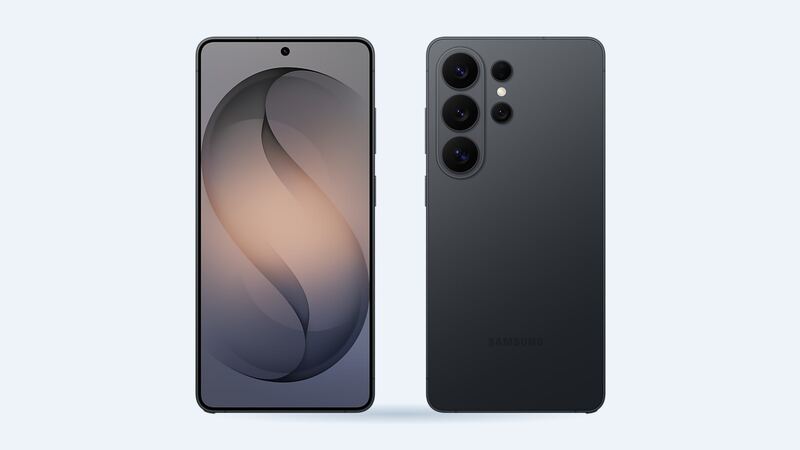
The S26 Ultra has a gorgeous screen. It's also the most expensive single part on the phone to break, and the hardest to swap. The good news is that Samsung publishes its own price, so you can walk into any shop already knowing the number to beat.
What an S26 Ultra screen repair costs
| Where | Price | What you get |
|---|---|---|
| Samsung (walk-in or mail-in) | $289 suggested price | Front screen replaced with a Samsung part |
| Samsung Care+ | $29 per claim | Same repair, plan required |
| Samsung Care+ with Theft and Loss | $0 per claim | Select areas, limitations apply |
| Batteries Plus | $399.99 estimate | Genuine Samsung part, 6-month warranty |
| uBreakiFix by Asurion | Quote after a free diagnostic | Authorized Samsung repair, 1-year limited warranty |
| Independent shop, genuine Samsung service-pack screen | About $348 to $393 (estimate) | $198 to $243 wholesale part plus about $150 labor |
| Independent shop, aftermarket OLED | About $267 (estimate) | $117 wholesale part plus about $150 labor |
| DIY | No official S26 Ultra parts listed yet | High risk of breaking the new panel |
Genuine screen or aftermarket OLED?
Independent shops buy screens at wholesale repair-part prices, then add labor. For the S26 Ultra, a genuine Samsung service-pack screen runs about $198 to $243 wholesale, and an aftermarket OLED about $117. Because the Ultra screen is a hard job, figure roughly $150 in labor on top. That puts a typical shop bill at roughly $270 to $390 depending on which part you pick.
The aftermarket panel is the cheaper option, but there's a catch. Colors and brightness usually don't match the original, and the under-screen fingerprint sensor can get flaky. On a phone with a screen this good, most people will be happier with the genuine part, and at that point Samsung's own $289 is hard to beat.
Samsung's price list says the numbers can vary by region or authorized store, and they don't include taxes and fees. uBreakiFix doesn't post a number online, but it does promise to match a local competitor's published price and knock off another $5. So bring Samsung's $289 with you.
Why this screen is so hard to replace
iFixit tore down the S26 Ultra and gave it a provisional 5 out of 10 for repairability. The battery got praise. The screen did not. When they tried to lift the display, the layers separated before the panel came free, and they broke a privacy display screen while reaching for the selfie camera. Their summary was basically: great battery pull, brutal screen repair.
iFixit also noted that Samsung tends to sell the screen as a full-frame assembly, often with a battery already attached. That's part of why third-party screen prices run higher than you'd expect for "just glass."
How to tell what's actually broken
- Cracked glass, picture looks normal: the outer glass took the hit. You still need the whole screen assembly, since the glass and display are bonded.
- Lines, black blobs, green or pink tint: the OLED panel underneath is damaged. Don't wait on this one; it usually spreads.
- Touch dead zones or ghost taps: the touch layer is hurt. This can make the phone hard to unlock, so back it up now.
- Only the screen protector is cracked: peel it off first. A lot of "broken screens" turn out to be a cheap protector doing its job.
Easy things to do before you book a repair
- Back up the phone. Samsung and most shops won't promise your data survives a repair.
- Check if you have Samsung Care+. If you bought it, the $29 (or $0) claim beats every other option. Samsung lets you add Care+ within 60 days of purchase.
- Restart it. If the screen is black after a drop, hold the side and volume down buttons to force a restart before assuming the panel is dead.
- Look at the edges. A bent frame or a screen lifting away from the body can point to a swelling battery, which changes the repair.
What to ask the shop before you pay
- Is it a genuine Samsung screen, or a non-original part?
- Does the price include a new frame or battery, or just the display?
- How long is the warranty on the part and the labor?
- Do they reseal the phone with new adhesive?
- How long will it take, and is it done in-store or mailed out?
Buying a used S26 Ultra with a replaced screen?
Lots of used Ultras have had a screen swap. That's fine if it was done well. Before you pay, run a free IMEI check to confirm the make, model and lost-or-stolen status, then follow the guided steps for carrier lock, Google lock and replaced parts on the phone itself.
Is it worth fixing?
Yes, almost always. At $289 from Samsung (or $29 with Care+), fixing a phone this new costs far less than replacing it. The only time to pause is when the frame is bent or there's other damage, since that pushes the quote up. Get a written price first, compare it to Samsung's number, and pick the shop that uses genuine parts and gives you the longer warranty.
More S26 Ultra repair info lives on the Galaxy S26 Ultra repair page. Battery fading too? See our S26 Ultra battery replacement guide. Prices checked October 15, 2026.