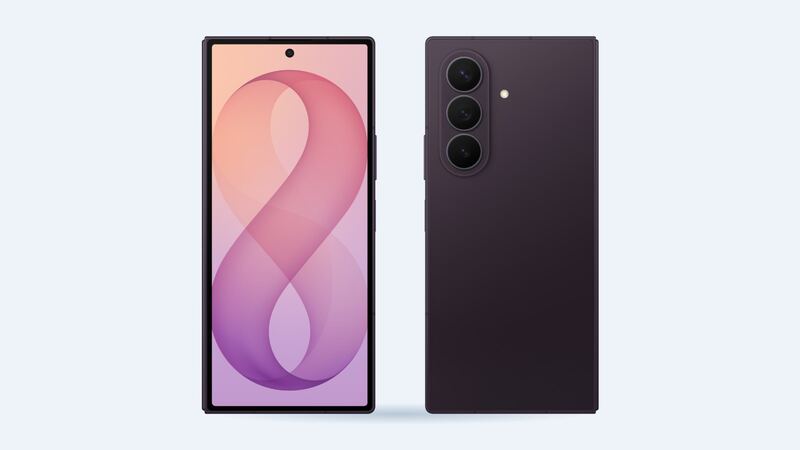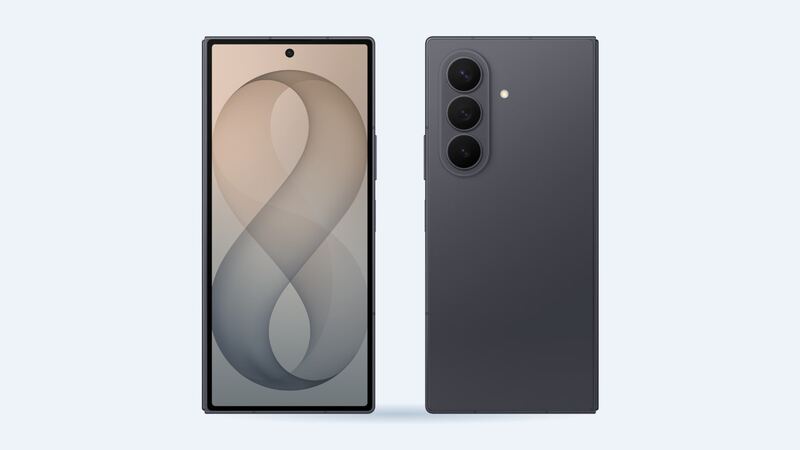
Batteries are the least of your worries on a brand-new Fold8 Ultra. Samsung unveiled it on July 22, 2026, which means nobody's phone is old enough for normal wear to matter yet. If yours is draining fast or shutting off, that's either software or a defect, and both are Samsung's problem for the first year.
What's inside
The Fold8 Ultra has a 5,000mAh battery, up from 4,400mAh on the Fold7, with 45W wired and 20W wireless charging. Like other Folds, that capacity is split between two cells, one in each half. Samsung's parts store lists them separately as a main battery (EB-BF976) and a sub battery (EB-BF977).
What it costs
| Option | What you get | Cost |
|---|---|---|
| Samsung, under warranty (first year) | Defective battery replaced | $0 |
| Samsung Care+ | Battery repair once capacity tests at 79% or less | Covered, service fees may apply |
| Samsung, out of warranty | Genuine cells, certified tech | Not published, get a quote |
| uBreakiFix (authorized) | Genuine parts, 1-year warranty | Not posted, free diagnostic quote |
| Independent shop (rough estimate) | Two genuine cells plus about $150 foldable labor | Around $180 |
| Genuine cells only (DIY) | Main and sub cell | $14.27 each |
For a rough idea of where Samsung prices older foldables, The Droid Guy's April 2026 roundup listed Samsung's mail-in battery fee at $149 for the Fold5 and $169 for the Fold6, with a 5 to 7 business day turnaround. Those aren't Fold8 Ultra prices, so treat them as a ballpark only and get your own quote.
Why DIY is a tough one
Cheap cells don't make a cheap repair. In iFixit's teardown of the sibling Galaxy Z Fold8, reaching one of the two batteries meant removing the fragile outer screen, and iFixit scored that phone a provisional 4 out of 10 for repairability. The good news from that teardown: the batteries have pull tabs and the screws are standard Phillips. The bad news: one slip with the cover screen and you're buying a $149 screen repair on top of your battery job. Samsung doesn't have a Fold8 Ultra self-repair manual listed yet.
Is it really the battery?
Check the numbers before you book anything:
- Settings > Battery > Battery information (if your phone shows it) lists battery health and cycle count. Samsung turns this page on by model and region, so it may be missing.
- Samsung Members > Support > Phone diagnostics gives a Normal, Weak or Bad verdict for the battery.
- Look at app usage in Settings > Battery. A single app stuck in the background can eat a big chunk of a day's charge.
- Update and restart. Samsung pushes fixes through monthly updates, and a fresh restart clears a lot of drain weirdness.
Warranty and Care+
Samsung's standard US warranty is one year. A battery that drains abnormally fast, won't charge or swells in that window is a warranty claim. Samsung Care+ adds unlimited repairs including batteries, but only once a diagnostic test confirms the battery is at 79% or less of its original capacity. Samsung's repairs carry a 90-day repair warranty, and uBreakiFix gives a 1-year limited warranty on its work.
What to ask the shop
- Are you replacing one cell or both? Get it in writing.
- Are the cells genuine Samsung parts?
- Does the job require removing the cover screen, and who pays if it cracks?
- Will the phone keep its water resistance rating afterward?
Is it worth replacing?
For the next year, it's free, so just use the warranty. After that, a battery swap on a $2,000-plus foldable is clearly worth doing once health drops into the 70s. If you also have screen damage, look at the Fold8 Ultra screen repair costs and the Fold8 Ultra repair page so you can do both in one trip.
Prices checked October 15, 2026.