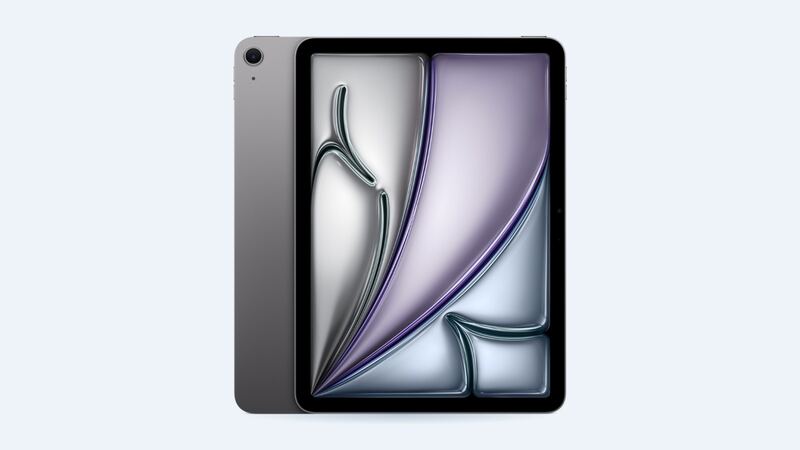
Here's the nice part about the M2 Air: you don't have to guess. Apple lists it among the iPads that show battery health, cycle count and manufacture date right in Settings. Older iPads can't do that. So before you book anything, take 30 seconds and look.
What it costs
| Repair | Apple price | With AppleCare+ |
|---|---|---|
| Battery service (Wi-Fi or Cellular) | $119 | $0 below 80% health |
| Cracked screen or other damage | $529 / $579 | $29 screen, $99 other |
How to read the Battery Health screen
Go to Settings > Battery > Battery Health. You'll see:
- Status: Normal means the battery is fine. Anything else means it's worn enough to matter.
- Cycle count: one cycle is using 100% of the battery's capacity, even spread across several days. Two half-drains equal one cycle.
- Manufacture date and first use: handy if you bought the iPad used or refurbished.
Apple says its batteries are designed to keep up to 80% of their original capacity at 1,000 complete charge cycles. This iPad launched in May 2024. Even if you charge it every day, most M2 Airs are nowhere near 1,000 cycles yet. If yours shows Normal and a few hundred cycles, the battery is not your problem.
What "normal" battery life looks like
Apple rates the 11-inch M2 Air at up to 10 hours of web browsing on Wi-Fi or watching video, and up to 9 hours browsing on cellular, from a 28.93 watt-hour battery. That's with default settings. Max brightness, games, video editing and Stage Manager with an external display will all cut that down. That's normal use, not a broken battery.
Easy fixes for fast drain
- Settings > Battery: find the app burning power. Background video and games are the usual culprits.
- Lower the brightness a notch. The screen is the biggest power draw.
- Restart. Odd drain right after an iPadOS update often clears up after a restart and a day or two of normal use.
- Background App Refresh: turn it off for apps that don't need it.
- Heat: a hot car or a sunny windowsill hurts the battery more than anything you do on screen.
Signs it really needs a new battery
- Battery Health shows something other than Normal.
- It shuts off with 15% or 20% still showing.
- The percentage drops very fast below 30%.
- Swelling: the screen lifting from the frame or a gap along one edge. Stop charging it and take it in right away.
Apple or a shop?
Apple may give you a replacement iPad rather than repairing yours, so back up first. If you have AppleCare+ and health is under 80%, it's free.
A third-party shop has to remove the laminated display to reach the battery. iFixit's teardown of the M2 Air called out the amount of adhesive holding both the display and the battery. The screen is the risky part. If a shop quotes well under $119, ask who pays if the display cracks during the job.
Is it worth it?
Yes, if the battery is actually worn. $119 for basically a refreshed iPad Air that's this new and this fast is a good deal. If the screen is cracked too, read our iPad Air M2 cracked screen guide, since Apple prices those as separate repairs.
All prices are on the iPad Air 11-inch (M2) page. Apple prices checked October 14, 2026.