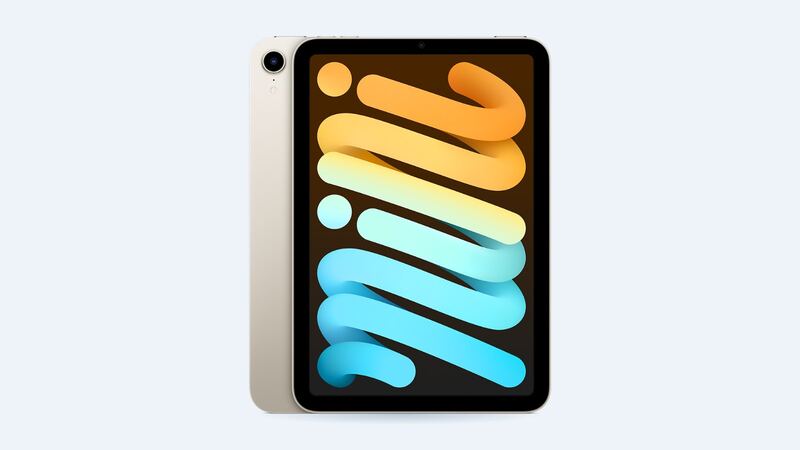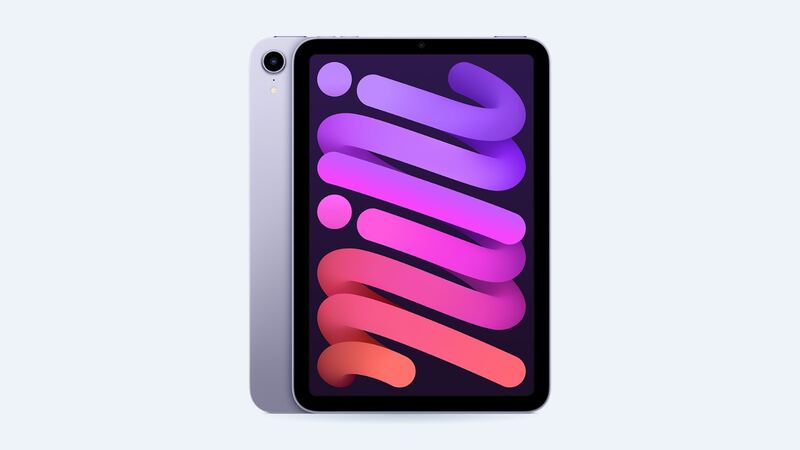
The iPad mini 6 came out in 2021 with that flat-edge design, an 8.3-inch screen, Touch ID in the top button and USB-C. It's small enough to toss in a bag, which is exactly why so many of them end up face-down on a sidewalk. Here's what a fix really costs and how to pick the right one.
What it costs
| Option | Price | What you get |
|---|---|---|
| Apple, Wi-Fi model | $399 | Apple parts, Apple warranty on the repair |
| Apple, Wi-Fi + Cellular | $449 | Same, cellular model |
| Apple with AppleCare+ | $29 | Screen damage fee |
| Shop, economy screen | $320 (FixStop) | Lower-grade panel, weaker color and brightness |
| Shop, premium aftermarket | $380 (FixStop) | Better aftermarket panel |
| Shop, genuine part | $700 (FixStop) | Original part, but well above Apple's price |
| DIY screen part | $169.99 (iFixit) | You do the work, plus adhesive ($5.99) |
Shop prices vary a lot by city, so treat the FixStop numbers as one real example, not a national average. The interesting part is the genuine tier. Paying $700 at a shop when Apple charges $399 makes zero sense, so if you want genuine, go to Apple or an Apple Authorized Service Provider.
First, make sure it's really broken
Not every weird-looking screen needs a repair. A few things to rule out:
- Jelly scrolling. If text seems to tilt or wobble when you scroll in portrait mode, that's the famous iPad mini 6 "jelly scroll." Apple told reporters in 2021 that it's normal behavior for LCD screens, which refresh line by line. A new screen won't change it.
- Cracked screen protector only. Peel off the glass protector before you panic. Sometimes only the protector broke.
- Touch not working but glass fine. Restart the iPad first. If touch comes back, it was software, not glass.
If the glass is cracked, or you see dead touch spots, lines, or black blotches that don't go away after a restart, that's a real screen repair.
Why the screen costs so much on a little iPad
On the iPad mini 6, the glass and display are laminated together (Apple lists the screen as fully laminated). You can't just swap the top glass like on old iPads. So even a small crack means replacing the whole display assembly. That's also why the DIY part alone is around $170.
Should you do it yourself?
Honestly, most people shouldn't. iFixit's screen guide has you heat the edges, slice through adhesive, and keep your picks to tiny depths (1.5 mm near the circuit board and front camera, 3 mm at the top and bottom) so you don't wreck anything underneath. Broken glass also keeps cracking as you pry, so you'll be taping it up and wearing safety glasses.
One more catch: iFixit notes that to keep Apple Pencil (2nd generation) working, you have to transfer a small display controller chip from the old screen's flex cable. That's not a beginner job.
What to ask a shop before you pay
- "Is this an economy, premium or genuine screen?" Get the grade in writing.
- "Will True Tone and Apple Pencil still work after the repair?"
- "Does the price include new adhesive?"
- "How long is the warranty, and does it cover touch problems?" FixStop, for example, covers parts and labor for 90 days.
- "If you can't fix it, do I still pay?"
Apple vs. a shop: how to choose
Go to Apple if you have AppleCare+ (it's $29, end of story), if you want genuine parts, or if you plan to sell the iPad later. A clean Apple repair history helps resale.
A shop's economy or premium screen makes sense if the iPad is a kid's device, a car-mount map, or a bedside reader where perfect color doesn't matter. Saving around $20 to $80 over Apple isn't huge though, so ask about quality before you chase the lower number.
Is it worth fixing?
Usually, yes. The iPad mini 6 still runs current apps well with its A15 chip, and $399 is a lot less than a new mini. If the battery is also tired, add Apple's $119 battery service to the math before deciding. Our iPad mini 6 battery guide walks through that.
All prices for this model live on the iPad mini (6th generation) page. Apple prices checked October 14, 2026.