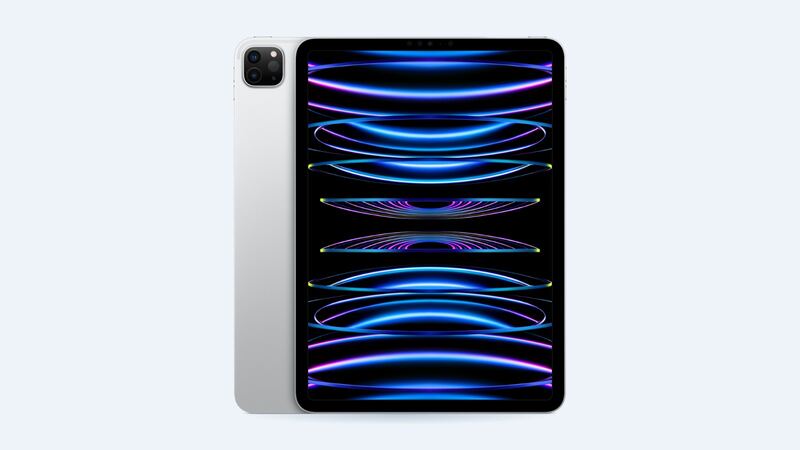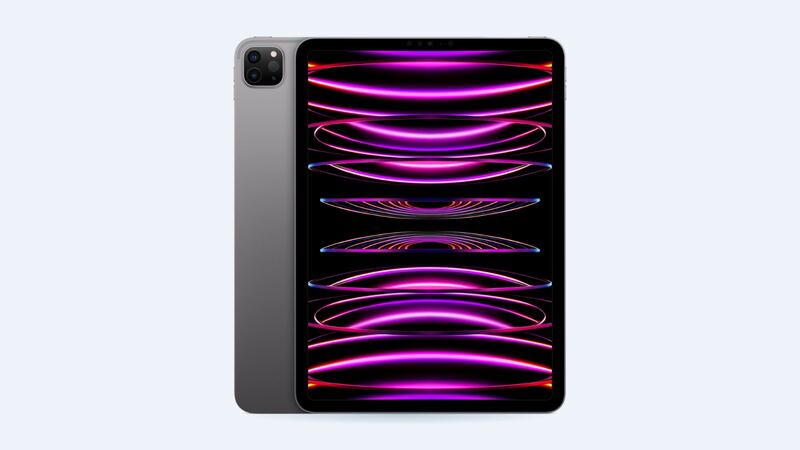
The 4th-gen iPad Pro 11-inch is the 2022 model with the M2 chip and Apple Pencil hover. It looks almost identical to the 2021 M1 version, so check the model number on the back or in Settings > General > About. A2759, A2761, A2435 and A2762 are 4th gen.
What it costs
| Option | Price | Notes |
|---|---|---|
| Apple, Wi-Fi | $629 | Apple parts and warranty |
| Apple, Wi-Fi + Cellular | $679 | |
| Apple with AppleCare+ | $29 | Screen damage fee |
| Shop economy (FixStop) | $230 | Lower grade, usually weaker color and brightness |
| Shop premium (FixStop) | $250 | Shop's recommended aftermarket screen |
| Shop genuine (FixStop) | $500 | Original part |
| DIY part (iFixit) | $199.99 | Aftermarket, same part as the 2021 model |
Apple's price is the same as the 3rd gen. The 11-inch screen part is shared across both years too, according to iFixit's listing, which helps keep shop prices down.
What "cracked screen" really means here
The glass on this iPad Pro is bonded to the display, so you can't replace only the glass. Any of these means a full display replacement:
- Cracked or shattered glass, even if everything still works
- Lines, color blotches or flicker after a drop
- Dead touch areas that don't come back after a restart
If there's no visible damage and touch is just glitchy, restart the iPad, remove the screen protector, and update iPadOS before you book anything. Software hiccups are free to fix.
Don't lose Face ID or Pencil features
iFixit notes that the LiDAR sensor assembly on the old screen is paired with the Face ID hardware and must be moved to the new screen. Skip that and Face ID stops working. A careful shop does this every time, but ask.
Also ask about Apple Pencil. The 4th gen supports Pencil hover, which a lot of artists rely on. Make sure the shop will test hover, ProMotion (120Hz) and True Tone before you leave.
DIY reality check
The part is about $200, but this is not a weekend-beginner fix. iFixit rates the screen replacement on the very similar 2021 11-inch iPad Pro as difficult, 1 to 2 hours, with heat, adhesive cutting, careful pry depths and a sensor transfer. It also says to drain the battery fully first, because a punctured charged battery can catch fire.
Questions to ask a shop
- "Is the part economy, premium or genuine? Will that be on my receipt?"
- "Will you move the Face ID / LiDAR sensor assembly from my old screen?"
- "Will Pencil hover, ProMotion and True Tone work after the repair?"
- "How long is the warranty?" FixStop lists 90 days on parts and labor, with an optional lifetime parts warranty.
- "How long will you have it?" Many shops quote same-day or 24 hours if the part is in stock.
Which way to go
- AppleCare+: Apple, $29. Done.
- Want genuine and an Apple record: Apple at $629. Note the shop genuine price is lower at $500, but ask how they source it.
- Budget fix that still looks good: a premium aftermarket screen around $250 saves you about $380.
Before you drop it off
- Back it up. iCloud or a computer, every time. Repairs sometimes end with a replacement unit or a wiped iPad.
- Write down your passcode situation. Some shops ask for it to test touch and Face ID afterward. If you'd rather not share it, ask how they'll test.
- Pull off the case and screen protector so damage is easy to see and quote.
- Bring your Apple Pencil so you can test it on the spot before you pay.
- Get the quote in writing, including the part grade and warranty length.
Is it worth fixing?
Yes. An M2 iPad Pro is still a strong tablet, and even Apple's price is well under a new one. Battery fading too? Apple charges $149 for this model; see the 4th gen battery guide.
Full pricing for this model is on the iPad Pro 11-inch (4th generation) page. Apple prices checked October 14, 2026.