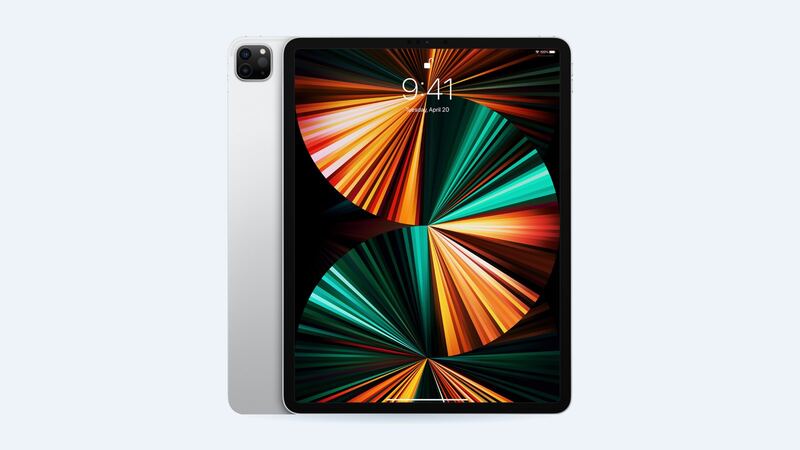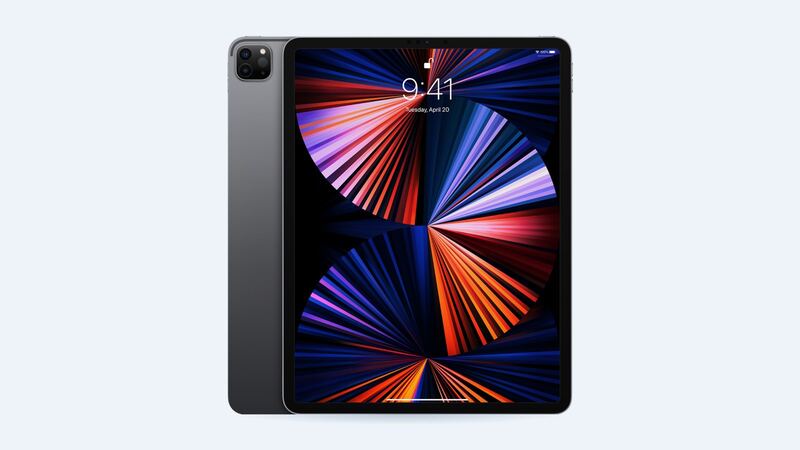
The 5th-gen 12.9-inch iPad Pro is the 2021 M1 model, and it was the first iPad with the Liquid Retina XDR display. Apple says it uses over 10,000 mini-LEDs in 2,596 local dimming zones, with up to 1,000 nits full-screen and 1,600 nits peak for HDR. That display is the reason people bought this iPad. It's also why fixing it costs real money.
What it costs
| Option | Price | Notes |
|---|---|---|
| Apple, Wi-Fi | $829 | Apple XDR display, Apple warranty |
| Apple, Wi-Fi + Cellular | $879 | |
| Apple with AppleCare+ | $29 | Screen damage fee |
| Shop "premium" (FixStop) | $320 | Aftermarket panel |
| Shop "economy" (FixStop) | $320 | Lower grade, usually LCD |
| Shop genuine (FixStop) | $500 | Original part |
| DIY | Varies | iFixit has a screen guide; check part availability and price |
Yes, the shop example lists economy and premium at the same $320. That's a good reason to call and confirm exactly which panel you're getting.
The XDR problem with cheap screens
An aftermarket screen for this model is often a plain LCD or a different panel type, without Apple's mini-LED backlight and its thousands of dimming zones. It'll show a picture and take touch. But if you edit HDR video or photos, or just love deep blacks with bright highlights, you'll notice.
So the real choice is:
- Genuine at a shop ($500) or Apple ($829): keeps the XDR display you paid for.
- Aftermarket ($320): fine for notes, reading and browsing, but you're giving up the best part of this iPad.
Is it cracked, or is that just blooming?
Before you book a repair, know what's normal. Apple's own support page on this display says local dimming zones can show transitional effects, like a slight blur or color change while scrolling against a black background. Some owners also notice a faint glow around bright objects on black ("blooming"). That's how mini-LED backlighting behaves, and a new screen won't remove it.
Real damage looks like cracked glass, dead touch zones, lines, or dark patches that don't change with content.
DIY? Proceed with serious caution
iFixit has a 44-step screen replacement guide for this model. It has you slice adhesive around all four edges with pick depths limited to 1 to 2 mm in places, and it warns that "the large screen is very fragile." It also says that if you don't transfer the top sensor assembly, you'll lose Face ID and True Tone. Step one is fully draining the battery, because a damaged charged battery can catch fire.
Unless you've done big-tablet screen swaps before, this is a pro job.
What to ask a shop
- "Is this the original mini-LED XDR panel, or an aftermarket LCD?" Get the answer in writing.
- "Will you transfer the sensor assembly so Face ID and True Tone keep working?"
- "Will ProMotion (120Hz) and Apple Pencil work afterward?"
- "What's the warranty?" FixStop lists 90 days for parts and labor.
- "If it doesn't work right after, do I get my money back?"
Which route makes sense?
- AppleCare+: Apple, $29. Easy.
- You use the iPad for photo or video work: genuine only, Apple or a shop.
- It's become a couch tablet: a cheaper panel can make sense, but the savings vs. a shop genuine part is only $180.
Is it worth fixing?
Probably, if you still use the XDR display. An M1 12.9-inch iPad Pro is still a strong machine. At $829 from Apple, though, compare against a newer iPad before you commit. If the battery is also worn, Apple's battery service is only $119; see our 12.9 5th gen battery guide.
All prices for this model are on the iPad Pro 12.9-inch (5th generation) page. Apple prices checked October 14, 2026.