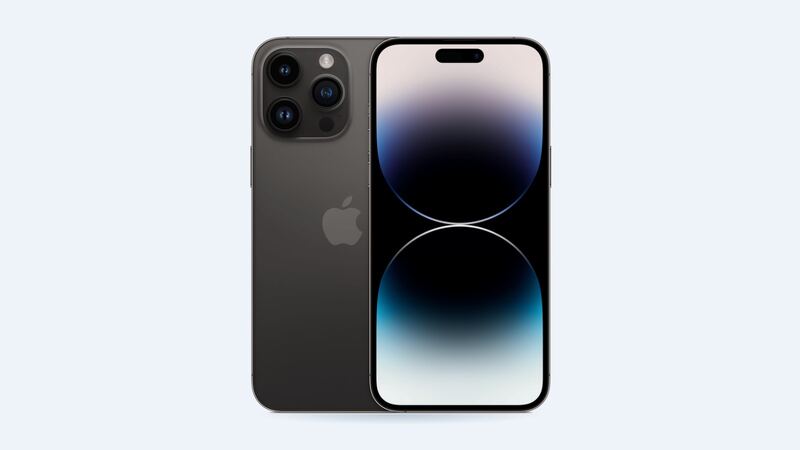
When it was new, Apple rated the 13 Pro Max for up to 28 hours of video playback. That's a monster number for a 2021 phone. So if yours now needs a charger by mid-afternoon, it's not your imagination. Batteries wear out, and this one has probably been through a lot of charge cycles.
Step 1: Check if it's really the battery
Go to Settings > Battery > Battery Health & Charging and look at Maximum Capacity.
| What you see | What it means |
|---|---|
| 90% or higher | Battery is fine. Look at apps, brightness or a stuck update |
| 80% to 89% | Worn but usable. You'll notice it on long days |
| Under 80% | Apple considers it due for service |
| "Your battery's health is significantly degraded" | Apple's own message telling you to replace it |
Apple says iPhone 14 and older batteries, including the 13 Pro Max, are designed to keep 80% of their original capacity at 500 complete charge cycles under ideal conditions. A phone that's been charged daily for a few years can easily be past that.
Other battery signs:
- The phone shuts off at 15% or 20%, especially in cold weather.
- It feels slower than it used to. iOS can limit peak performance on a worn battery to stop surprise shutdowns.
- It gets warm doing simple stuff, or the percentage jumps around.
Step 2: Rule out the easy stuff
Before spending money, spend five minutes on these:
- Look at Settings > Battery for an app hogging the battery. Social media and navigation apps are usual suspects.
- Turn down screen brightness or let Auto-Brightness handle it. A 6.7-inch screen at full brightness is a big power draw.
- Restart the phone. A runaway background process can drain battery for hours.
- Update to the latest iOS 27 release, then give the phone a day or two to settle. Indexing after an update can drain the battery temporarily.
If the health number is still under 80% after all that, it's the battery.
What it costs
| Where | Price | The deal |
|---|---|---|
| Apple | $89 | Genuine battery, Apple warranty on the repair |
| Apple with AppleCare+ | $0 | Only when health is under 80% |
| Independent shop | $69 to $109 | Quality varies. Ask which battery they use |
| Mail-in with Apple | $89 | Apple sends a prepaid box. Shipping may be added |
Battery or new phone? Quick math
Picture this: your 13 Pro Max has a clean screen, working Face ID and all three cameras are fine. The only problem is battery. An $89 battery makes it feel close to new again on battery life, and it still runs iOS 27. A new phone costs several hundred dollars at minimum. That's an easy call. Fix the battery.
It gets less obvious when there are several problems at once. A cracked screen ($329) plus a battery ($89) comes to $418 at Apple. Going to a shop for an OLED screen ($120 to $200) plus a battery ($69 to $109) cuts that a lot. Our 13 Pro Max screen guide breaks down the three screen choices.
When the battery isn't worth it
- Swollen battery: If the screen is lifting or the back looks puffy, stop charging it now and get it to a shop or Apple. That's a safety issue.
- Water damage: A new battery won't fix corrosion on the logic board.
- Bent frame or a dead logic board: Apple's other-damage price for this phone is $659. At that point, upgrading usually wins.
Make the new battery last
- Turn on Optimized Battery Charging.
- Keep it out of hot cars. Heat ages batteries faster than anything else.
- Don't stress about topping up during the day. That's fine.
Every 13 Pro Max price is on the iPhone 13 Pro Max repair page. Apple prices checked October 14, 2026.