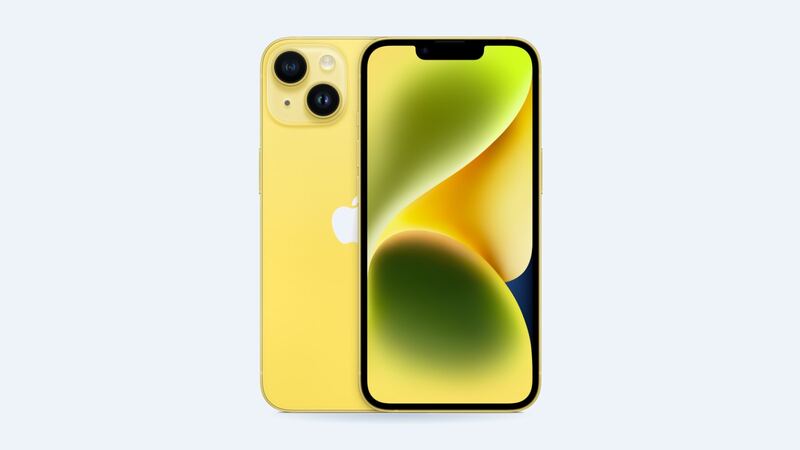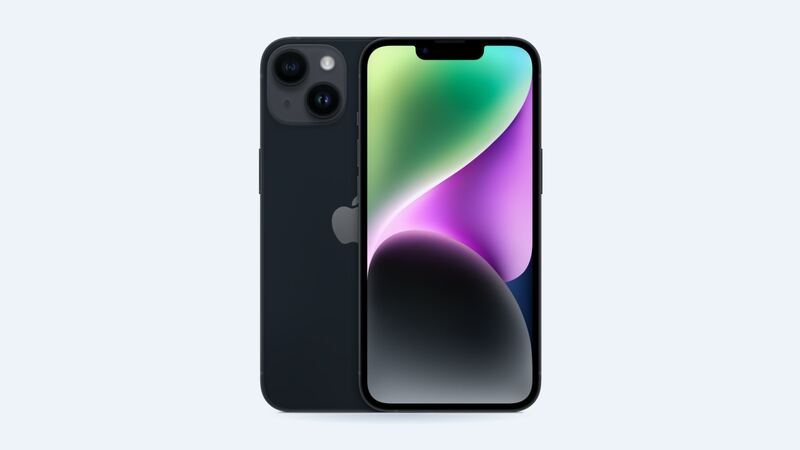
The iPhone 14 is a few years old now, which changes the math. On a brand-new phone you'd just pay for genuine and move on. On a 2022 phone, you start asking how much screen you really need. Good news: the iPhone 14 is one of the easier phones to make a smart choice on, because its screen is simpler than the Pro models.
What Apple charges
| Repair | iPhone 14 | iPhone 14 Plus | With AppleCare+ |
|---|---|---|---|
| Cracked screen | $279 | $329 | $29 |
| Screen and back glass | $369 | $419 | $58 |
| Back glass only | $159 | $159 | $29 |
| Battery | $99 | $99 | $0 below 80% |
These are Apple's out-of-warranty estimates. Apple inspects the phone before setting the final price, tax is extra, and mail-in repair may add a shipping fee.
Your three screen options
| Screen type | Typical price | What you get |
|---|---|---|
| Aftermarket LCD | $70 to $120 | Cheapest. Grayish blacks, thicker border, can be dimmer and drain more battery |
| Aftermarket OLED | $120 to $200 | Close to the original look. Quality varies a lot by supplier |
| Genuine Apple | $279 at Apple | Factory brightness and color. Shows as a Genuine Apple Part |
The original panel is a 6.1-inch OLED rated at 800 nits typical and 1,200 nits peak for HDR, per Apple's spec sheet. Apple doesn't list ProMotion or an always-on display for the regular iPhone 14, so you don't have to worry about a replacement screen losing 120Hz like Pro owners do. That's one less thing to quiz the shop about.
Which screen makes sense?
Genuine at Apple ($279) is the move if you have AppleCare+, plan to sell or trade the phone soon, or it's still your daily driver and you want it to look exactly like before.
A good OLED ($120 to $200) is the sweet spot for most people keeping an iPhone 14 another year or two. Blacks stay black, battery drain stays normal, and you save around $100.
An LCD ($70 to $120) is fine for a kid's phone, a backup or a phone you're about to hand down. Repair shops that sell both types report more complaints and warranty returns with LCD screens, mostly about dim, washed-out displays. Picture this: you save $50 and spend the next year squinting at your phone at the beach.
Is it just the glass, or the whole display?
- Cracks, but the picture and touch are perfect: glass damage only. You still need a full screen part, but the repair is simple.
- Lines, black spots, green tint or flicker: the OLED underneath is damaged. It usually gets worse.
- Ghost touches (apps opening on their own): the touch layer is damaged. Back up your phone now, before it locks you out.
- Totally black but the phone rings: could be the screen or the screen connector. A shop can test with a spare screen in a few minutes.
Before you hand it over
- Back up to iCloud or your computer.
- Turn off Find My only if the shop or Apple asks. Apple will tell you when it's needed.
- Note what works now: Face ID, front camera, earpiece, auto-brightness. That way you know if anything changed after.
- Take a photo of the damage.
What to ask the shop
- Is it LCD, hard OLED or soft OLED?
- Will you transfer True Tone from my old screen?
- What's the warranty, and does it cover touch and dead pixels?
- Can I test Face ID before paying?
Is it worth fixing?
Yes, if the rest of the phone is healthy. An iPhone 14 with a fresh screen still has a lot of life left, and even Apple's $279 is far less than a new phone. If the back is cracked too, the iPhone 14 is lucky: back glass is only $159 at Apple, thanks to a design change. Our iPhone 14 back glass guide explains why. All prices are on the iPhone 14 page.
Apple prices checked October 14, 2026. Shop prices are typical US ranges.