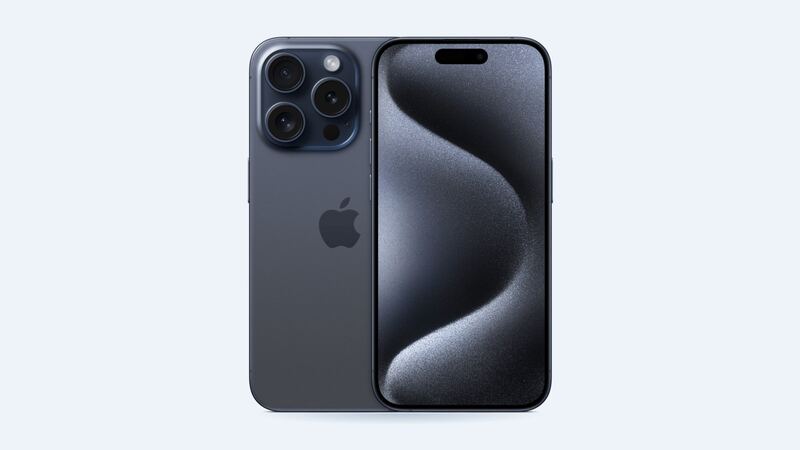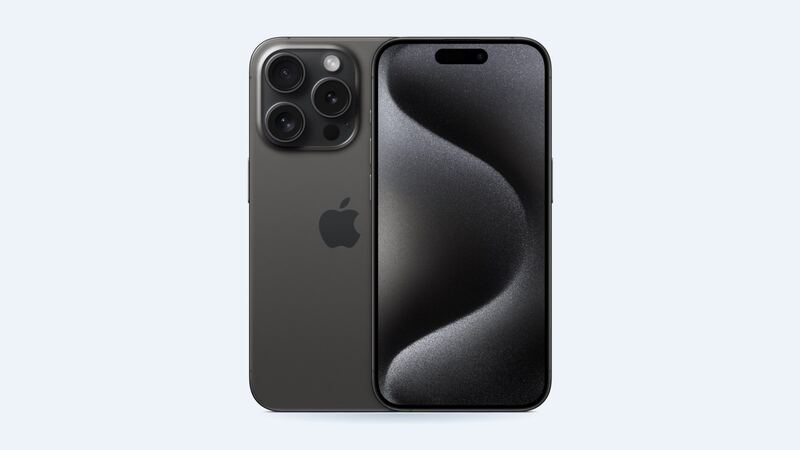
The iPhone 15 Pro was the first Pro iPhone with USB-C instead of Lightning. Same idea, new shape, same old problem: it lives in your pocket next to lint, sand and that one receipt from 2024. Before you assume the worst, run through the checks below. Odds are good you won't need to pay anyone.
How to tell what's actually wrong
Start by narrowing it down. Each of these points somewhere different:
- Wireless or MagSafe charging works, cable doesn't: the problem is the cable, the adapter or the port. The battery and charging chip are probably fine.
- Charges only when you hold the cable at an angle: classic sign of packed lint or a worn cable. Sometimes a damaged port.
- "Liquid Detected in USB-C Connector" alert: the phone sensed moisture and stopped charging on purpose. See the next section.
- Charging stops at 80%: this is often normal. Apple's software can pause charging above 80% when the battery is warm, and it resumes once it cools.
- Nothing charges, wired or wireless: that points to the battery or the board, not the port. That's a different repair.
If you see the liquid alert
Apple's advice is clear, and a little surprising:
- Unplug the cable from the phone and the adapter.
- Tap the phone gently against your hand with the port facing down, then leave it somewhere dry with some airflow.
- Wait at least 30 minutes and try again. It can take up to 24 hours to fully dry.
- Don't put it in rice. Apple says rice particles can damage the phone.
- Don't use a hair dryer, compressed air, cotton swabs or paper towel in the port.
There's an emergency override to charge anyway, but Apple advises against charging while wet because the pins can corrode.
Easy fixes to try first
1. Try a different cable and adapter. USB-C cables fray and fail more than people think. Borrow a known-good one before blaming the phone.
2. Force restart. Press and release volume up, press and release volume down, then hold the side button until the Apple logo appears.
3. Look inside the port with a flashlight. Lint packs into a flat gray layer at the back. You might not notice it until you look.
4. Let it charge for 30 minutes. Apple suggests giving a dead phone half an hour on a known-good charger before you give up.
How to clean the port without wrecking it
Power the phone off first. Then go slow.
- Use something non-metal and thin, like a plastic pick. USB-C has a tongue of pins in the middle, and it's easy to bend or scratch.
- Don't use a wooden toothpick. Tom's Guide warns against it for USB-C because there's very little room and the tip can break off inside.
- Gently loosen the lint at the edge and roll it out. Don't jab.
- Never clean the port while it's wet.
About USB-C speeds
The iPhone 15 Pro supports USB 3 transfers up to 10Gb/s, but only with a USB 3 cable rated for that speed. If file transfers are slow, that's usually the cable, not a broken port. Charging and data are separate questions.
What a real port repair costs
| Option | Price | Notes |
|---|---|---|
| AppleCare+ | $99 | Apple lists "other accidental damage" at $99 |
| Apple, out of warranty | Up to $729 | Apple's "other damage" price for the 15 Pro |
| Independent shop | Get a quote | Usually a charging port flex assembly swap |
Apple doesn't list a separate port repair price, and repair site Flipsy notes that Apple may handle it as an "other damage" repair. That's why a written quote from a good independent shop is worth getting before you say yes to $729.
What to ask before you pay
- Is the problem the port itself, or just debris? (A good shop will clean it first, often for free.)
- Is the part a full charging port flex assembly?
- What's the warranty on the repair?
- Did you test it with more than one cable?
Is it worth fixing?
Almost always. The iPhone 15 Pro is on Apple's iOS 27 support list. Nine times out of ten, a flashlight and five careful minutes solve this. If not, a port repair is far cheaper than a new phone, and wireless charging can tide you over while you shop around.
Screen cracked too? See our iPhone 15 Pro screen replacement guide, or check every price on the iPhone 15 Pro page.
Apple prices checked October 14, 2026.