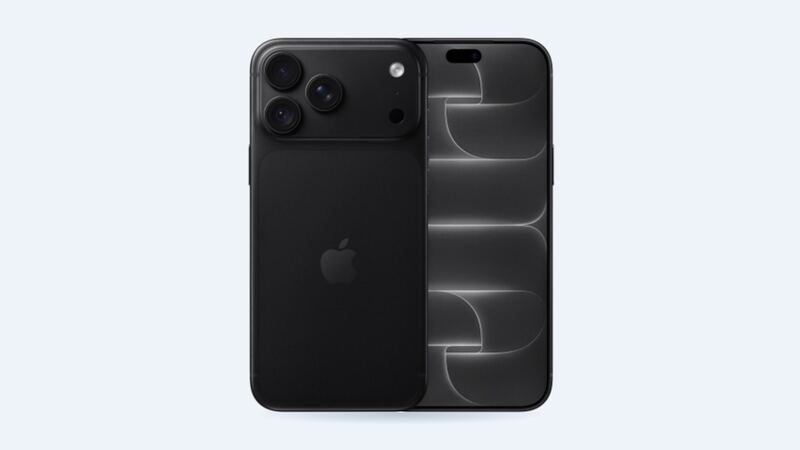
The 16 Pro Max has a big battery. Apple rates it for up to 33 hours of video playback, which is a lot. So if yours is dying by lunch, something changed. Sometimes it's the battery. Sometimes it's an app, a setting or a phone that's just running hot. Let's figure out which before you spend money.
What it costs
| Option | Price | Notes |
|---|---|---|
| Apple (out of warranty) | $119 | Genuine battery, 90-day repair warranty or the rest of your Apple warranty |
| Apple with AppleCare+ | $0 | Only when health is below 80% |
| Independent shop | $69 to $109 | Quality depends on the part they use |
| DIY kit | Varies | Moderate difficulty, 1 to 3 hours per iFixit |
Apple's price is an estimate and tax is extra. A shipping fee can apply if you mail it in. Apple Authorized Service Providers set their own prices, so they may not match Apple's exactly.
Check your battery health first
The iPhone 15 and newer models show the full picture right in Settings. Go to Settings > Battery > Battery Health. You'll see:
- Maximum Capacity: how much charge the battery holds compared with new.
- Cycle Count: how many full charge cycles it has done.
- Peak Performance Capability: whether iOS is slowing the phone to stop surprise shutdowns.
For the iPhone 15 and later, Apple says the battery is designed to keep 80% of its original capacity at 1,000 complete charge cycles under ideal conditions. Older iPhones were rated for 80% at 500 cycles, so the 16 Pro Max is built to last about twice as long.
Rough math: if you charge from near empty to full once a day, 1,000 cycles is close to three years. A phone at 92% health after a year and a half is doing fine. A phone at 79% after one year is wearing out fast, and that might be worth asking Apple about, since the limited warranty covers defects for the first year.
Easy things to try before you replace anything
- Look at Settings > Battery. The per-app list shows what's chewing through your charge. One runaway app can do more damage than a worn battery.
- Restart the phone. Boring, but it fixes stuck background processes.
- Turn off Always-On if you don't need it. The 16 Pro Max screen is huge. Keeping it lit all day costs some battery.
- Check for heat. If the phone is warm while sitting idle, something is running. Heat also ages batteries faster, so keep it off hot dashboards.
- Update iOS, then give it a day. Right after a big update, the phone re-indexes photos and files, and battery life dips for a bit.
When it's time to replace it
- Maximum Capacity is under 80%.
- The phone shuts off at 20% or 30%.
- Battery Health says your battery's health is significantly degraded.
- The battery is swollen (the screen or back starts lifting). Stop using the phone and get it to a pro now.
Shop or DIY?
The 16 Pro Max still uses stretch-release pull-tab adhesive strips under the battery. The cheaper iPhone 16 and 16 Plus got Apple's new electrically released adhesive, but the Pro models didn't. iFixit rates the Pro Max battery job as moderate and estimates 1 to 3 hours. If a strip tears, you're switching to high-strength isopropyl alcohol and a lot of patience. Tears happen.
For most people, a shop at $69 to $109 or Apple at $119 is the better deal. The gap between a good shop and Apple is small, which makes Apple hard to beat here.
What to ask a shop
- Is it a genuine Apple battery or aftermarket? What capacity?
- How long is the warranty?
- Will Battery Health still show a percentage afterward?
- Do you replace the adhesive and seal?
Is it worth it?
Yes. $119 for a fresh battery in a phone this new is one of the best-value repairs there is. If you have AppleCare+, wait until you hit 79% and it's free. Every price for this phone is on the iPhone 16 Pro Max page. Cracked the screen too? See our iPhone 16 Pro Max screen cost guide.
Apple prices checked October 14, 2026. Shop prices are typical US ranges.