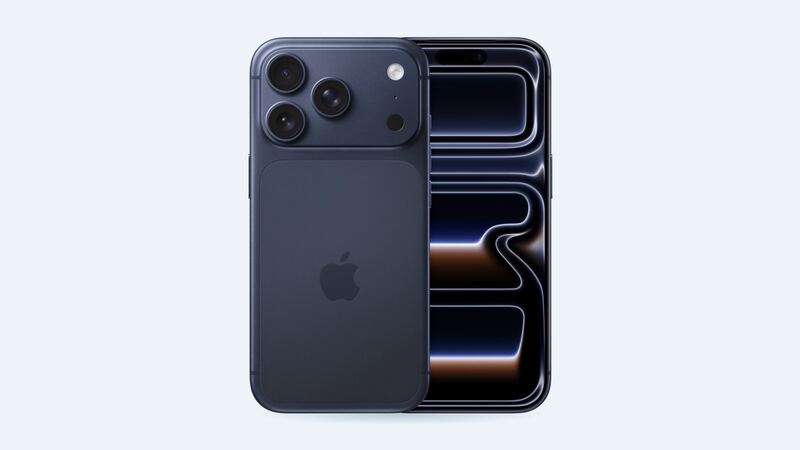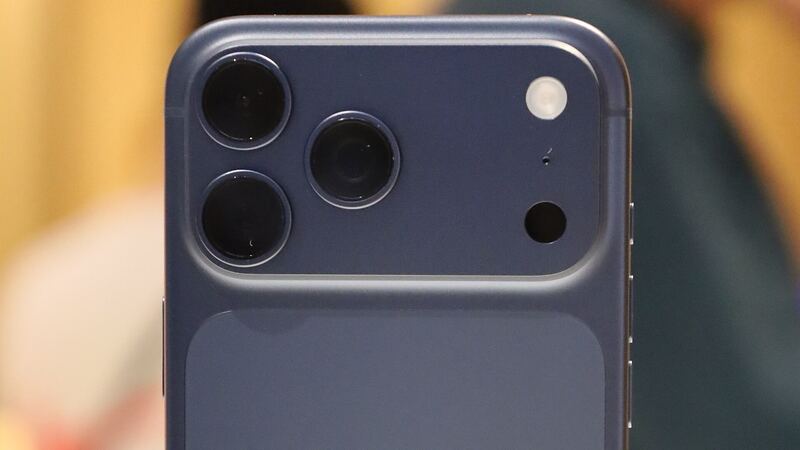
The 17 Pro Max has a 6.9-inch display, the biggest on any iPhone this year. More screen means more glass to land on, and a higher bill. Apple's $379 is $50 more than the 17 Pro and the same as it charged for the iPhone 16 Pro Max. Here's how to decide what to do.
What Apple charges
| Repair | Apple price | With AppleCare+ |
|---|---|---|
| Cracked screen | $379 | $29 |
| Screen and back glass | $469 | $58 |
| Back glass only | $159 | $29 |
| Battery | $119 | $0 |
| Rear camera | $249 | $99 |
| Other damage | $899 | $99 |
First stop: Settings > General > AppleCare & Warranty. If AppleCare+ shows up, the $29 repair beats every other option on this page by a mile.
Your three screen options
| Screen | Typical price | What you get |
|---|---|---|
| Aftermarket LCD (incell) | Ask for a quote | Cheapest. Dimmer, thicker borders, no true blacks, and uses more battery |
| Aftermarket OLED | Ask for a quote | Close to the original look with true blacks. Colors and brightness can differ slightly |
| Genuine Apple screen | $379 at Apple ($29 with AppleCare+) | Original quality, fully supported features and an Apple repair warranty |
We don't have a typical shop price band for 17 Pro Max aftermarket screens yet. As a rough reference, on the iPhone 16 Pro Max shops typically charge $80 to $140 for an LCD and $150 to $250 for an OLED. Screens for brand-new models tend to cost more at first, so don't be shocked if early quotes run higher.
How to tell what's actually broken
- Cracked glass, display looks normal: Still a full screen replacement. The glass and panel come as one part.
- Lines, flicker or dark blotches: OLED damage. It tends to spread, especially if the phone gets pressure in a pocket.
- Touch misses spots or taps by itself: Touch damage. Back up while you still can.
- Black screen, but you hear notifications: Could be the panel or its connector. A shop can test with a known-good screen.
- Only scratches: Not worth $379. A screen protector hides light ones.
Easy things to try first
- Take off the screen protector. Sometimes it's the only casualty.
- If the screen is frozen or black, force restart: press and release volume up, press and release volume down, then hold the side button until you see the Apple logo.
- If touch still works, back up to iCloud or a computer today.
Why the screen job matters on this phone
iFixit's battery guide for the 17 Pro Max goes in through the front: the screen comes off first, then the battery tray screws. That matches its 17 Pro teardown, which found Apple dropped the two-way design of the iPhone 16 Pro. So your screen will likely come off again for a future battery swap. A careful first repair makes that next job easier.
iFixit rates the Pro Max screen swap as moderate, about 1 to 2 hours. If the new screen doesn't come with front sensors attached, the old ones have to be moved over carefully. That's a detail worth asking a shop about.
Questions to ask before you pay
- Is it LCD, OLED or genuine Apple? Put it on the receipt.
- Do you move the front sensors over, or does the new screen come with them?
- Will True Tone and auto-brightness work? iFixit says they may be off until the screen is calibrated with Apple's Repair Assistant, and non-genuine screens may not get them back.
- Do you use new adhesive? Without it, water resistance is compromised.
- What warranty do you give?
After the repair, open Settings > General > About > Parts & Service History. Apple says non-genuine parts can show as Unknown, which might lower trade-in value.
Which one to pick
If you'll keep this phone for years, go genuine. At $379 it keeps the full screen quality and a clean parts history, which matters on a phone that will still be worth real money at trade-in. If a reputable shop quotes a good OLED for well under Apple's price, with a warranty, that's a fair alternative. If an OLED quote lands within about $50 of $379, just go to Apple.
Worth fixing?
Yes. A one-year-old Pro Max is worth far more than the repair, and it has years of updates ahead. Fix it and keep going.
All iPhone 17 Pro Max prices are on the iPhone 17 Pro Max page. Apple prices checked October 14, 2026.