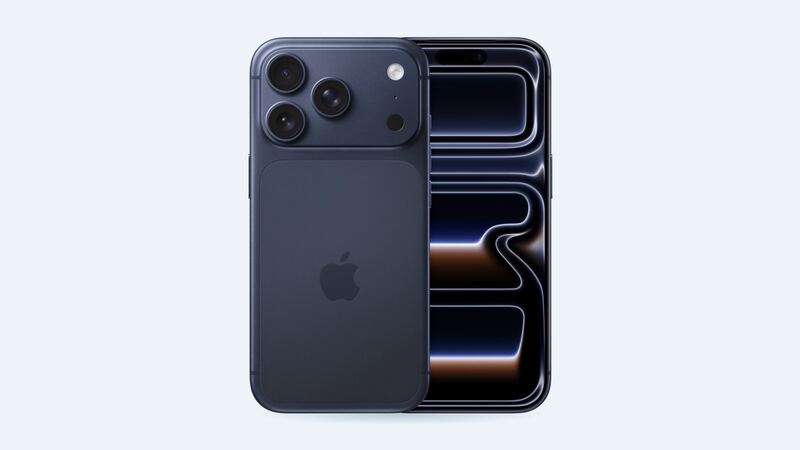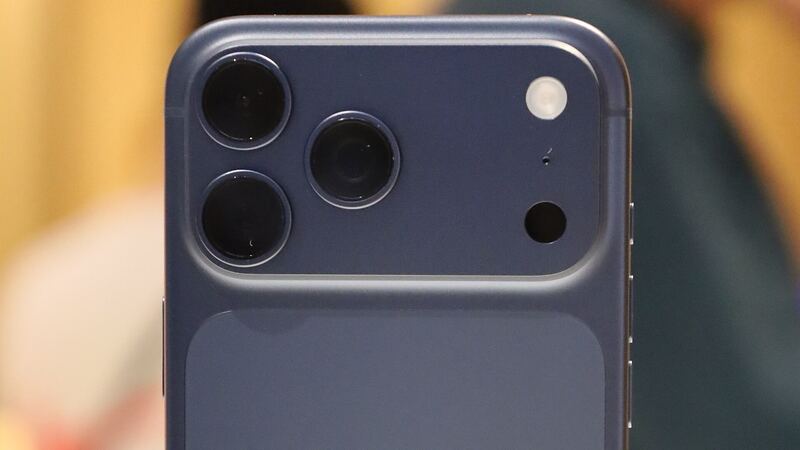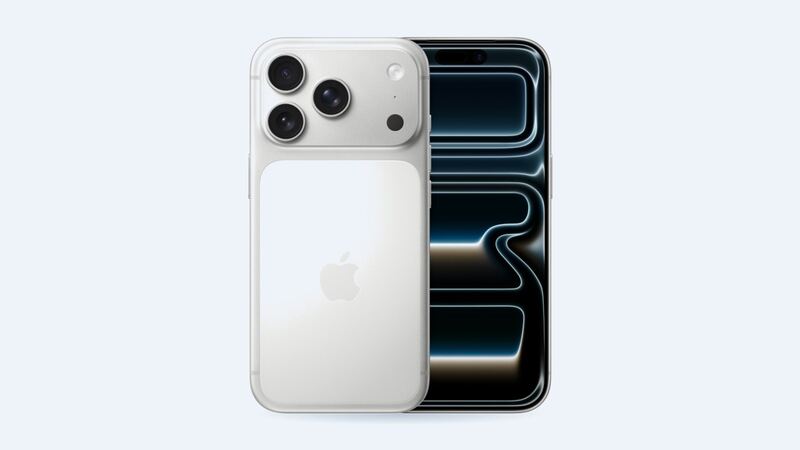
Apple says the iPhone 17 Pro's front glass, Ceramic Shield 2, is tougher than any smartphone glass and has 3x better scratch resistance than the last generation. Tougher isn't unbreakable, though. Gravity still wins plenty of arguments. Here's what fixing it will cost and which screen to pick.
What Apple charges
| Repair | Apple price | With AppleCare+ |
|---|---|---|
| Cracked screen | $329 | $29 |
| Screen and back glass | $419 | $58 |
| Back glass only | $159 | $29 |
| Battery | $119 | $0 |
| Rear camera | $249 | $99 |
| Other damage | $849 | $99 |
The screen price is the same $329 Apple charges for the iPhone 16 Pro, so at least the Pro didn't get a price bump this year. If your back glass also cracked in the same drop, the $419 combo saves you $69 over paying for each one separately.
Your three screen options
| Screen | Typical price | What you get |
|---|---|---|
| Aftermarket LCD (incell) | Ask for a quote | Cheapest. Dimmer, thicker borders, no true blacks, and uses more battery |
| Aftermarket OLED | Ask for a quote | Close to the original look with true blacks. Colors and brightness can differ slightly |
| Genuine Apple screen | $329 at Apple ($29 with AppleCare+) | Original quality, fully supported features and an Apple repair warranty |
We don't have a typical shop price band for iPhone 17 Pro aftermarket screens yet. For context, on the iPhone 16 Pro, shops typically charge $80 to $140 for an LCD and $150 to $250 for an OLED. New models usually start higher and come down over time, so use that as a rough guide only.
Why this repair matters more on the 17 Pro
Apple changed how the 17 Pro opens. iFixit's teardown found Apple dropped the two-way design of the iPhone 16 Pro. On the 17 Pro, only the back glass and wireless charging parts come out from the back. The battery, a camera module or the USB-C port all require removing the display first.
That means your screen will probably come off again someday, for a battery swap if nothing else. A screen installed with cheap adhesive, a bent clip or a stressed cable turns that future job into a headache. Pick a shop that does this carefully.
How to tell what's actually broken
- Cracked glass, picture fine: The glass and display are one part, so it's still a full screen replacement.
- Lines, flicker, black or purple blotches: The OLED panel is damaged and it usually spreads.
- Touch dead spots or phantom taps: Touch layer damage. Back up before it gets worse.
- Scratches only: Probably not worth a $329 repair. Live with it or add a protector.
Easy things to check first
- Peel the screen protector. If only the protector cracked, you're done.
- If the screen is black, force restart: press and release volume up, press and release volume down, then hold the side button until the Apple logo appears.
- Check for AppleCare+ in Settings > General > AppleCare & Warranty. At $29, nothing else comes close.
Questions to ask before you pay
- Which screen is it: LCD, OLED or genuine Apple? Get it on the receipt.
- Will True Tone and auto-brightness work? iFixit notes they may stay off until the screen is calibrated with Apple's Repair Assistant, and non-genuine screens may not get them back.
- Do you transfer the front sensors carefully and use new adhesive?
- What's the warranty, and can I test everything before paying?
Afterward, open Settings > General > About > Parts & Service History. Apple says non-genuine parts can show as Unknown, which might affect trade-in value.
Which one to pick
If you'll keep the phone two-plus years, genuine at $329 is the cleanest choice. It keeps the full 120Hz screen and a clean parts history, which helps at trade-in time. If a reputable shop quotes a good OLED for a lot less, with a warranty, that's a reasonable middle path.
Worth fixing?
Yes. A one-year-old Pro is worth far more than $329. Also cracked the back? Read our iPhone 17 Pro back glass guide and ask about the combo price.
All iPhone 17 Pro prices are on the iPhone 17 Pro page. Apple prices checked October 14, 2026.