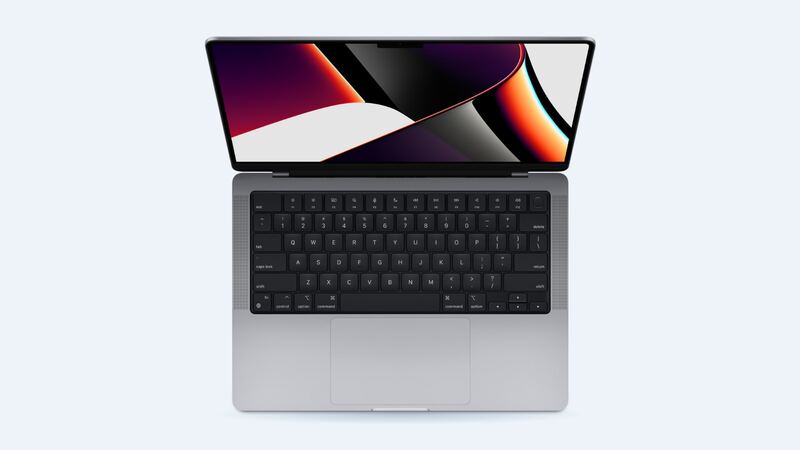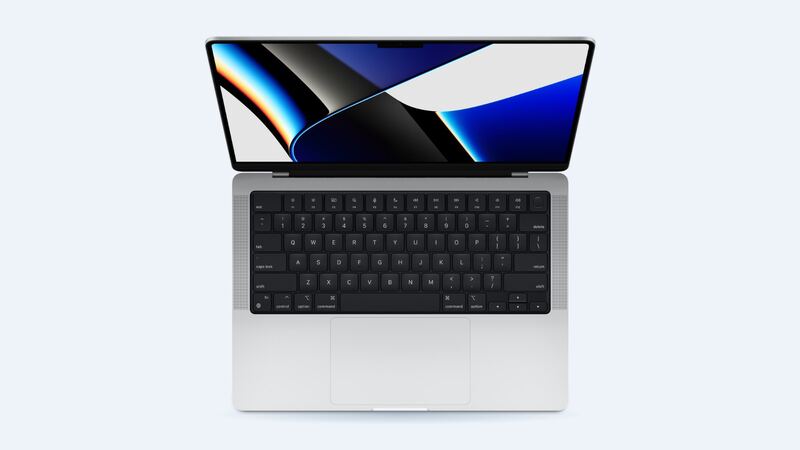
The 2021 MacBook Pro 14 has one of the best screens Apple has ever put in a laptop. That's great until it cracks, because the better the screen, the more it costs to replace. The usual story goes like this: say you close the lid on a pair of earbuds or a pen sitting on the keyboard. The lid presses down, the panel cracks, and now there's a black blotch right where your spreadsheet was.
What Apple charges
These are Apple's own prices for the MacBook Pro (14-inch, 2021).
| Repair | Without AppleCare+ | With AppleCare+ |
|---|---|---|
| Cracked screen | Quoted after inspection | $99 |
| Dents or case damage | Quoted after inspection | $99 |
| Water or other damage | Quoted after inspection | $299 |
| Battery | $249 | $0 below 80% health |
Why this screen is expensive
Per Apple's specs, it's a 14.2-inch Liquid Retina XDR display at 3024 by 1964 pixels, with 1000 nits sustained full-screen brightness, 1600 nits peak for HDR, and ProMotion up to 120Hz. That's a lot of tech in a thin lid.
It also isn't a glass-only fix. In Apple's own repair manual for this model, the display comes off as a full unit. The tech removes the bottom case, the vent and antenna module and the hinge covers, disconnects the backlight, camera and display cables, then takes out six hinge screws. Apple says a replacement display also needs a new lid angle sensor, and the repair finishes with Apple's Repair Assistant software.
Is it the screen or something else?
Before you pay for a display, make sure the display is what's broken.
- Cracks you can see or feel, black blotches, or ink spreading: the panel is damaged. That needs a new display.
- Picture fine but you see a hairline crack only when it's off: it may be cosmetic for now, but cracks on these panels can grow. Get a quote.
- Screen totally black, but the keyboard lights up and you hear sounds: connect an external monitor to the HDMI port. If the picture shows up there, the laptop itself is alive and the problem is the display side.
- Flicker or lines that change when you move the lid: tell the tech exactly what angle it happens at. It helps them find the cause.
Do this first
- Back up right away. Plug into an external monitor using the HDMI port or a USB-C cable, and run Time Machine. A display repair shouldn't touch your data, but you want a backup before any laptop goes in for service.
- Stop closing the lid hard. Pressure spreads cracks.
- Don't press on the damaged spot to see if it still works. It does not get better.
- Write down your login password for the repair and unplug any docks or drives.
Can you fix it yourself?
Technically, yes. Apple publishes a repair manual for the MacBook Pro (14-inch, 2021) display, listing a nylon probe, a Torx T3 and a Torx T8 screwdriver, with Repair Assistant at the end. But it's a careful job with fragile cables on a very expensive part. When iFixit tore this generation down in 2021, it gave it a 4 out of 10 for repairability and called out the display as one of the hard-to-replace parts. It also found that swapping the display cost the laptop its True Tone feature at the time.
For most people, DIY only makes sense if you're comfortable with laptop repair and you can source a genuine display. Otherwise, a mistake on a cable turns one repair into two.
Apple or an independent shop?
Go to Apple if you have AppleCare+. $99 for a full display on this machine is a great deal. Also go to Apple if you want a genuine part and the post-repair calibration done for sure.
Try a good independent shop if you're out of warranty and want a second quote. Ask these before you hand it over:
- Is the display genuine, used genuine, or aftermarket?
- Will True Tone, ProMotion and full HDR brightness work after the repair?
- Do you run Apple's calibration step, or will it be skipped?
- What's the warranty, and does it cover dead pixels or backlight problems?
- How long will you have the laptop?
Is it worth fixing?
With AppleCare+, yes, every time. Without it, get Apple's quote first. The M1 Pro and M1 Max are still fast enough for serious work, so a display replacement often still beats buying a laptop this capable. If the quote comes back high and the machine also has a worn battery or a spill in its past, that's the moment to price out a newer MacBook instead.
Every price for this model lives on the MacBook Pro 14-inch (2021) page. Apple prices checked October 14, 2026.