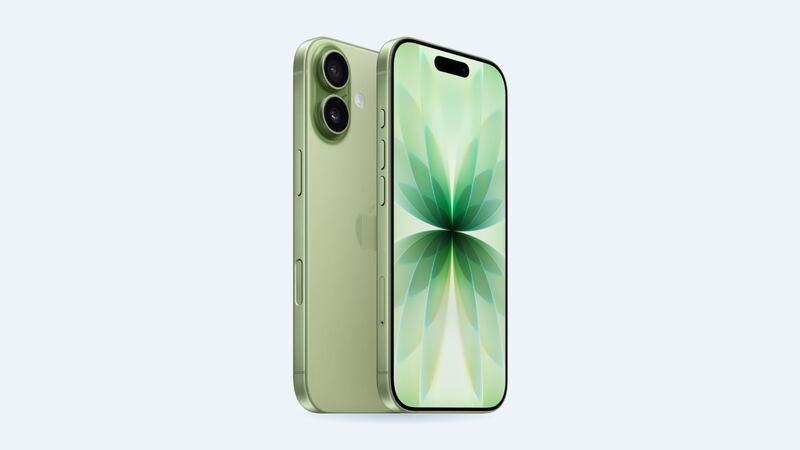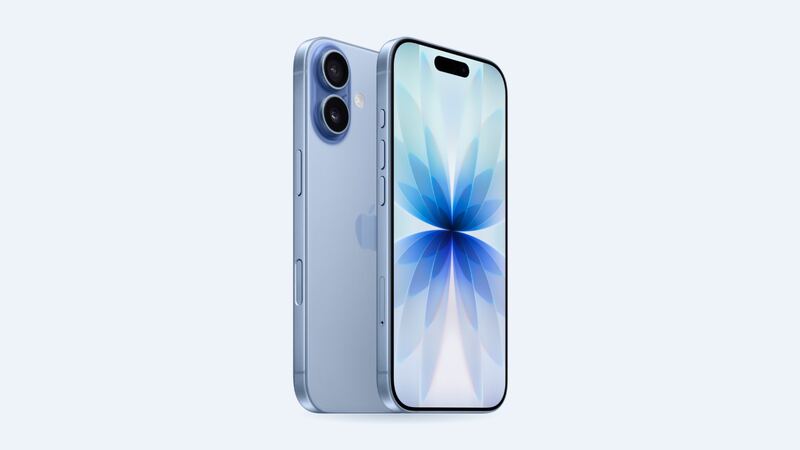
The iPhone 17 got a big screen upgrade over the iPhone 16. Apple gave it 120Hz ProMotion, an Always-On display and up to 3000 nits of outdoor brightness. Lovely. Right up until it lands face down on a parking lot. That nicer panel is also why the repair costs more: Apple charges $279 for an iPhone 16 screen and $329 for the 17.
What Apple charges
| Repair | Apple price | With AppleCare+ |
|---|---|---|
| Cracked screen | $329 | $29 |
| Screen and back glass | $419 | $58 |
| Back glass only | $159 | $29 |
| Battery | $99 | $0 |
| Rear camera | $169 | $99 |
| Other damage | $679 | $99 |
Not sure if you have AppleCare+? Check Settings > General > AppleCare & Warranty. If you do, stop reading and book the $29 repair. Nothing a shop offers beats that.
Your three screen options
| Screen | Typical price | What you get |
|---|---|---|
| Aftermarket LCD (incell) | Ask for a quote | Cheapest. Dimmer, thicker borders, no true blacks, and uses more battery |
| Aftermarket OLED | Ask for a quote | Close to the original look with true blacks. Colors and brightness can differ slightly |
| Genuine Apple screen | $329 at Apple ($29 with AppleCare+) | Original quality, fully supported features and an Apple repair warranty |
Why no shop prices? The iPhone 17 is only about a year old, and we don't have a typical price band for its aftermarket screens yet. For a sense of where things usually land once a model has been out a while, shops typically charge $80 to $140 for an LCD and $150 to $250 for an OLED on the iPhone 16. Treat that as a ballpark, not a promise for the 17.
How to tell what's actually broken
- Cracked glass, picture looks fine, touch works: You still need a whole new screen. The glass and display are one part, so there's no cheap glass-only swap.
- Black blobs, green or pink lines, flicker: The display panel itself is damaged. These usually spread, so don't wait too long.
- Dead zones or ghost taps: Touch damage. Sometimes it starts small, near a crack.
- Black screen, but the phone rings and vibrates: Could be the display or its connector. A shop can test with a known-good screen before you commit.
Easy things to try first
- Peel off the screen protector. Seriously. Sometimes the protector is the only thing that cracked, and you just saved $329.
- Force restart if the screen is black or frozen: press and release volume up, press and release volume down, then hold the side button until the Apple logo shows.
- Back up now while touch still works. A cracked screen can go from annoying to unusable with one more drop.
Questions to ask the shop before you pay
- Is this an LCD, an OLED, or a genuine Apple screen? Get it in writing.
- Will True Tone and auto-brightness work? iFixit notes these may stay off until the screen is calibrated with Apple's Repair Assistant, and non-genuine screens may not get them back at all.
- Do you use new adhesive? Without it, the phone's water resistance is compromised.
- What warranty do you give, and does it cover touch problems?
- Can I test it before I pay?
After any repair, look in Settings > General > About > Parts & Service History. A genuine screen shows as genuine. Apple says a non-genuine part can show as Unknown, which might lower your trade-in value later.
The simple rule for picking
If a shop quotes you an aftermarket OLED within about $50 of Apple's $329, go genuine. You get the full ProMotion screen, a clean parts history and Apple's service guarantee. If the gap is bigger and you plan to keep the phone for years, a good OLED from a shop with a real warranty is a fair choice. The LCD is for when budget beats everything, like a backup phone or a kid's phone.
Worth fixing?
Absolutely. This is a one-year-old phone with years of updates ahead. Fix the screen and keep going. While it's open, ask how the battery looks, and see our iPhone 17 battery guide if it's fading.
All iPhone 17 prices are on the iPhone 17 page. Apple prices checked October 14, 2026.