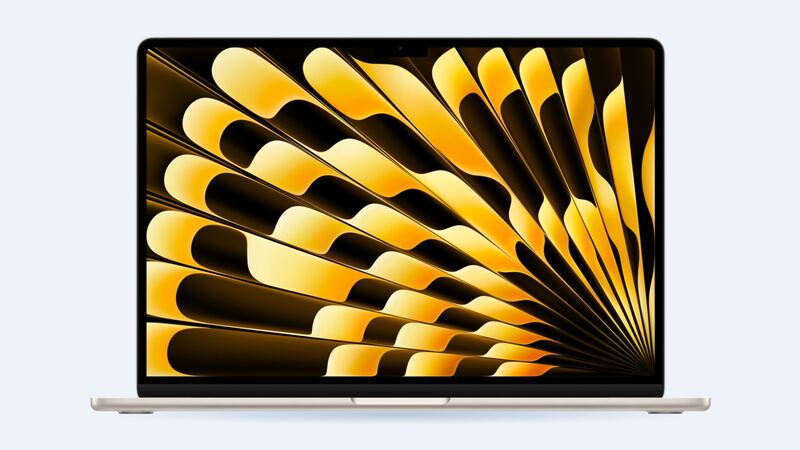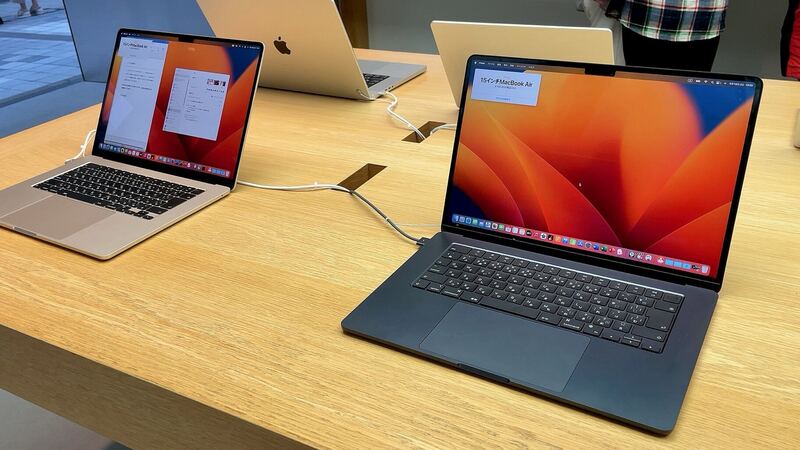
Bigger screen, bigger target. The 15-inch Air was Apple's first big MacBook Air, and that wide, thin lid is lovely right up until something gets closed inside it. Here's what fixing it costs and how to pick the right route.
What Apple charges
| Repair at Apple | Out of warranty | With AppleCare+ |
|---|---|---|
| Cracked screen | Quoted after inspection | $99 |
| Dents or case damage | Quoted after inspection | $99 |
| Water or other damage | Quoted after inspection | $299 |
| Battery service | $199 | $0 below 80% health |
Apple says it inspects each Mac to set the final fee, and tax and possible shipping come on top. Get the quote in writing before saying yes.
Why it's an expensive part
Per Apple's specs, this Air has a 15.3-inch LED-backlit IPS display at 2880 x 1864 and 500 nits. In Apple's official parts list for this model, the display is one orderable part, offered in each color (space gray, silver, starlight and midnight). So a crack in the glass means a whole new display assembly, color-matched lid included.
| Option | Typical cost | Notes |
|---|---|---|
| Apple with AppleCare+ | $99 | Genuine part, Apple warranty |
| Apple without AppleCare+ | Quoted after inspection | Ask for the number first |
| Display assembly part (iFixit) | $494.99 | Fits the 15-inch A2941 (2023) and A3114 (2024) |
| Mac repair shop | $549 | One shop's listed price for the 15-inch Air |
The same iFixit part fits both the 2023 M2 and 2024 M3 15-inch models, which helps availability. Ask any shop to confirm the model number on your Mac's bottom case is A2941.
Is it cracked, or something else?
- Visible crack, picture normal: cosmetic for now. You can keep using it carefully.
- Black splotches, rainbow bleed, lines: the LCD is damaged. Book the repair.
- Screen flickers when you move the lid: that can be the display cable at the hinge rather than the panel. Mention it so the tech checks.
- External monitor works: the Mac itself is fine. You can work docked while you decide.
How these screens crack
Apple warns that the gap between the display and keyboard is built to very tight tolerances. It specifically says not to close the lid with a camera cover thicker than 0.1mm, which is about a sheet of printer paper. Earbuds, pens and thick keyboard skins are classic culprits too. On a wide 15-inch lid, uneven pressure from a full backpack can do it as well.
Thinking about DIY?
When iFixit tore down this Mac in 2023, it gave it a 3 out of 10 for repairability (with points held back until Apple shipped parts and manuals). Apple has since published the parts list. The screen job is similar to the 13-inch model: many tiny Torx and pentalobe screws, fragile antenna connectors and hinge screws that strip easily. On the 13-inch M2 version, iFixit warns that a DIY screen swap disables True Tone, so expect the same here.
Questions to ask a shop
- Is the display new, used or refurbished? What grade?
- Is it the right color for my lid?
- Will True Tone and the camera work after?
- What's the warranty on dead pixels and backlight?
Is it worth fixing?
With AppleCare+, yes, just do it for $99. Without it, roughly $500 to $550 to fix a big, fast 2023 laptop is usually still worth it if the rest of the Mac is healthy. If the battery is fading too, price both together using our 15-inch MacBook Air M2 battery guide.
All Apple prices are on the MacBook Air 15-inch (M2, 2023) page. Prices checked October 14, 2026.