A cracked MacBook screen is a special kind of sad. The laptop still works, the keyboard still clicks, and there's a spiderweb right in the middle of your spreadsheet. Here's what it'll take to fix the 2022 M2 Air, and how to keep it from happening again.
What Apple charges
| Repair at Apple | Out of warranty | With AppleCare+ |
|---|---|---|
| Cracked screen | Quoted after inspection | $99 |
| Dents or case damage | Quoted after inspection | $99 |
| Water or other damage | Quoted after inspection | $299 |
| Battery service | $159 | $0 below 80% health |
Apple's repair page says it will inspect your device to set the final fee, and prices don't include tax or any shipping fee. So there's no official sticker price to compare against. You'll have to bring it in or start a mail-in request to get a number.
Why it isn't cheap anywhere
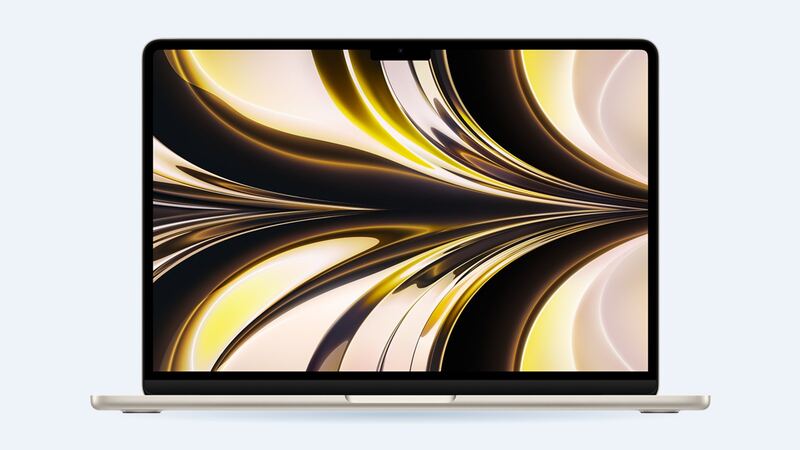
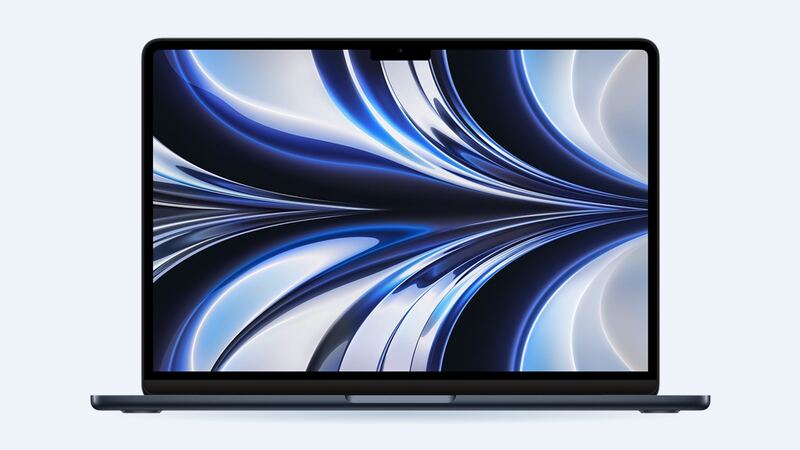
On this MacBook Air, the screen isn't a pane of glass you can swap. The LCD, the glass and the backlight live inside the lid, and the usual fix is a whole new display assembly, hinges and all. Apple's own parts list for the 2023 15-inch Air (same design family) shows the display as a single part, ordered in your color: space gray, silver, starlight or midnight.
That's why the part alone costs real money. iFixit sells a used A-stock display assembly for the 2022 13-inch M2 Air (model A2681) at $499.99, in matching colors.
| Option | Typical cost | Notes |
|---|---|---|
| Apple with AppleCare+ | $99 | Genuine part, Apple warranty |
| Apple without AppleCare+ | Quoted after inspection | Get the number before you approve |
| Independent shop | Ask for a written quote | Parts cost plus labor |
| DIY with a used assembly | About $500 plus tools | 32 steps, see warnings below |
How a screen cracks without being dropped
Plenty of owners swear they just closed the lid. That can be true. Apple says the gap between the screen and keyboard is built to very tight tolerances, and warns against closing the lid with a camera cover thicker than 0.1mm (about a sheet of printer paper). The same logic applies to a pen, an earbud or a stray paperclip on the keyboard.
How to tell what's damaged
- Crack in the glass, picture fine: cosmetic for now. You can keep working and plan the repair.
- Ink-blot black spots or colored vertical lines: the LCD is damaged. This usually spreads.
- Screen dark but faint image with a flashlight: backlight trouble, which can be the display or the cable.
- Picture fine on an external monitor: good news, the rest of the Mac is OK. You can run it like a desktop until it's fixed.
If you're thinking about DIY
iFixit's screen replacement guide for this Air is 32 steps. You need P5 and P2 pentalobe drivers, several Torx and Torx Plus bits, and steady hands for the hinge screws, which strip easily. Two more gotchas from that guide:
- Replacing the screen yourself disables True Tone.
- Some replacement screens don't include the lid-angle sensor on the hinge. If yours doesn't, you have to move it from the old screen.
Questions to ask before paying
- Is it a new, used or refurbished display assembly? What grade?
- Does it come in my color?
- Will True Tone work after the repair?
- Is the lid-angle sensor included or moved over?
- What's the warranty on dead pixels?
Is it worth fixing?
With AppleCare+, yes, $99 is easy. Without it, a fix of $500 or more on a 2022 laptop is a judgment call. If the Mac otherwise runs well and the battery is healthy, it's usually still worth it, since a new laptop costs more. If the battery is worn too, price both repairs together. Our MacBook Air M2 battery guide covers that side.
All Apple prices are on the MacBook Air 13-inch (M2, 2022) page. Prices checked October 14, 2026.