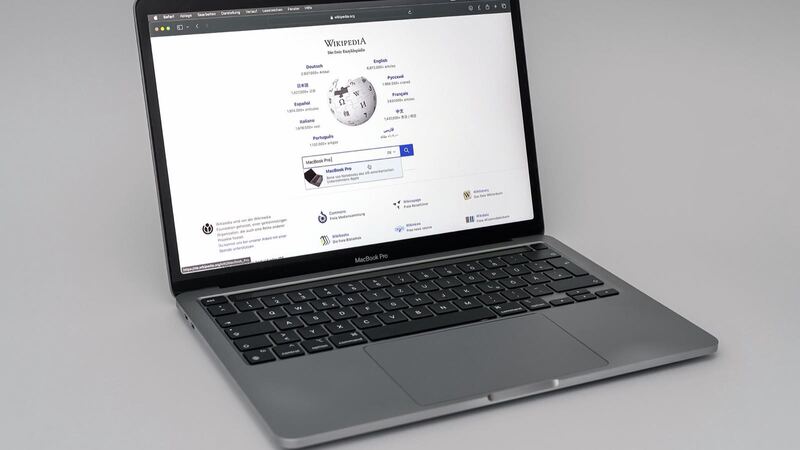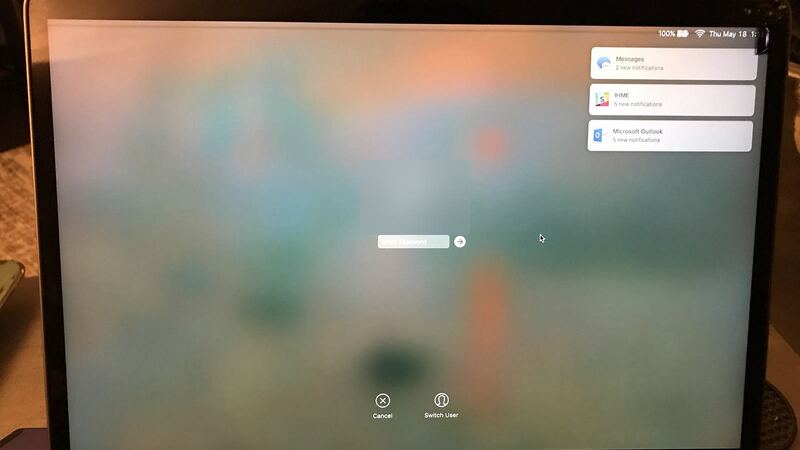
The M1 MacBook Pro 13 was the first Pro laptop with Apple's own chip, and plenty of them are still cruising along in 2026. The screen is usually what ends the streak. A slip off the couch, a pen left on the keyboard when the lid snaps shut, a backpack squeezed into an overhead bin. Suddenly there's a spiderweb in the corner or a black blob creeping across your desktop.
What Apple charges
| Repair | Without AppleCare+ | With AppleCare+ |
|---|---|---|
| Cracked screen | Quoted after inspection | $99 |
| Dents or case damage | Quoted after inspection | $99 |
| Liquid or other damage | Quoted after inspection | $299 |
| Battery | $249 | $0 below 80% capacity |
Those are Apple's own numbers for the MacBook Pro (13-inch, M1, 2020). Apple says it inspects the laptop to set the final fee, and that Apple Authorized Service Providers can set their own prices. So two Apple-authorized places can quote you two different numbers.
Make sure you have the right model
Apple sold more than one 13-inch Pro in 2020, and they don't share parts. Click the Apple menu > About This Mac. The M1 model lists Apple M1 as the chip, has two Thunderbolt / USB 4 ports, and its model identifier is MacBookPro17,1. It came in Silver and Space Gray. If yours says Intel, it's a different laptop with different repair details.
What you're actually paying for
Per Apple's specs, this is a 13.3-inch LED-backlit display with IPS technology, 2560 by 1600 pixels, 500 nits, True Tone and wide color (P3). In Apple's repair manual for this model, the screen is handled by a procedure simply called Display, with separate steps for the hinge covers and the display flex cable. In plain English: the fix is the whole display assembly, not a thin sheet of glass. That's why the number gets big.
Cracked, or something else?
- Visible cracks, ink-like blotches, or bright lines that never move: the panel is damaged and needs replacing.
- Screen black, but the keyboard lights up and you hear sounds: plug in an external monitor through a Thunderbolt / USB 4 port. If the picture shows up there, the laptop is fine and the problem lives in the lid.
- Flicker or lines that change as you tilt the lid: that points to the display cable area rather than the glass. Tell the tech the exact angle where it happens.
- A scratch you can only see when the screen is off: probably cosmetic. Leave it alone unless it starts to spread.
Do these things today
- Back up. If you can't see your own screen, use an external monitor and run Time Machine.
- Close the lid gently, and make sure nothing is sitting on the keyboard first. Pressure spreads cracks.
- Don't poke the damaged spot to see if it still responds. It won't heal, and the glass bits are tiny.
- Check your coverage with your serial number on Apple's coverage page. If your AppleCare+ is still active, you get the $99 price.
Apple or an independent shop?
Apple gets you a genuine display and Apple's own repair process. A good local shop might cost less, but quality swings a lot from place to place. Before you hand over the laptop, ask:
- Is the display new and genuine, pulled from another MacBook, or aftermarket?
- Will True Tone and full brightness still work afterward?
- What's the warranty, and does it cover dead pixels or backlight problems?
- How long will you have my laptop, and can I get the quote in writing?
Is it worth fixing?
With AppleCare+, easy yes. $99 for a new display is a great deal. Without it, it comes down to the quote. This laptop launched in late 2020, so it's around six years old now. If the screen quote gets close to the price of a new MacBook Air, and your battery is also tired ($249 more at Apple), putting the money toward a newer Mac starts to make sense. Our repair or replace calculator does the math in about a minute.
If the rest of the machine is in good shape and it still runs everything you need, a new screen keeps a fast M1 laptop working for years.
Battery fading too? See our M1 MacBook Pro 13 battery guide. Every price for this model lives on the MacBook Pro 13-inch (M1, 2020) page. Apple prices checked October 14, 2026.