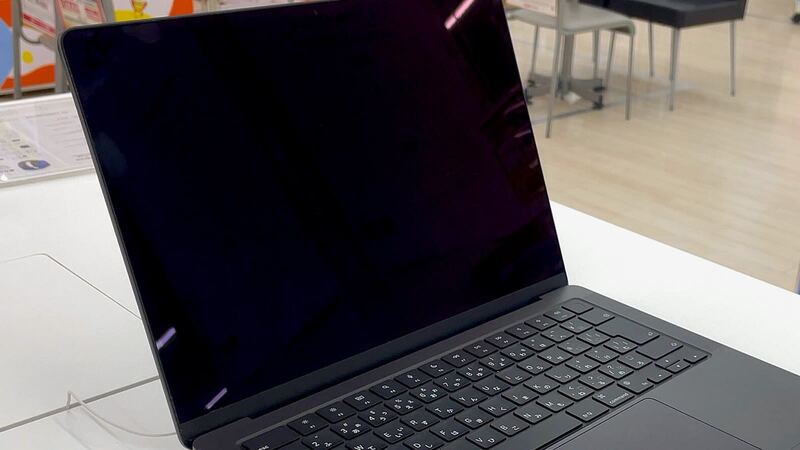
The M3 MacBook Pro 14 has a 70-watt-hour battery (Apple's footnote says 69.6 Wh). New, Apple rated it for up to 22 hours of movie playback and up to 15 hours of wireless web browsing. It's still a young laptop, so if the battery is already struggling, it's worth checking a few things before you spend money.
What it costs
| Option | Price |
|---|---|
| Apple battery service | $249 |
| With AppleCare+ | $0 below 80% capacity |
| Defective battery in the first year | Covered by Apple's one-year warranty |
| Independent shop | Varies, get it in writing |
Check your battery's health
- Go to System Settings > Battery and click the info button next to Battery Health. You'll see Normal or Service Recommended, and your Maximum Capacity.
- Hold Option, click the Apple menu, choose System Information > Power, and look for Cycle Count.
Apple lists a maximum of 1,000 cycles for the 14-inch Nov 2023 models and designs its notebook batteries to keep up to 80% of their capacity at that point.
| What you see | What to do |
|---|---|
| Normal, high capacity, low cycles | Battery's fine. Hunt for what's draining it |
| Capacity in the 80s, cycles climbing | Normal aging. Keep an eye on it |
| Service Recommended or under 80% | Book a battery service |
A young laptop draining fast? Try these first
- Activity Monitor > Energy tab. Sort by energy impact. A stuck app or a background sync gone wild is the usual culprit.
- Restart and update macOS. Updates can fix battery bugs, and a restart clears stuck processes.
- Turn brightness down a bit. This screen can get very bright, and brightness costs battery.
- Keep it cool. Apple says MacBooks work best between 50° and 95° F (10° to 35° C).
If it's under warranty and the battery tests bad early, that's a defect. Apple's one-year warranty covers a defective battery.
Coverage you might still be able to get
This model came out in November 2023, so many are still under 4 years old. Apple's AppleCare One can add Macs you already own if they're less than 4 years old and in good condition (Apple may run a diagnostic check first). AppleCare covers the battery at no extra fee once it holds less than 80% of its original capacity. If your laptop is close to that line and has other things worth protecting, like that XDR screen, compare the plan cost against the $249.
What the repair involves
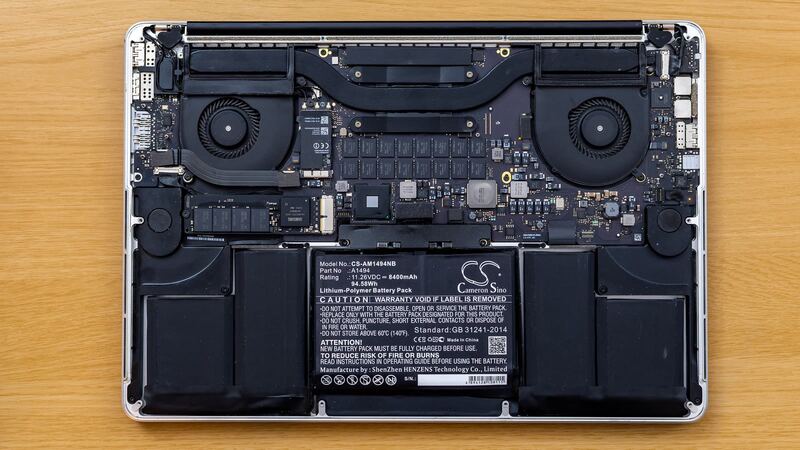
In Apple's repair manual for this model, the battery falls under the procedure called Top Case with Battery and Keyboard. The battery sits in the top case beneath the keyboard. It's a delicate job, so leave it to Apple or an experienced shop.
Apple or a shop?
On a laptop this new, Apple is the safe choice: genuine battery, Apple's warranty on the work, and no question about future service. If you use a shop, ask whether the battery is new and from a known maker, and check that System Information > Power shows a cycle count near zero when you get it back.
Is it worth it?
Yes, almost always. An M3 MacBook Pro is far from obsolete, and $249 is a fraction of a new laptop. If you also cracked the screen, add that quote and see our repair or replace calculator.
Screen trouble too? Read our M3 MacBook Pro 14 screen guide. All prices are on the MacBook Pro 14-inch (M3, 2023) page. Apple prices checked October 14, 2026.