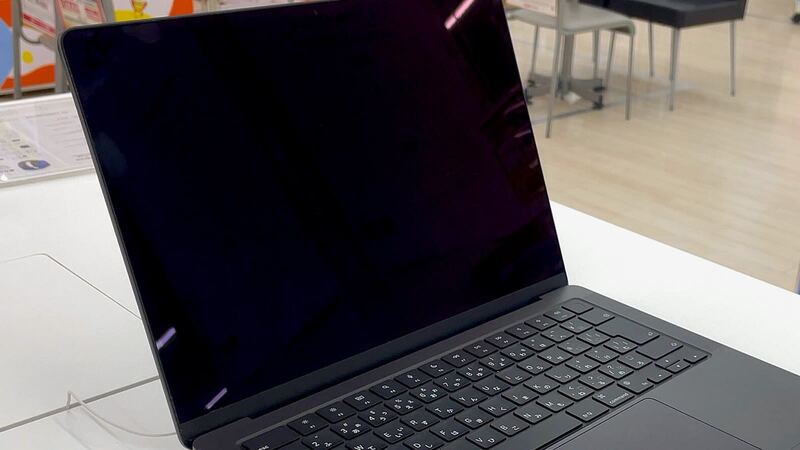
The M3 MacBook Pro 14 is the entry-level Pro from late 2023, the one with the plain M3 chip. It shares the gorgeous Liquid Retina XDR screen with its pricier siblings, so a crack hurts just as much.
What Apple charges
| Repair | Without AppleCare+ | With AppleCare+ |
|---|---|---|
| Cracked screen | Quoted after inspection | $99 |
| Dents or case damage | Quoted after inspection | $99 |
| Liquid or other damage | Quoted after inspection | $299 |
| Battery | $249 | $0 below 80% capacity |
Apple inspects the laptop to set the final out-of-warranty fee, and Apple Authorized Service Providers set their own prices. Get your quote in writing.
Good news: you may still be able to get coverage
This laptop launched in November 2023, so most units are still under 4 years old in late 2026. Apple's AppleCare One plan lets you add devices you already own as long as they're less than 4 years old and in good condition, and Apple says a diagnostic check or inspection may be required. That last part matters: a laptop with a cracked screen isn't in good condition, so don't count on adding coverage after the damage. But if your screen is still fine and you're reading this as a "what if," that's the time to look at it.
Already have AppleCare+? Check your serial number on Apple's coverage page. Plenty of people forget they bought it.
Confirm your model
Click Apple menu > About This Mac. This model shows the Apple M3 chip, has two Thunderbolt / USB 4 ports, and its model identifier is Mac15,3. If your 14-inch says M3 Pro or M3 Max, it's a different model with three Thunderbolt 4 ports. It came in Silver and Space Gray.
Why the screen costs what it does
Per Apple's specs, it's a 14.2-inch Liquid Retina XDR display, 3024 by 1964 pixels, 1000 nits sustained and 1600 nits peak for HDR, 600 nits for regular content, with ProMotion up to 120Hz. In Apple's repair manual for this model, the screen has its own Display procedure plus separate hinge cover steps. The fix is the whole display assembly.
Is it really the screen?
- Visible cracks, black spots or spreading lines: physical damage. New display time.
- Screen dark but keys light up and sounds play: plug in an external monitor through HDMI or a Thunderbolt port. If the picture appears, the Mac is fine and the trouble is in the lid.
- Lines or flicker that change as you tilt the lid: points to the display cable area. Tell the tech when it happens.
- Dead pixels or a stuck dot with no crack: still a display fault, but mention there was no drop. If it's under Apple's warranty, a defect isn't the same as accidental damage.
Do this now
- Back up with Time Machine using an external display if needed.
- Close the lid gently, and nothing on the keyboard.
- Don't press on the crack to test it.
Questions for a repair shop
- Is the display genuine new, genuine used, or aftermarket?
- Will True Tone, ProMotion and full HDR brightness work afterward?
- What's the warranty on the part and labor?
- Can I get the price in writing before you start?
Is it worth fixing?
With AppleCare+, no question. $99 for a new XDR display is a bargain. Without it, the laptop is young enough that a fix often still makes sense. The M3 is a strong chip, and Apple rated this model for up to 22 hours of movie playback when new. Get Apple's quote, compare it with a new 14-inch Pro, and use our repair or replace calculator if it's close.
Battery questions? See our M3 MacBook Pro 14 battery guide. All prices are on the MacBook Pro 14-inch (M3, 2023) page. Apple prices checked October 14, 2026.