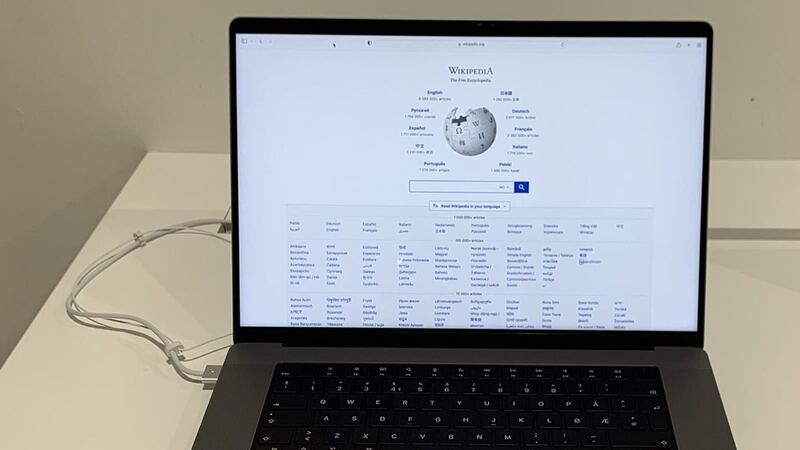
The 2021 MacBook Pro 16 has one of the nicest screens Apple has ever put in a laptop. It's also the biggest lid Apple made that year, which means more glass to catch a corner of a desk, a dropped phone, or the classic: closing the lid on earbuds sitting on the keyboard.
What Apple charges
| Repair | Without AppleCare+ | With AppleCare+ |
|---|---|---|
| Cracked screen | Quoted after inspection | $99 |
| Dents or case damage | Quoted after inspection | $99 |
| Liquid or other damage | Quoted after inspection | $299 |
| Battery | $249 | $0 below 80% capacity |
Apple says it inspects the Mac to set the final fee, and that Apple Authorized Service Providers can set their own prices. So call two places if you're paying out of pocket.
Why this screen costs so much
Per Apple's specs, this is a 16.2-inch Liquid Retina XDR display at 3456 by 2234 pixels. It holds 1000 nits across the full screen in HDR, peaks at 1600 nits, runs 500 nits for regular content, and refreshes up to 120Hz with ProMotion. That's a lot of tech packed into a thin lid.
Apple's repair manual for the 16-inch (2021) treats the screen as its own Display procedure, separate from the hinge covers. The fix is a full display assembly, not a glass-only swap, which is where the cost comes from.
Make sure it's this model
Click Apple menu > About This Mac. The 2021 16-inch shows Apple M1 Pro or Apple M1 Max as the chip, and its model identifier is MacBookPro18,1 or MacBookPro18,2. It came in Silver and Space Gray. The later M2, M3 and M4 16-inch models look almost identical but use different parts.
Screen, or something else?
- Cracks, black blotches or spreading ink: the panel is physically damaged. It needs a new display.
- Black screen, but the keyboard lights up and you hear the startup sound: this model has an HDMI port. Plug in a TV or monitor. If the picture shows there, the computer is fine and the problem is in the lid.
- Flicker or lines that change when you move the lid: that points to the display cable area. Note the angle where it happens and tell the tech.
- Dead pixels or a stuck bright dot, no crack: still a display problem, but tell the tech it's not impact damage. If the laptop is under warranty, that can change who pays.
Before you hand it over
- Back up first. Use an external monitor if you can't see your own screen, then run Time Machine.
- Stop closing the lid hard. Pressure spreads cracks.
- Check coverage using your serial number on Apple's coverage page. If AppleCare+ is still active, the $99 price applies.
- Write down your login password and unplug any docks or drives.
Questions to ask a shop
- Is the replacement display new genuine, used genuine, or aftermarket?
- Will ProMotion, True Tone and full XDR brightness work after the repair?
- Do you run Apple's calibration step after installing it?
- What's the warranty, and does it cover dead pixels or backlight zones?
- How long will you have the laptop?
Is it worth fixing?
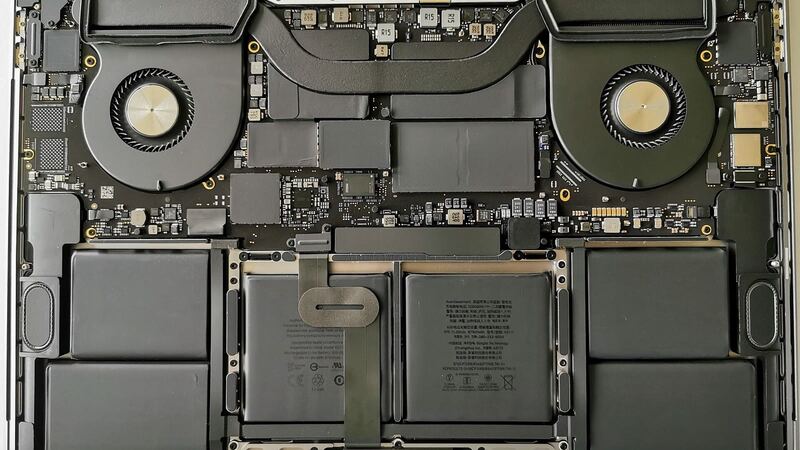
With AppleCare+, absolutely. Without it, get Apple's quote and compare. The M1 Pro and M1 Max still handle heavy work like video editing and big code builds, and this laptop has a 100-watt-hour battery that Apple rated for up to 21 hours of movie playback when new. If the battery is still healthy and the screen quote is reasonable next to a new 16-inch Pro, fix it. If the quote is close to the cost of a new laptop and the battery is tired too, run the numbers in our repair or replace calculator.
Battery fading as well? See our 2021 MacBook Pro 16 battery guide. Every price for this model is on the MacBook Pro 16-inch (2021) page. Apple prices checked October 14, 2026.