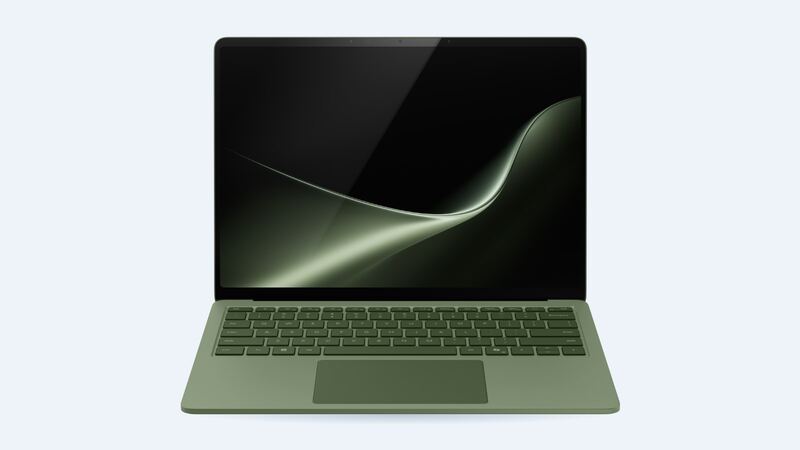
Microsoft says the 8th Edition runs up to 20 hours (13.8-inch) or 19 hours (15-inch) of local video playback in its own tests. Real life is always less, but if yours now dies by lunchtime, something is off. Here's how to tell whether it's the battery and what fixing it costs.
What Microsoft charges
| Model | Battery replacement service | General repair | Screen or physical damage |
|---|---|---|---|
| Surface Laptop 13.8-inch (8th Edition) | $330 | $620 | $660 |
| Surface Laptop 15-inch (8th Edition) | $330 | $620 | $690 |
The battery price is the same for both sizes. Microsoft's general repair price ($620) covers other non-damage faults, so if the laptop has a different problem as well, ask which service applies before you send it.
Test it first (5 minutes)
- Windows battery report. Open Command Prompt and run powercfg /batteryreport. Open the file and compare Design Capacity with Full Charge Capacity. A big drop means real wear. The same report shows cycle count.
- Check what's draining it. Settings > System > Power & battery lists the apps using the most power.
- Update everything. Windows Update and the Surface app deliver firmware and driver updates that can change battery behavior.
- Look at screen settings. The 13.8-inch and 15-inch run up to 120Hz. A high refresh rate and max brightness drain the battery faster.
Warranty and Microsoft Complete
A battery that fails from a defect during the limited hardware warranty is covered by Microsoft. Microsoft Complete adds breakdown coverage after the warranty ends, plus accidental damage from the purchase date, with two device claims. Microsoft's plan page doesn't list a price; check it in your Microsoft account or the Surface app.
Self-repair and shops
Microsoft has opened up Surface repairs a lot. On the previous Surface Laptop (7th Edition), its self-repair page lists the battery, display assembly, removable SSD and keyboard as replaceable parts, sold through the Microsoft Store and iFixit, with official service guides. When we checked, the 8th Edition wasn't listed on that page yet, and no 8th Edition service guide was posted. Until it is, Microsoft's $330 service is the safe route.
Microsoft says its self-repair parts are meant for out-of-warranty repairs, so don't open an in-warranty laptop.
Questions to ask before paying
- Is Microsoft replacing just the battery, or sending a replacement device?
- Will my data be kept? (Back up anyway.)
- If a local shop does it, is the battery a genuine Microsoft part, and how do they handle swelling safely?
- What warranty comes with the repair?
Make the next battery last
- Use the battery limit or smart charging options in the Surface app if your laptop sits plugged in all day.
- Keep it off soft surfaces like beds that block airflow.
- Avoid leaving it in a hot car.
Signs it's really time
- The battery report shows full charge capacity far below design capacity.
- The laptop shuts off before reaching 0%, or barely lasts a couple of hours on light work.
- The Surface app or Windows warns about battery health.
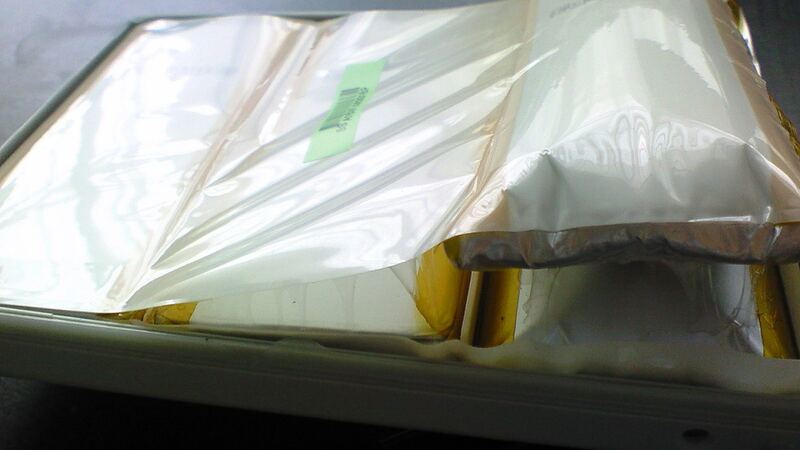
- The case bulges or the trackpad feels off. Treat that as swelling and stop using it.
What happens when you send it in
Start service from Microsoft's device service page with your serial number. Microsoft may repair your laptop or send a replacement unit, so back up everything to OneDrive or a drive first and sign out of anything you don't want on a returned device. Ask whether you'll get your own laptop back, how long it will take, and whether the $330 price includes shipping. If you have Microsoft Complete, file through your Microsoft account so the claim is recorded.
Is it worth it?
Yes, almost always. At $330, a new battery is far cheaper than a new Surface Laptop, which Microsoft lists from $1,479 (13.8-inch). If your laptop has several problems, compare with our repair-or-replace calculator. Cracked screen? See our Surface Laptop (8th Edition) screen guide, and all repairs are on the Surface Laptop (8th Edition) page.
Microsoft prices checked October 15, 2026.