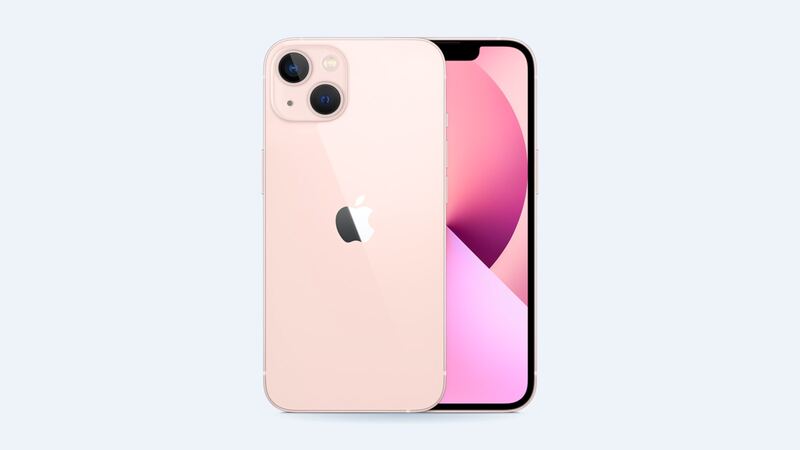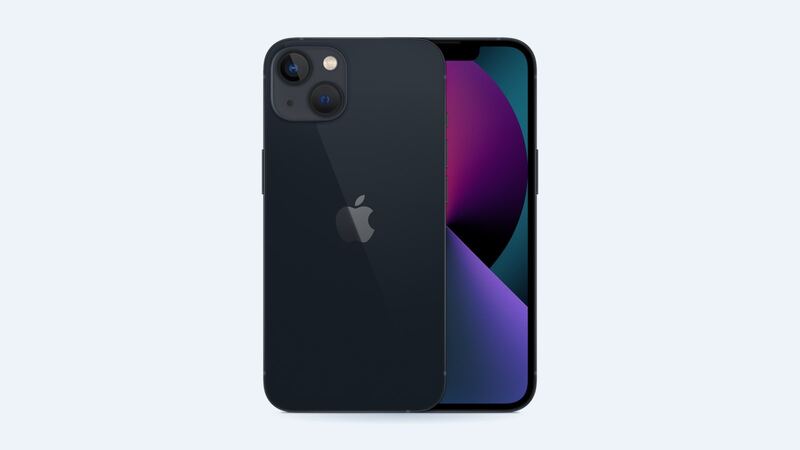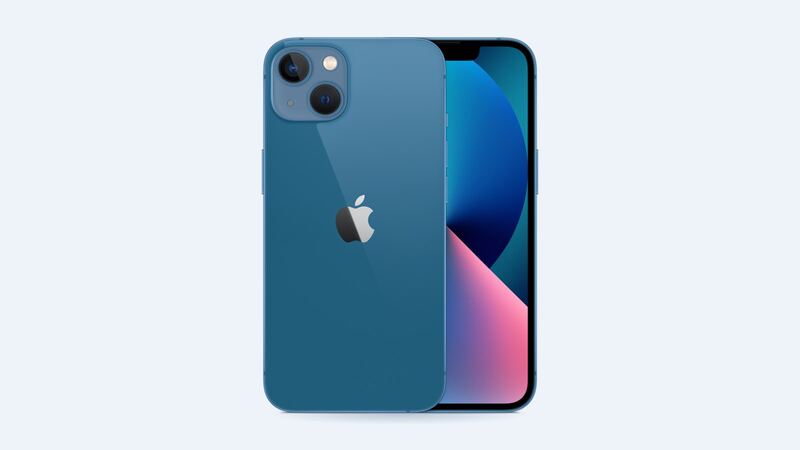
The iPhone 13 is a sweet spot for used phones right now: still fast, still updated, way cheaper than new. But a used phone can hide a dead battery or a cheap replacement screen. Spend ten minutes on these checks and you’ll know exactly what you’re buying.
1. Make sure it’s not locked
Go to Settings and tap the name at the top. If someone’s still signed in, have them sign out and turn off Find My right in front of you. A phone still tied to someone else’s Apple Account is basically a paperweight. Walk away if they won’t do it.
2. Check battery health
Settings > Battery > Battery Health & Charging. Under 80% means it needs a new battery soon. That’s $89 at Apple, so it’s not a deal-breaker, just a reason to pay less.
3. Look at Parts and Service History
Settings > General > About. If you see a Parts and Service History section, the phone has been repaired. “Genuine Apple Part” is fine. “Unknown Part” means a non-genuine screen, battery or camera. Apple notes that can lower trade-in value later, so it should lower the price now too.
4. Test Face ID
Set up Face ID in Settings > Face ID & Passcode. If it won’t set up or says Face ID isn’t available, that’s often from a bad repair or a drop, and it’s usually an expensive fix. Hard pass.
5. Check the screen properly
- Turn brightness all the way up on a white page. Look for yellow tints, dead spots or lines.
- Look at a black image in a dark room. A real OLED is truly black. If it glows gray, it’s probably an aftermarket LCD.
- Run your finger across the whole screen in Notes to check every spot responds.
6. Test the cameras and speakers
Take a photo with each rear lens and the front camera. Record a short video and play it back to check the mic and speakers. Make a quick call to check the earpiece.
7. Check the charging port
Plug in a cable. It should click in snugly and start charging right away. A loose fit is often just lint, but it can also be a worn port.
8. Look for water damage clues
Ask directly. Then check that the speakers don’t sound muffled and the camera lens isn’t foggy inside. Water damage on an iPhone 13 costs $499 at Apple to fix, so it should be a hard no.
What problems should cost you
| Problem you find | Apple’s price to fix |
|---|---|
| Battery under 80% | $89 |
| Cracked screen | $279 |
| Cracked back glass | $399 |
| Water or other damage | $499 |
Should you add protection?
AppleCare+ is sold with new iPhones, and Apple’s AppleCare One plan only takes devices under four years old, so a used iPhone 13 can’t get Apple coverage. Check whether your carrier or credit card offers phone protection instead. And put a case on it the day you buy it.
Every iPhone 13 repair price is on the iPhone 13 page. Apple prices checked October 14, 2026.