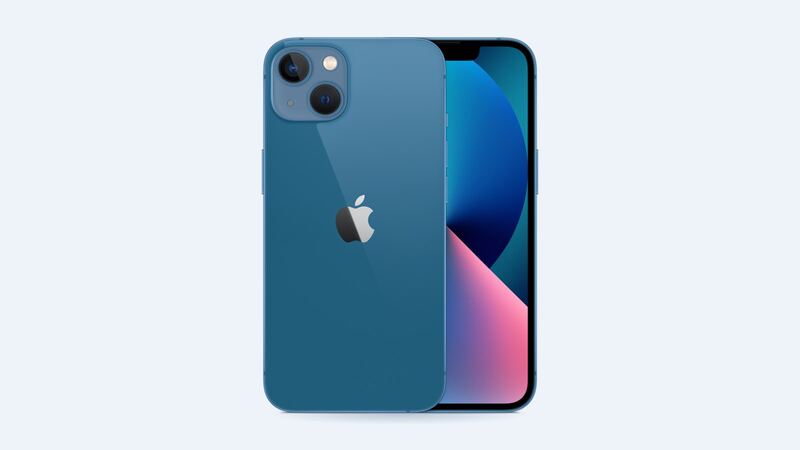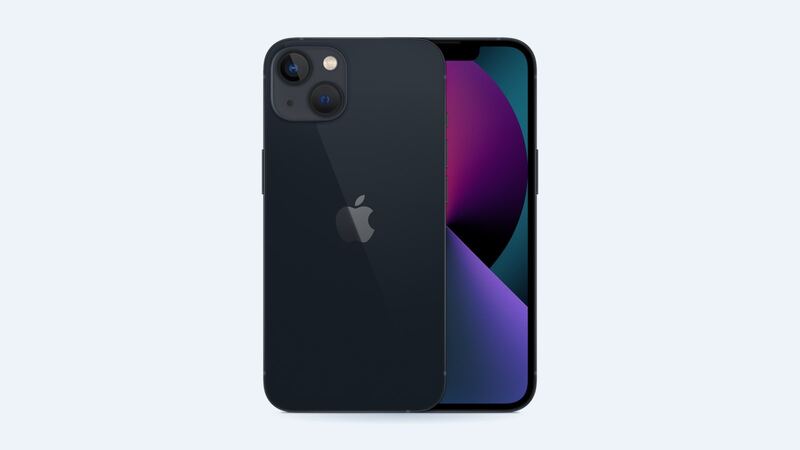
The iPhone 13 is around five years old now, and a lot of them are on their original battery. That’s usually the whole reason it feels like it’s dying faster than it used to. Good news: it’s cheap to fix.
First, check if it’s really the battery
Go to Settings > Battery > Battery Health & Charging and look at Maximum Capacity.
| Battery health | What it means |
|---|---|
| 90% or higher | Battery’s fine. Look at apps or settings instead |
| 80% – 89% | Getting tired. You’ll notice it on long days |
| Under 80% | Worn out. Apple considers it due for service |
Other signs: it shuts off with charge left, gets slow in the cold, or drops 20% in an hour of normal use.
What it costs
| Where | Typical price | The deal |
|---|---|---|
| Apple | $89 | Genuine battery, Apple’s service guarantee |
| Apple with AppleCare+ | $0 | If health is under 80% |
| Independent shop | Usually less than Apple | Price and battery quality vary a lot |
| DIY kit | Cheapest | Fiddly glue strips. Not a first-timer project |
Battery or new phone? The quick math
Let’s say your iPhone 13 is otherwise in good shape: screen’s fine, Face ID works, no water damage.
- New battery: $89 at Apple. Your phone feels close to new on battery life again.
- New phone: hundreds of dollars, even for a used or refurbished model.
That’s not a hard call. Swap the battery.
It gets closer if the phone has two or more problems at once, like a cracked screen and a dead battery. That’s $279 + $89 = $368 at Apple. At that point, compare with a shop (an aftermarket OLED screen plus a battery is usually well under $300), or run your numbers through our repair or replace calculator.
Make the new battery last
- Turn on Optimized Battery Charging in Battery Health & Charging. It holds the charge at 80% overnight and finishes before you usually unplug.
- Avoid leaving it in a hot car or charging under a pillow. Heat is what really ages batteries.
- Don’t sweat charging habits too much. Topping up during the day is fine.
When not to bother
If the phone has water damage, a bent frame or a swollen battery pushing the screen up, a battery alone won’t save it. Swelling especially means stop charging it and get it looked at right away.
Want everything iPhone 13 in one place? Check the iPhone 13 page for every repair price. Apple prices checked October 14, 2026.