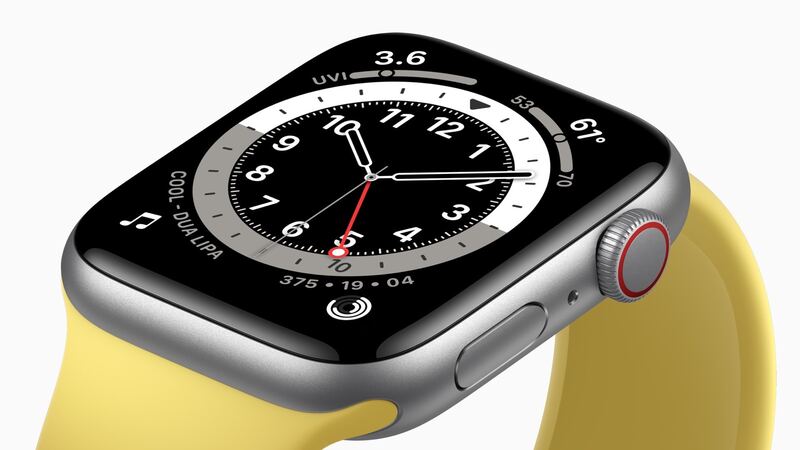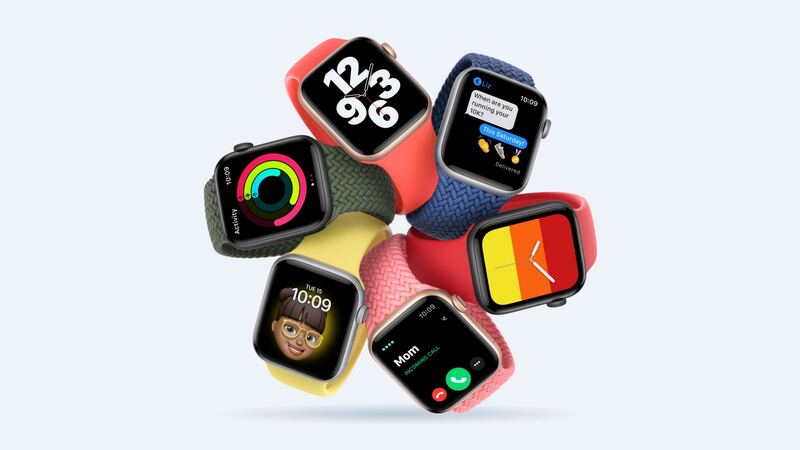
Apple rated the first SE for up to 18 hours of normal use when it launched in 2020. Five or six years in, it's normal for that number to shrink. The question isn't really "is the battery worn?" It's "is a $99 battery the right money to spend on this particular watch?"
Check the battery first
On the watch, open Settings > Battery > Battery Health and look at Maximum Capacity.
| Maximum Capacity | What it means |
|---|---|
| 90% or more | Battery is fine. Something else is draining it |
| 80% to 89% | Normal wear. Most people can live with it |
| Below 80% | Worn out. A new battery will feel like a new watch |
Apple designs Apple Watch batteries to keep up to 80% of their original capacity at 1,000 complete charge cycles. A watch charged nightly for five years has very likely gone past that.
Free things to try
- Restart it. Hold the side button and turn it off, then back on.
- Install any update your watch offers. The first-gen SE can't run watchOS 26 or 27, but install what's available for it.
- Turn on Low Power Mode when you need extra hours (Control Center, tap the battery percentage).
- Cut wrist-raise wakes and use Theater Mode at the movies or in meetings.
- Remove unused apps from the watch.
- Unpair and re-pair as a last resort to clear stubborn settings.
Watch won't charge at all?
Back in early 2021, a bug in watchOS 7.2 and 7.3 left some Series 5 and first-gen SE watches stuck in Power Reserve and unable to charge. Apple fixed it in watchOS 7.3.1 and offered free repairs for affected watches. If your SE is totally dead today, put it on the charger for at least 30 minutes, then try a force restart (hold the side button and Digital Crown for 10 seconds). Still nothing? That's a job for Apple.
What it costs
| Option | Price |
|---|---|
| Apple battery service | $99 |
| With AppleCare+ (below 80% health) | $0 |
| DIY battery from iFixit, 40mm | $34.99 |
| DIY battery from iFixit, 44mm | $19.99 |
| Cracked screen or other damage at Apple | $219 (GPS) or $249 (Cellular) |
Should you DIY it?
The battery is cheap. The risk is the screen. On the SE you have to heat and pry the display off its adhesive to reach the battery. If you crack it, you're suddenly looking at a $140 screen from iFixit or a $219 quote from Apple. Only go DIY if you're comfortable with small electronics and you're fine never swimming with the watch again.
The honest upgrade math
The first-gen SE was left out of watchOS 26 and watchOS 27. It'll keep doing what it does today, but new features won't show up. So ask yourself what you actually use it for:
- Workout tracking, notifications, time: a $99 battery keeps it doing those well for a while longer. Totally reasonable.
- You want new features or plan to keep it three more years: that $99 is better spent toward a newer watch.
- It's a kid's watch or a backup: $99 is fair if it's otherwise in good shape.
Before you send it in
- Unpair it in the Watch app on your iPhone. That erases it and removes Activation Lock.
- No iPhone? You can erase it on the watch, but that doesn't remove Activation Lock or make a backup.
- Remove the band.
- Apple may give you a replacement watch instead of repairing yours, using new or previously used genuine parts.
Verdict
If health is under 80% and the rest of the watch is fine, $99 brings back all-day battery and is the cheapest way to keep a working watch on your wrist. If the screen is also cracked, skip both repairs and upgrade. Our SE (1st gen) cracked screen guide explains why.
All prices are on the Apple Watch SE (1st generation) repair page.
Apple prices checked October 14, 2026.