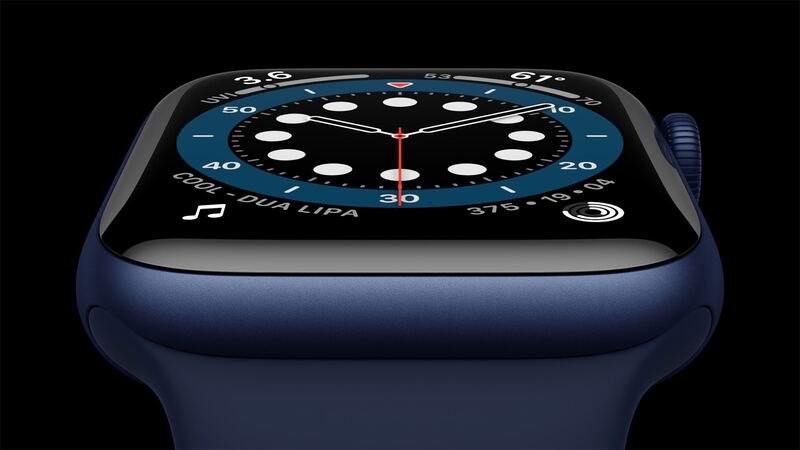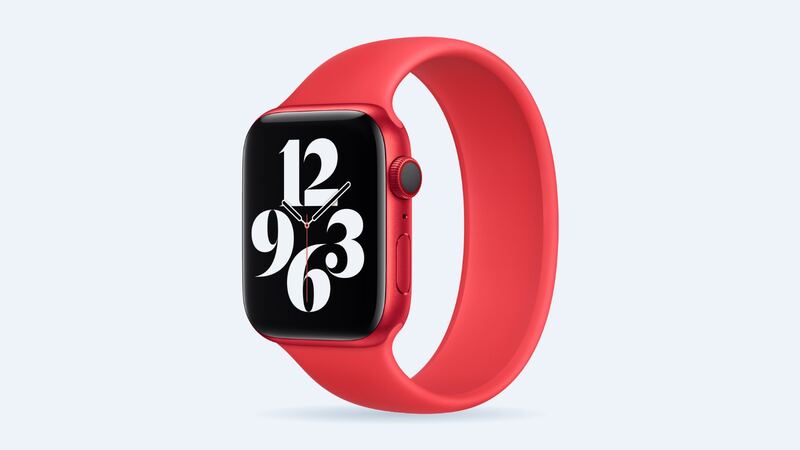
When the Series 6 launched in 2020, Apple rated it for up to 18 hours of normal use. Six years of nightly charging later, a lot of these watches are tapping out by mid-afternoon. Sometimes that's a worn battery. Sometimes it's a setting or an app. Here's how to tell, and whether the $99 fix is still a good deal.
Step 1: Check battery health
On the watch, open Settings, tap Battery, then Battery Health. Look at Maximum Capacity.
| What you see | What it means | What to do |
|---|---|---|
| 90% or higher | Battery is in good shape | Hunt for a drain (Step 2) |
| 80% to 89% | Normal aging | Fine for most people |
| Below 80% | Worn out | Battery service will help a lot |
Apple says Apple Watch batteries are designed to keep up to 80% of their original capacity at 1,000 complete charge cycles. One cycle means 100% of the battery used in total, not one trip to the charger. A watch worn and charged most days since 2020 can easily be past that point, so a reading in the 70s is no surprise.
Step 2: Healthy battery? Find the drain
- Restart the watch. Hold the side button, then turn it off and on again. It sounds silly, but it clears stuck processes.
- Update watchOS. Your Series 6 can't get watchOS 27, but it still gets security fixes. Install whatever is offered.
- Wrist raise wakes. If the screen lights up every time you talk with your hands, that adds up. Theater Mode helps at the movies.
- Low Power Mode. Swipe up to open Control Center, tap the battery percentage, and turn it on when you need the day to stretch.
- Long GPS and cellular use. An hour-long run with GPS, or streaming music over LTE, drains any watch. That's not a bad battery.
- Trim the apps. Remove apps you never open from the watch.
- Unpair and pair again as a last resort. It wipes stubborn settings and restores from your iPhone backup.
What it costs
| Option | Price |
|---|---|
| Apple battery service | $99 |
| Apple battery service with AppleCare+ | $0 (below 80% health) |
| DIY battery from iFixit (40mm or 44mm) | $24.99 plus $2.99 adhesive |
| Cracked screen or other damage at Apple | $299 to $499 depending on case |
Apple's one-year warranty covers a battery that's actually defective, but not one that simply wore out from normal use. By now, every Series 6 is long past that first year anyway.
Why not DIY for $25?
The battery itself is cheap. Getting to it isn't. The screen is glued to the case, and you have to lift it without tearing the thin display cables. iFixit says screen-off jobs on Apple Watch take 45 minutes to 2 hours with heat and opening picks. Crack the screen on the way in, and your $25 project turns into a $299 one at Apple, or a $150 replacement screen from iFixit.
If you've done phone repairs before and you don't care about swimming with the watch again, DIY can work. Everyone else should let Apple do it.
The software question
Here's the honest part. Apple's watchOS 27 dropped the Series 6 this year, along with the Series 7, Series 8, SE (2nd generation) and the first Ultra. Apple says these watches keep getting security updates and still pair with current iPhones, but there won't be new features.
So $99 buys you a watch that lasts all day again, running the software it has now. For a lot of people, that's exactly what they want.
Before you send it in
- Unpair the watch in the Watch app on your iPhone. That erases it and removes Activation Lock so Apple can work on it.
- No iPhone handy? You can erase the watch instead, but that doesn't make a backup and doesn't remove Activation Lock.
- Remove the band and keep it at home.
- Apple may hand you a replacement watch instead of opening yours. Apple says service parts and units may be new or previously used genuine parts.
Is $99 worth it?
Yes, if the rest of the watch is in good shape (screen fine, no water damage, buttons work) and you just want all-day battery again. $99 is a lot less than a new watch.
It's a harder call if the screen is cracked too. Then you're looking at $299 or more instead, and at that point a newer model makes more sense for most people. See our Series 6 cracked screen guide for those numbers.
All prices are on the Apple Watch Series 6 repair page.
Apple prices checked October 14, 2026.