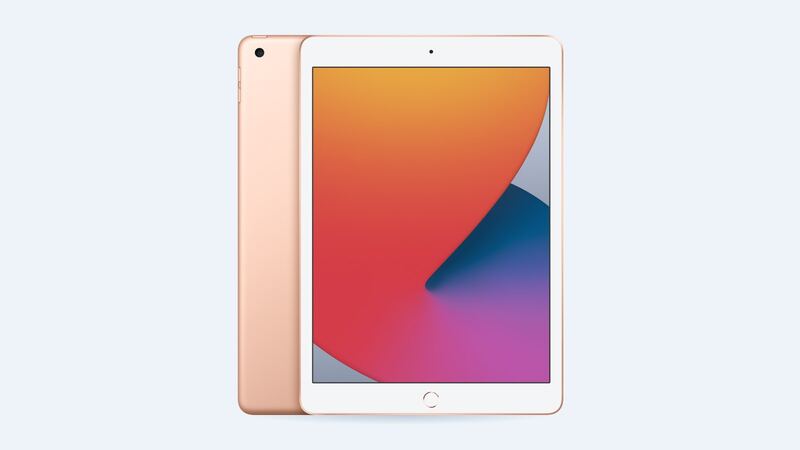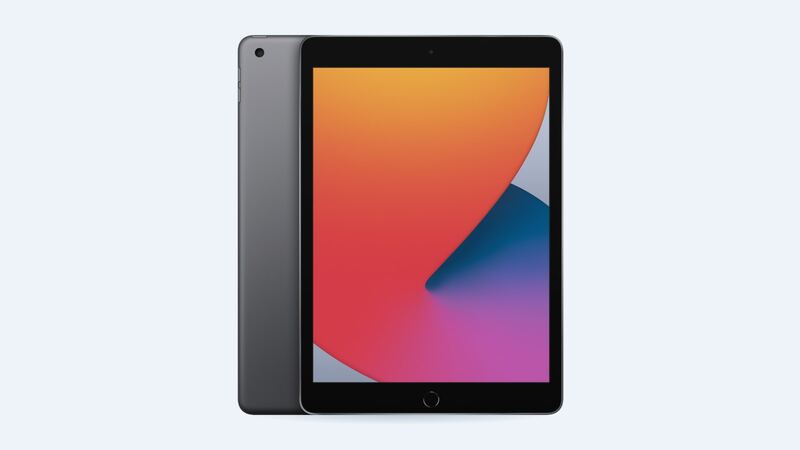
The 8th gen iPad launched in September 2020. Six years of charging is a lot for any lithium battery, so if yours barely makes it through a movie, you're not imagining it. Here's how to figure out whether $99 is money well spent.
What it costs
| Option | Price |
|---|---|
| Apple battery service | $99 |
| With AppleCare+ | $0 if under 80% capacity |
| Cracked screen or other damage at Apple | $249 |
| New iPad (A16) from Apple, for comparison | from $449 |
Is it actually the battery?
The 8th gen can't show battery health in Settings. Apple only added that screen for recent models (iPad Pro M4 and M5, iPad Air M2 and later, iPad mini A17 Pro and iPad A16). So you go by symptoms.
Apple's spec is up to 10 hours of web browsing on Wi-Fi or watching video, from a 32.4 watt-hour battery. Apple also says its batteries are designed to keep up to 80% of their capacity at 1,000 full charge cycles. An iPad charged most nights for six years is likely past that.
Classic worn-battery signs:
- Lasts a fraction of what it used to, even just streaming video.
- Drops from 30% to off in minutes.
- Shuts down in the cold or when you open a heavy app.
- Only behaves when plugged in.
Try these first (they're free)
- Settings > Battery: see which app is draining it. Background video and games are the usual suspects.
- Turn brightness down and turn on Auto-Brightness.
- Turn off Background App Refresh for apps you don't need updating constantly.
- Restart. It clears stuck processes.
- Update to the latest iPadOS 26 release. The 8th gen won't get iPadOS 27, but it can still install the newest version of 26.
If none of that helps, the battery is worn.
The bigger question: is it worth $99?
In June 2026 Apple dropped the 8th gen from iPadOS 27. It'll still run, but it won't get new features, and app makers slowly stop supporting older versions. That changes the math.
Get the battery done if:
- It's a single-purpose iPad: recipes, a kid's shows, a smart-home remote, sheet music.
- The screen and charging port are fine.
- The apps you rely on still run well.
Skip it if:
- The screen is cracked too. That's $99 plus a screen fix on a six-year-old tablet.
- It already feels slow or apps are warning you about updates.
- You'd honestly rather have a newer iPad. Apple's basic iPad starts at $449 and gets current software.
Apple or a shop?
Apple may swap the whole iPad instead of opening yours, so back up first. A shop has to remove the glued-down screen to reach the glued-down battery, which risks cracking the glass. At $99, Apple's price is low enough that saving $20 or $30 at a shop isn't worth much risk. If you do go to a shop, ask who pays if the screen breaks during the job.
Recycle it right
If you decide to retire it, don't just stick it in a drawer forever. Apple's trade-in and recycling program takes old iPads, and the battery inside shouldn't go in household trash.
Screen cracked too? Read our iPad 8th gen cracked screen guide. All prices are on the iPad 8th generation page. Apple prices checked October 14, 2026.