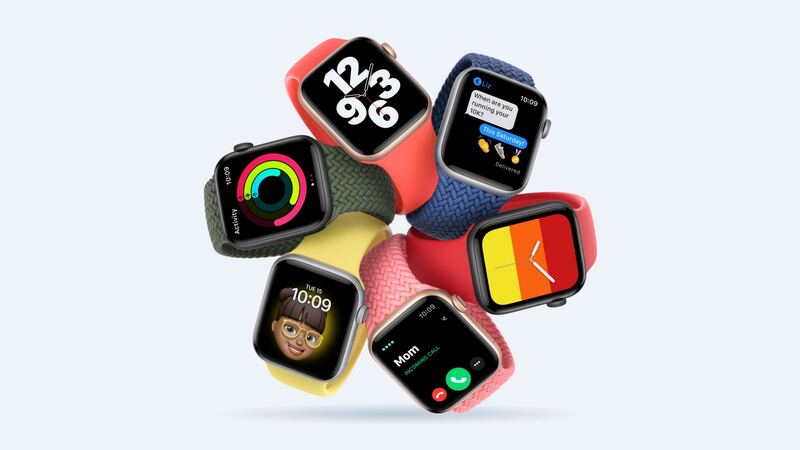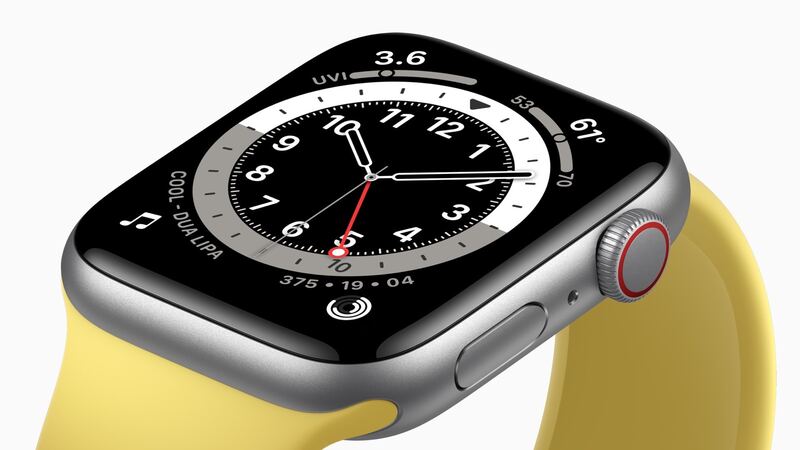
The first Apple Watch SE launched in September 2020 as the budget pick next to the Series 6. Lots of them became first watches for kids and teens, which is a polite way of saying lots of them have met a sidewalk. If yours has a spiderweb across the front, here's the real math.
What Apple charges
Apple treats a cracked Apple Watch screen as Other damage. For the first-gen SE, both sizes cost the same.
| SE (1st generation) version | Apple price (cracked screen / other damage) | With AppleCare+ |
|---|---|---|
| GPS, 40mm or 44mm | $219 | $69 |
| GPS + Cellular, 40mm or 44mm | $249 | $69 |
| Battery service (either version) | $99 | $0 below 80% health |
Funny thing: the newer SE (2nd generation) costs $199 to $229 to fix at Apple, which is $20 less than this older model. Apple sets prices per model, and the 2020 SE just landed a bit higher.
How bad is the damage?
The glass and the OLED display are a single part on the SE, so any crack means swapping the whole display. Here's how urgent it is:
- Small chip, everything works: cosmetic. Keep it out of water, since the seal is broken.
- Cracks across the face: tape won't save it. Glass splinters and a wrist are a bad combo.
- Touch dead in spots, ghost taps, or lines: the display is damaged, not just the glass.
- Screen lifting off the case: stop charging and get it checked. That can be a swollen battery.
Why the software matters here
The first-gen SE runs on Apple's older S5 chip. It was left out of watchOS 26 last year, and watchOS 27 skips it too. That means no new features, and over time, fewer apps that keep supporting it.
It still tells time, tracks workouts and gets notifications just fine. But paying $219 to $249 to keep a 2020 watch going is hard to justify when that's most of the way to a newer watch.
The DIY option
iFixit sells first-gen SE screens for $139.99 in both 40mm and 44mm (check the model number on the back: A2351, A2353 or A2355 for 40mm, and A2352, A2354 or A2356 for 44mm). That saves about $80 compared with Apple. But it's a fiddly job: heat to soften the adhesive, thin picks, tiny cable connectors, and iFixit's estimate of 45 minutes to 2 hours.
Easy things to check first
- Is it the screen protector? Plenty of "cracked screens" turn out to be a cracked $8 protector. Peel it off carefully and look.
- Unresponsive but not cracked? Force restart by holding the side button and the Digital Crown together for at least 10 seconds until the Apple logo shows.
- Black screen after a drop? Put it on the charger for 30 minutes before you assume the display is dead.
Questions to ask a repair shop
- Is the screen genuine Apple or aftermarket?
- How long is the warranty, and does it cover touch issues?
- Will Apple Pay, the heart rate sensor and the Digital Crown be tested before I pay?
- Is the watch still water resistant after the repair? (Usually the honest answer is "don't count on it.")
Before you send it to Apple
Unpair it from your iPhone in the Watch app. That backs it up, erases it, and removes Activation Lock so Apple can work on it. Take the band off. If a store isn't close, Apple can send a prepaid box.
Is it worth fixing?
- With AppleCare+: yes. $69 is a no-brainer.
- Without it: usually no. $219 to $249 is most of what this watch cost new, and the software support is behind it. Put the money toward a newer watch instead.
- DIY at $140: only if you're handy, the watch is a hand-me-down, and you don't plan to swim with it again.
If the screen is fine and the battery is the issue, our SE (1st gen) battery guide covers the $99 fix. All prices are on the Apple Watch SE (1st generation) repair page.
Apple prices checked October 14, 2026.