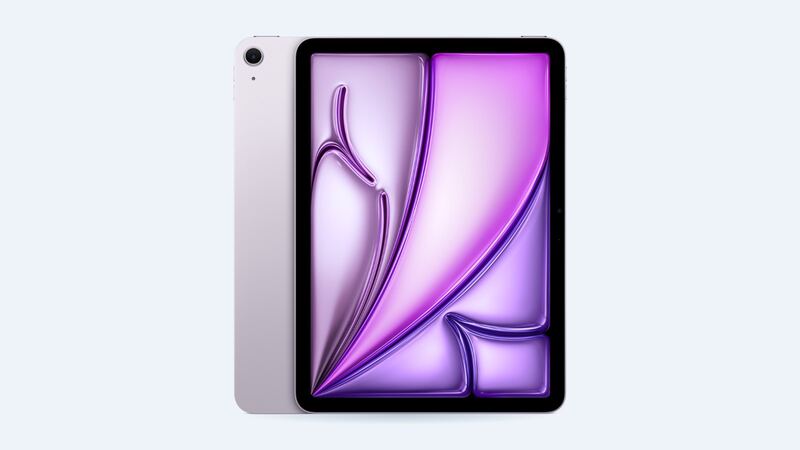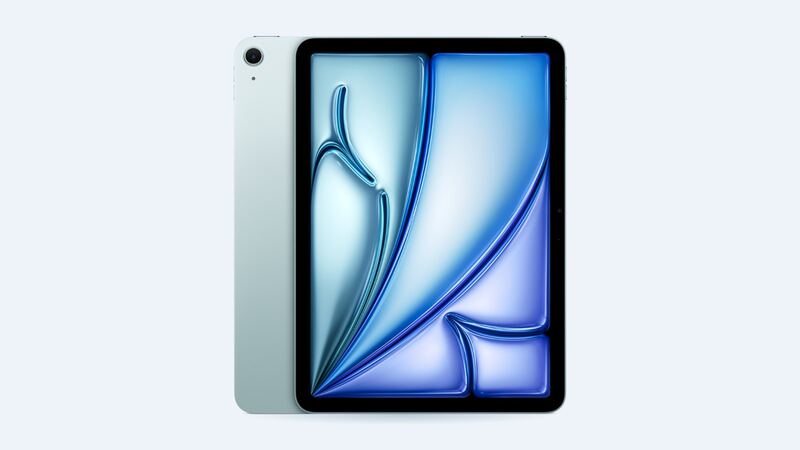
The 11-inch iPad Air M3 came out in 2025 and looks exactly like the M2 model before it. Thin, light, easy to slip into a bag, and easy to drop. When the glass cracks, the bill depends almost entirely on one thing: whether you have AppleCare+.
What Apple charges
Apple doesn't list a separate "screen" price for this iPad. A cracked screen is priced the same as "other damage," and Apple often hands you a replacement unit instead of repairing yours.
| Repair | Apple price | With AppleCare+ |
|---|---|---|
| Cracked screen or other damage (Wi-Fi) | $529 | $29 screen, $99 other damage |
| Cracked screen or other damage (Cellular) | $579 | $29 screen, $99 other damage |
| Battery | $119 | $0 below 80% health |
So it's a big gap: $29 versus $529 for the exact same crack.
Why a shop can't just swap the glass
Apple's spec sheet lists the iPad Air M3 display as fully laminated with an antireflective coating. Laminated means the cover glass, the touch layer and the LCD are bonded into one sandwich. That's why the picture looks like it's painted right on the glass, and why the Apple Pencil Pro tip feels so close to the line you're drawing.
The downside shows up at repair time. Crack the glass and you're replacing the whole display assembly, not a cheap piece of glass. This is the opposite of the basic iPad A16, where Apple sells the cover glass as its own part (see our iPad A16 cracked screen guide).
How to tell how bad it is
Turn the iPad on and look past the cracks.
- Hairline crack, picture and touch are perfect: you can live with it for a while. Put a tempered glass protector over it so the glass doesn't flake into your fingers.
- Touch is jumpy or dead in one area: the touch layer is damaged. It usually spreads.
- Lines, black blots or a bright white patch: the LCD itself is hurt. Time to fix it.
- Bent corner or frame: if the aluminum is bent, Apple will treat it as other damage anyway, and a shop may struggle to seat a new display flat.
Easy things to do right now
- Back up the iPad (Settings > your name > iCloud > iCloud Backup). If Apple swaps the unit, you'll restore onto the replacement.
- Cover sharp cracks with clear packing tape or a screen protector so nobody gets cut.
- Find your receipt and check coverage at Apple's coverage page. AppleCare+ can be the difference between $29 and $529.
Apple or an independent shop?
Apple makes sense if you have AppleCare+ (it's $29, end of story), or if the iPad has other problems like a weak battery or a bent frame, since you're getting a full replacement unit with a warranty.
An independent shop can be worth a call if you're paying out of pocket. Ask for a written quote and compare it with Apple's $529. On laminated iPads, quality varies a lot between parts, so ask the questions below before handing it over.
What to ask the shop
- Is the replacement display an original pull, a refurbished original, or an aftermarket copy?
- Will True Tone and the antireflective coating still work?
- Does Apple Pencil Pro still track accurately edge to edge afterward?
- How long is the warranty, and does it cover touch problems?
Is it worth fixing?
With AppleCare+, absolutely, it's $29. Without it, the math is tighter. $529 is a big chunk of what a new iPad Air costs, so get a shop quote, and if the battery is also getting tired, read our iPad Air M3 battery guide before deciding. A small crack that doesn't affect touch can wait.
All prices are on the iPad Air 11-inch (M3) page. Apple prices checked October 14, 2026.